Architecture and creativity WordPress Theme


Stable Service Content Anchored by Architectural Imagery
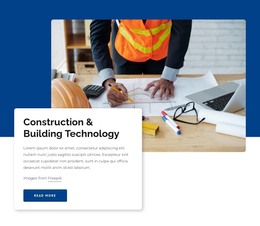
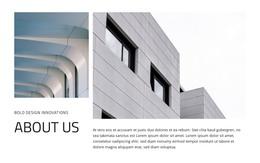
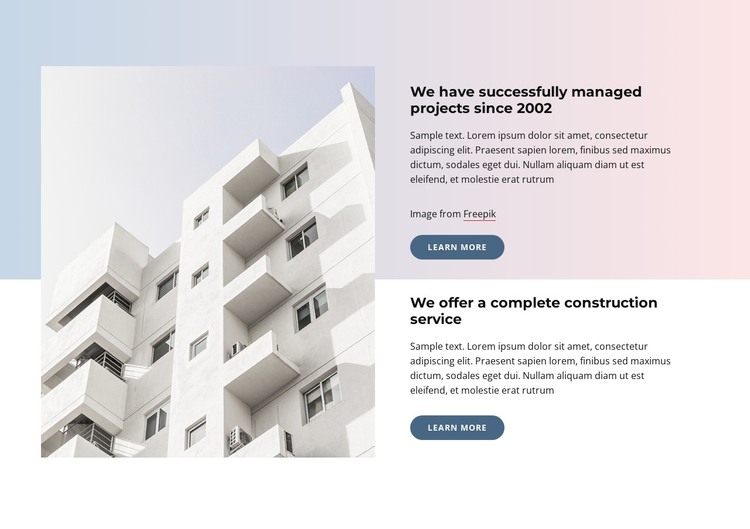
The large building image gives this section an immediate visual subject, while the two right-side panels organize the accompanying construction information into separate publishable content groups. The first heading, “We have successfully managed projects since 2002,” introduces an experience-oriented message; the second, “We offer a complete construction service,” presents the broader service proposition. Supporting paragraphs add room for explanation, and the two “Learn more” buttons preserve a distinct continuation point for each panel.
In a WordPress-managed page, this arrangement can work as a stable services or company-introduction region rather than as a complete theme. The split composition keeps the image and text relationship consistent while the surrounding site handles other page content. The repeated panel structure also makes the section easy to recognize as permanent informational content, separate from frequently changing posts or unrelated editorial areas.
The visual treatment helps preserve that identity across the page: dark bold headings stand out against the white content field, rounded blue buttons mark the same action position in both panels, and soft blue and pink gradient accents frame the composition. The Freepik attribution remains attached to the first panel’s image-related content. This gives the block a clear role as reusable WordPress page content while leaving wider site organization outside the section.
Customize with Nicepage
Open this ready-made template in the WordPress Website Builder and customize it visually in the Nicepage editor. Replace demo content, edit page sections, and adapt the design to your project without rebuilding the template from scratch.
Edit Template Offline
2. Create a new page or select existing
3. Click Add new block, search for id 1966452 and click enter
Edit Template Online
Create Awesome Websites


Free Nicepage Builder
Keywords
Manage and Edit This Theme in WordPress
Customize and Install the WordPress Theme
Start with this ready-made theme instead of building the WordPress design from scratch. Customize its layout, content, typography, images, sections, and other design elements visually in Nicepage editor, then export and install the WordPress Theme, Plugin, and Pages on your WordPress site. The Nicepage WordPress Plugin lets you continue working with the site after installation.
Edit the Theme Directly in WordPress
After installation, you can edit the WordPress Theme directly in WordPress with the Nicepage WordPress Plugin. Use Site Style to customize site Colors, Fonts, Header, Footer, Blog, and Post Page Templates while working within your WordPress website.
Edit WordPress Pages Visually
Use the Nicepage WordPress Plugin to edit page content directly from the WordPress admin area. Open a WordPress Page with Nicepage and visually change its text, images, sections, and other page elements while continuing to manage the Page through WordPress.
WordPress Content and Theme Integration
Use the customized theme with WordPress Pages, Posts, Blog and Post Templates, menus, widgets, and other CMS-managed content. Shared theme elements such as Colors, Fonts, Header, Footer, Blog, and Post Page Templates can be managed as part of the overall site design, while WordPress provides the CMS environment for managing site content.
This workflow combines a ready-made WordPress Theme with visual customization, direct theme editing in WordPress, and continued content management through the Nicepage WordPress Plugin.