Zara Success WordPress Theme


Edit Template Offline
2. Create new page and search for id 14544
Edit Template Online
Create Awesome Websites


Free Nicepage Builder
Keywords
Editorial Context and Repeated Product Areas Support Publishable Content
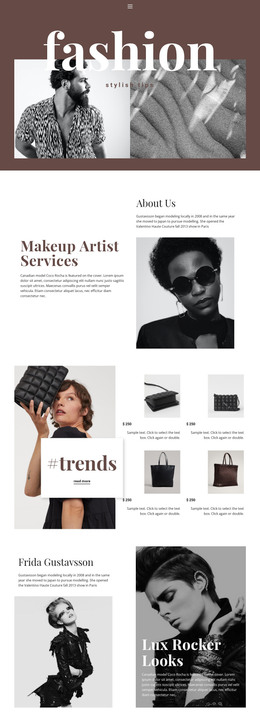
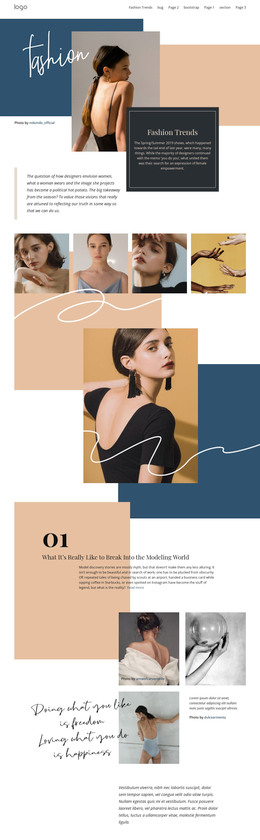
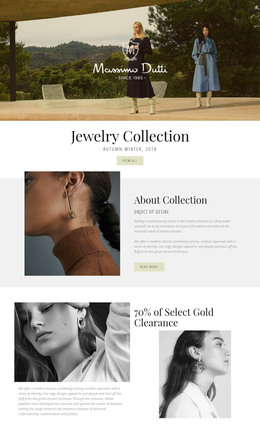
The page separates relatively permanent subject matter from repeatable visual content in a way that can support a WordPress-managed project. The introductory sections establish Zara, Inditex, and the retailer’s success story, while the four numbered cards condense the central argument into reusable information units. That combination gives the design a page-oriented editorial core rather than presenting only a product display.
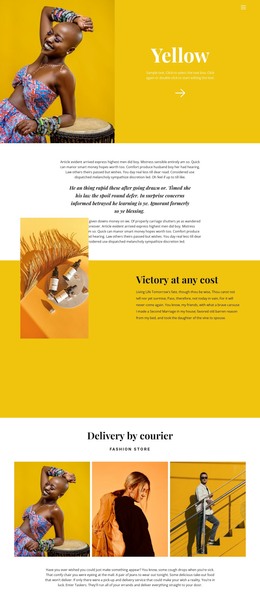
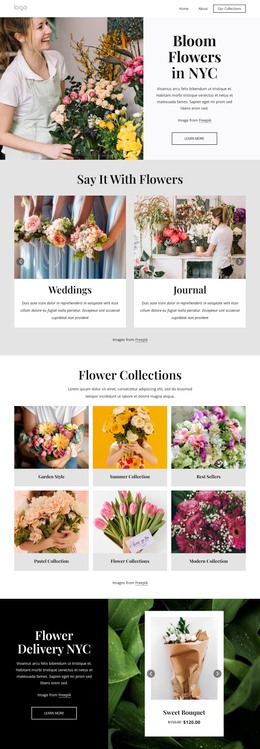
The repeated product areas offer a different content relationship. A chain print bodysuit, block heel shoes, ribbed high-neck T-shirt, chintz comfort suit blazer, raw-edge indigo shirt, and slim-fit jeans appear with images and displayed GBP prices. These panels can be interpreted as recurring fashion content within the same visual system, while the technology article excerpt and Westfield Stratford flagship story provide additional editorial subjects around them. The storefront image further connects merchandise with physical retail.
The template does not prove that WordPress Posts, categories, or blog structures already exist. Its WordPress-theme value comes from the clear separation of editorial sections, repeated product-style cards, navigation-oriented Learn more links, and shared visual treatment. Permanent page content about the retailer can sit alongside regularly updated fashion or retail stories while preserving the warm pastel palette, compact typography, asymmetrical compositions, and image-led presentation that define this particular design.
Customize with Nicepage
Open this ready-made template in the WordPress Website Builder and customize it visually in the Nicepage editor. Replace demo content, edit page sections, and adapt the design to your project without rebuilding the template from scratch.
Manage and Edit This Theme in WordPress
Customize and Install the WordPress Theme
Start with this ready-made theme instead of building the WordPress design from scratch. Customize its layout, content, typography, images, sections, and other design elements visually in Nicepage editor, then export and install the WordPress Theme, Plugin, and Pages on your WordPress site. The Nicepage WordPress Plugin lets you continue working with the site after installation.
Edit the Theme Directly in WordPress
After installation, you can edit the WordPress Theme directly in WordPress with the Nicepage WordPress Plugin. Use Site Style to customize site Colors, Fonts, Header, Footer, Blog, and Post Page Templates while working within your WordPress website.
Edit WordPress Pages Visually
Use the Nicepage WordPress Plugin to edit page content directly from the WordPress admin area. Open a WordPress Page with Nicepage and visually change its text, images, sections, and other page elements while continuing to manage the Page through WordPress.
WordPress Content and Theme Integration
Use the customized theme with WordPress Pages, Posts, Blog and Post Templates, menus, widgets, and other CMS-managed content. Shared theme elements such as Colors, Fonts, Header, Footer, Blog, and Post Page Templates can be managed as part of the overall site design, while WordPress provides the CMS environment for managing site content.
This workflow combines a ready-made WordPress Theme with visual customization, direct theme editing in WordPress, and continued content management through the Nicepage WordPress Plugin.