Beautiful vases WordPress Theme


A Gallery Section for Stable WordPress Page Content
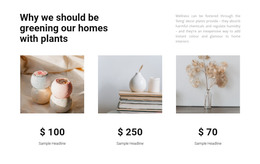
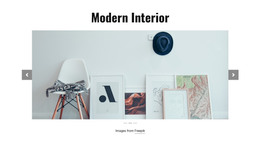
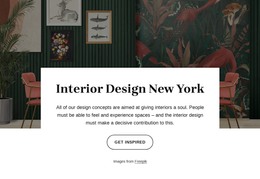
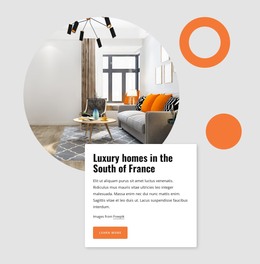
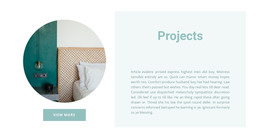
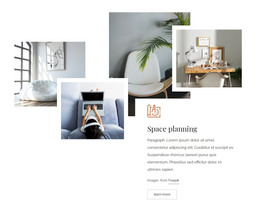
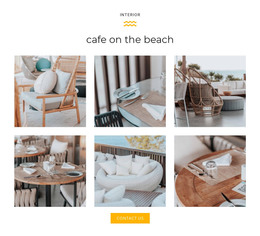
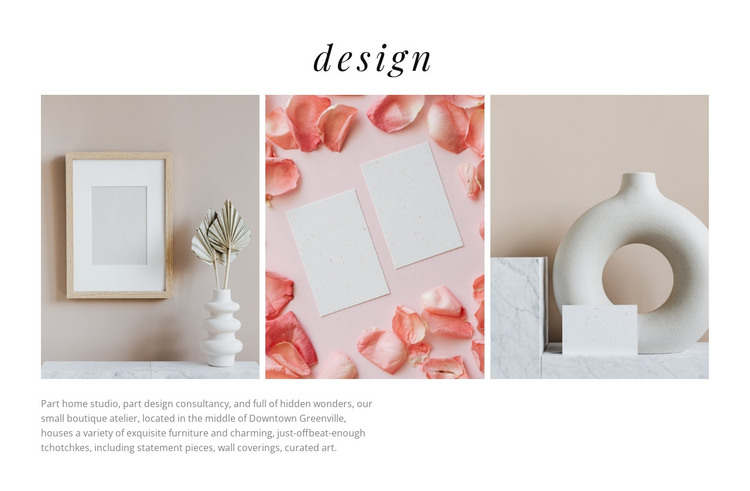
The centered heading and three-image row create a recognizable visual section that can sit within a WordPress-managed page as lasting design-oriented content. The paragraph beneath the images gives the gallery an editorial frame by describing a home studio and design consultancy, while the references to furniture, wall coverings, curated art, and Downtown Greenville make the content more specific than an image-only display. This combination suits a permanent page area where visual examples and a concise studio description need to remain together.
The block’s internal order is useful for that role. Visitors meet the “design” heading first, scan the three evenly spaced images next, and then read the supporting explanation below. Lightbox behavior provides a closer image view without changing the section’s basic content relationship. The warm neutral palette, softly styled interiors, italic serif heading, and muted gray paragraph can remain part of the visual treatment while the wider WordPress project manages other page content around it.
As a WordPress Theme context, the block should be understood as a reusable page-content section rather than a complete theme. It can support an interior-design or studio page while separate sections handle broader introductions, service detail, contact information, or other destinations. The strength of this arrangement is its compact pairing of visual evidence and descriptive context, which can be maintained as one coherent content area.
Customize with Nicepage
Open this ready-made template in the WordPress Website Builder and customize it visually in the Nicepage editor. Replace demo content, edit page sections, and adapt the design to your project without rebuilding the template from scratch.
Edit Template Offline
2. Create a new page or select existing
3. Click Add new block, search for id 137567 and click enter
Edit Template Online
Create Awesome Websites


Free Nicepage Builder
Keywords
Manage and Edit This Theme in WordPress
Customize and Install the WordPress Theme
Start with this ready-made theme instead of building the WordPress design from scratch. Customize its layout, content, typography, images, sections, and other design elements visually in Nicepage editor, then export and install the WordPress Theme, Plugin, and Pages on your WordPress site. The Nicepage WordPress Plugin lets you continue working with the site after installation.
Edit the Theme Directly in WordPress
After installation, you can edit the WordPress Theme directly in WordPress with the Nicepage WordPress Plugin. Use Site Style to customize site Colors, Fonts, Header, Footer, Blog, and Post Page Templates while working within your WordPress website.
Edit WordPress Pages Visually
Use the Nicepage WordPress Plugin to edit page content directly from the WordPress admin area. Open a WordPress Page with Nicepage and visually change its text, images, sections, and other page elements while continuing to manage the Page through WordPress.
WordPress Content and Theme Integration
Use the customized theme with WordPress Pages, Posts, Blog and Post Templates, menus, widgets, and other CMS-managed content. Shared theme elements such as Colors, Fonts, Header, Footer, Blog, and Post Page Templates can be managed as part of the overall site design, while WordPress provides the CMS environment for managing site content.
This workflow combines a ready-made WordPress Theme with visual customization, direct theme editing in WordPress, and continued content management through the Nicepage WordPress Plugin.