Illustration and contacts WordPress Theme


The Illustration-Led Layout Fits Stable WordPress Page Content
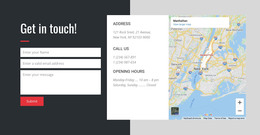
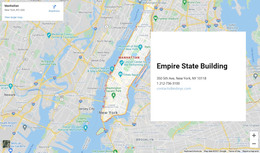
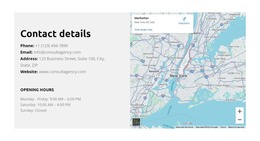
The block’s content reads naturally as a stable location section: the illustration provides context, the uppercase “LOCATION” label names the subject, and the bold address gives the page a clear primary detail. The yellow divider creates a visual pause before the supporting paragraph, so the explanatory copy remains connected to the address without competing with it. This sequence gives the section a defined role within page content rather than treating it as a complete site feature.
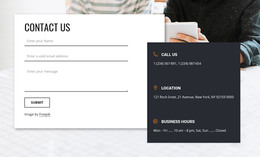
For a WordPress-managed page, the block can serve as reusable contact information on a page that also contains other content areas. A services page, studio profile, portfolio context, or contact-oriented page could place this section beside or between additional blocks, while the surrounding WordPress project manages the wider publishing structure. The section itself contributes only its illustrated location presentation.
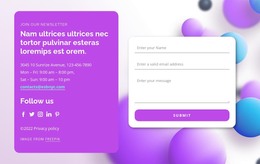
The displayed address and sample paragraph are editable content, not fixed business details. Replacing them with the intended location information preserves the same hierarchy because the address remains the strongest text element and the paragraph remains secondary. The white field and centered spacing also make the section visually distinct from neighboring content, giving a WordPress page a compact location area that can be maintained without changing its core composition.
Customize with Nicepage
Open this ready-made template in the WordPress Website Builder and customize it visually in the Nicepage editor. Replace demo content, edit page sections, and adapt the design to your project without rebuilding the template from scratch.
Edit Template Offline
2. Create a new page or select existing
3. Click Add new block, search for id 1230574 and click enter
Edit Template Online
Create Awesome Websites


Free Nicepage Builder
Keywords
Manage and Edit This Theme in WordPress
Customize and Install the WordPress Theme
Start with this ready-made theme instead of building the WordPress design from scratch. Customize its layout, content, typography, images, sections, and other design elements visually in Nicepage editor, then export and install the WordPress Theme, Plugin, and Pages on your WordPress site. The Nicepage WordPress Plugin lets you continue working with the site after installation.
Edit the Theme Directly in WordPress
After installation, you can edit the WordPress Theme directly in WordPress with the Nicepage WordPress Plugin. Use Site Style to customize site Colors, Fonts, Header, Footer, Blog, and Post Page Templates while working within your WordPress website.
Edit WordPress Pages Visually
Use the Nicepage WordPress Plugin to edit page content directly from the WordPress admin area. Open a WordPress Page with Nicepage and visually change its text, images, sections, and other page elements while continuing to manage the Page through WordPress.
WordPress Content and Theme Integration
Use the customized theme with WordPress Pages, Posts, Blog and Post Templates, menus, widgets, and other CMS-managed content. Shared theme elements such as Colors, Fonts, Header, Footer, Blog, and Post Page Templates can be managed as part of the overall site design, while WordPress provides the CMS environment for managing site content.
This workflow combines a ready-made WordPress Theme with visual customization, direct theme editing in WordPress, and continued content management through the Nicepage WordPress Plugin.