Shipping services and logistics Template


Edit Template Offline
2. Create new page and search for id 289644
Edit Template Online
Create Awesome Websites


Free Nicepage Builder
Keywords
Four Services and Three Capabilities Give the Design Broad Content Coverage
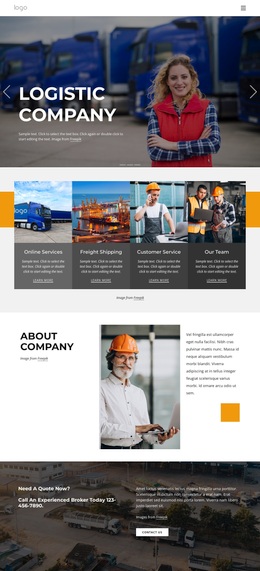
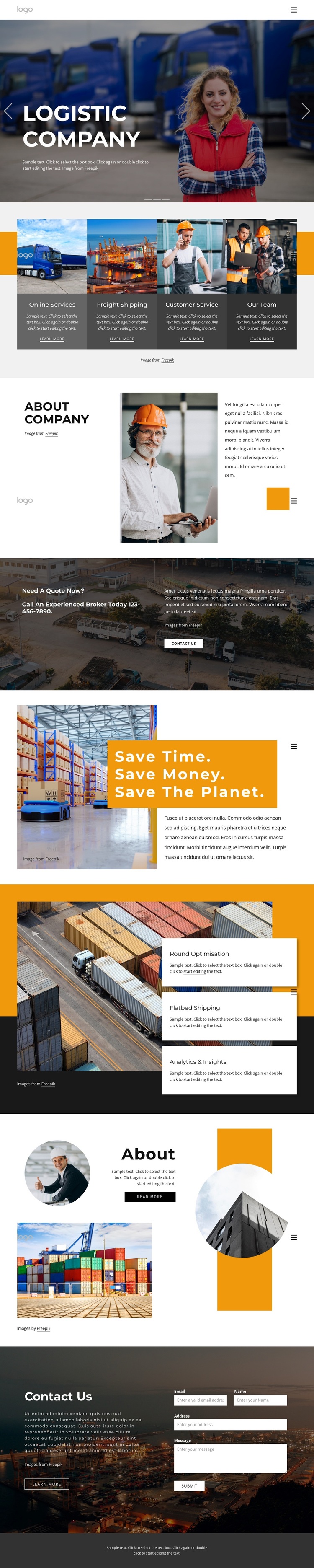
The combination of a carousel hero, four service cards, and three capability cards makes this design a useful option for logistics projects that need more than a simple company introduction. The hero can carry the first visual statement, while the service grid quickly separates Online Services, Freight Shipping, Customer Service, and Our Team. That coverage gives visitors several entry points without making the opening section carry every business message.
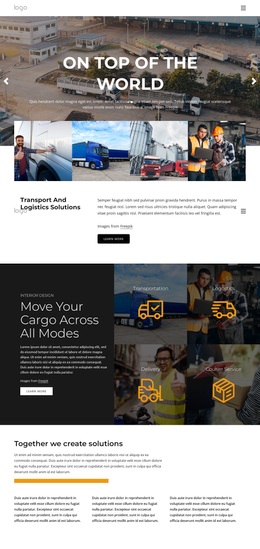
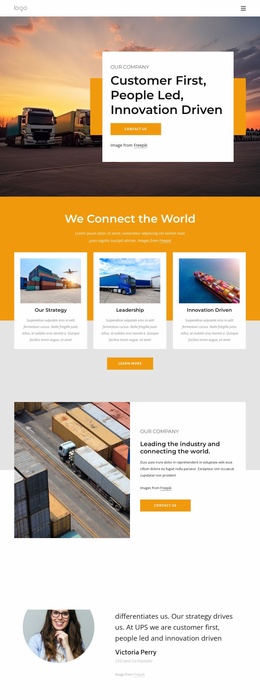
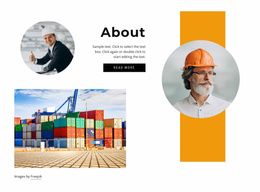
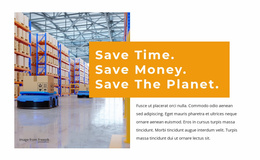
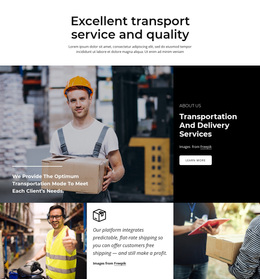
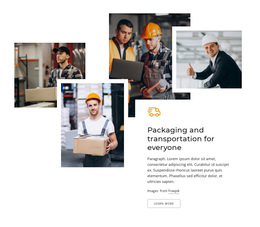
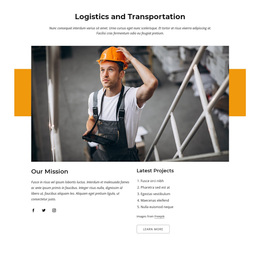
The design is also distinguished by the way it balances operational content with company storytelling. Portrait imagery and container-terminal photographs appear in separate about sections, while a warehouse image supports the statement “Save time. Save money. Save the planet.” This creates room for company context and sustainability communication alongside freight-related topics. The later capability cards add Round Optimisation, Flatbed Shipping, and Analytics & Insights as recognizable subjects, though their sample wording should be replaced with verified project content.
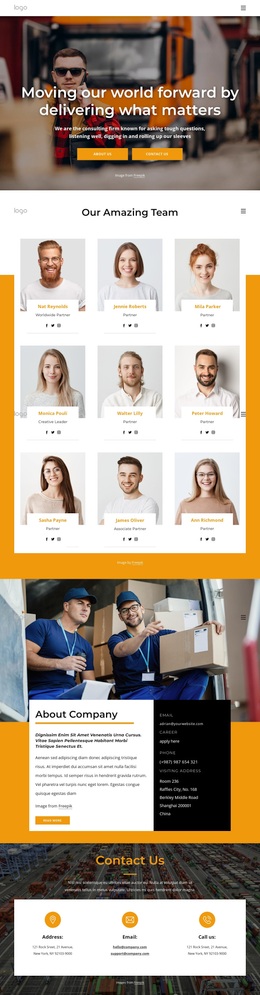
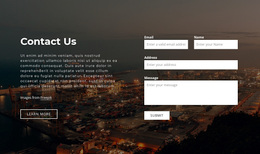
A quote-focused banner and closing inquiry form make the template practical for a logistics service presentation where visitors may need to request information. The phone value, placeholder paragraphs, and sample form messages are structural content only, not evidence of a real provider or offer. As a design choice, the template stands out through its dark-and-orange visual direction, layered image compositions, and unusually complete progression from services to company context, capabilities, and contact.
Customize with Nicepage
Open this ready-made template in the Template Builder and customize it visually in the Nicepage editor. Replace demo content, edit page sections, and adapt the design to your project without rebuilding the template from scratch.
Start With a Ready-Made Template
Choose a Design for a New Page
Use a ready-made template as a starting point instead of creating every page from a blank canvas. When adding a new page in Nicepage, browse available designs, compare different layouts, and choose an option that already fits the general purpose and visual direction of your project.
Browse Different Page Designs
Explore Page Designs using search, thematic categories, Design Sets, and full-page previews. The collection includes layouts for different subjects and page purposes, making it easier to compare alternatives before selecting a design to customize.
Customize the Selected Template
After choosing a design, create the page and continue editing it visually in Nicepage. Replace the demo content, adjust images, typography, colors, sections, and other elements, and adapt the ready-made layout to your own content instead of rebuilding the design from the beginning.
Explore More Design Directions
If the first option does not match your project closely enough, return to the design collection and compare other templates before committing to a layout. This makes the template library useful not only for faster page creation, but also for exploring different visual approaches and finding a suitable starting point for a new project.
This workflow gives you access to a broad collection of ready-made designs that can be selected, compared, and customized according to the needs of each new page or project.

Design Set (23)
-

-
-
-
-
-
-
-
-
-
-
-
-
-
-
-
-
Free Website Builder SoftwareDownload
-
-
-