Reduce, Reuse, Recycle Template


Edit Template Offline
2. Create new page and search for id 6455365
Edit Template Online
Create Awesome Websites


Free Nicepage Builder
Keywords
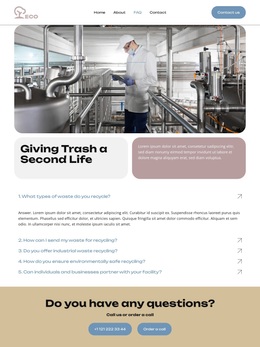
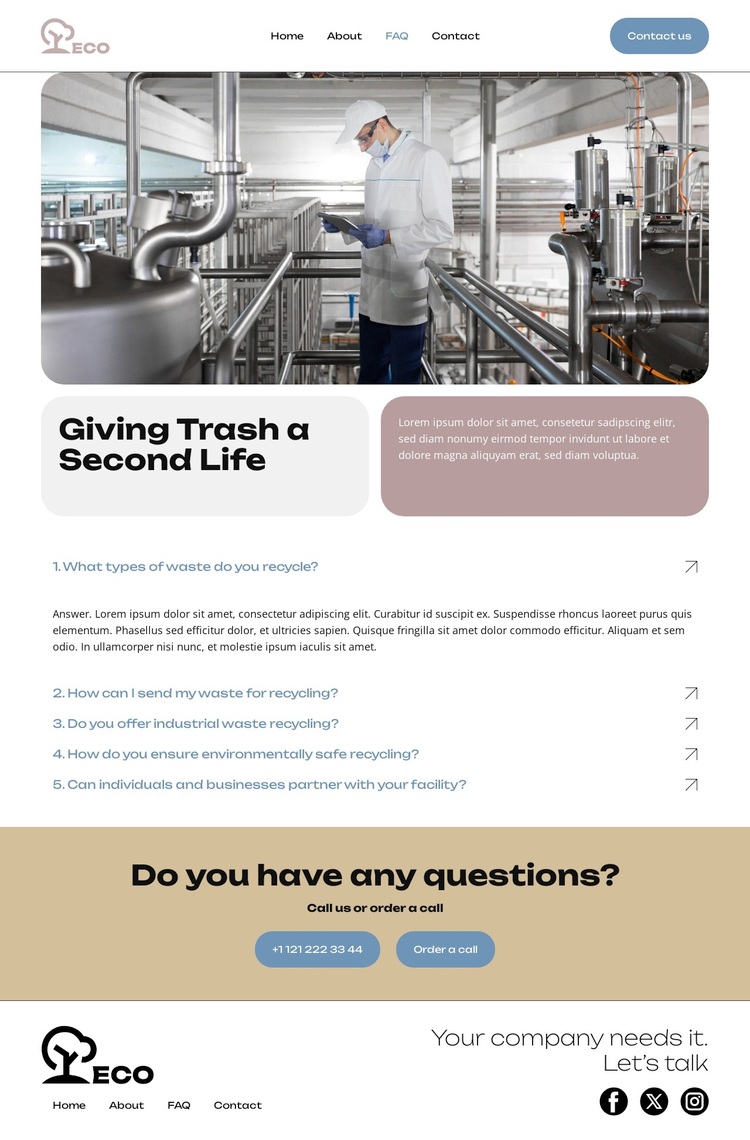
Industrial imagery and five focused questions define this design option
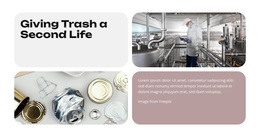
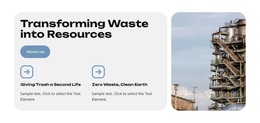
The large industrial facility image immediately identifies the design with waste recycling rather than a generic business subject. That visual context is reinforced by the “Giving Trash a Second Life” heading and the rounded content panels beneath it, creating an introduction that explains the page’s direction before visitors reach the main questions. The combination is a useful choice for projects that need environmental subject matter to remain visible without relying on dense introductory copy.
The five-question accordion gives the layout a distinctive content emphasis. Recycling-related questions are presented as expandable rows, so the page can address practical concerns while keeping the initial composition compact. This separates the design from FAQ layouts built only from long text or from service-card grids. The later contact band adds a practical service dimension through the “Call us or order a call” message, displayed phone contact, and callback action.
Navigation and social content make the page feel connected to a broader service presence. Home, About, FAQ, and Contact links establish familiar destinations, while the footer’s Facebook, Twitter, and Instagram links provide additional outward-facing channels. Together, the industrial image, question-led structure, rounded panels, and direct callback emphasis make this a considered option for recycling organizations that want to explain their work and invite a conversation on the same page.
Customize with Nicepage
Open this ready-made template in the Template Builder and customize it visually in the Nicepage editor. Replace demo content, edit page sections, and adapt the design to your project without rebuilding the template from scratch.
Start With a Ready-Made Template
Choose a Design for a New Page
Use a ready-made template as a starting point instead of creating every page from a blank canvas. When adding a new page in Nicepage, browse available designs, compare different layouts, and choose an option that already fits the general purpose and visual direction of your project.
Browse Different Page Designs
Explore Page Designs using search, thematic categories, Design Sets, and full-page previews. The collection includes layouts for different subjects and page purposes, making it easier to compare alternatives before selecting a design to customize.
Customize the Selected Template
After choosing a design, create the page and continue editing it visually in Nicepage. Replace the demo content, adjust images, typography, colors, sections, and other elements, and adapt the ready-made layout to your own content instead of rebuilding the design from the beginning.
Explore More Design Directions
If the first option does not match your project closely enough, return to the design collection and compare other templates before committing to a layout. This makes the template library useful not only for faster page creation, but also for exploring different visual approaches and finding a suitable starting point for a new project.
This workflow gives you access to a broad collection of ready-made designs that can be selected, compared, and customized according to the needs of each new page or project.