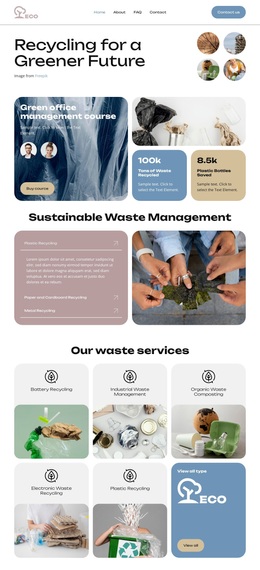
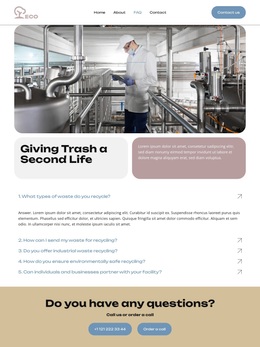
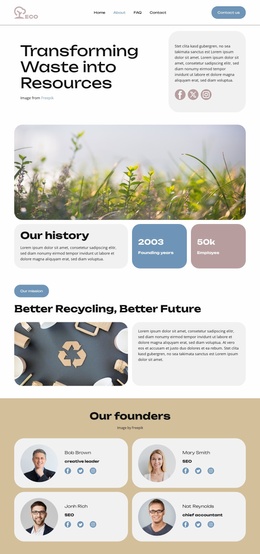
Eco-Friendly Waste Template


Edit Template Offline
2. Create new page and search for id 6455327
Edit Template Online
Create Awesome Websites


Free Nicepage Builder
Keywords
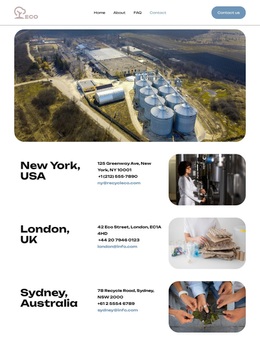
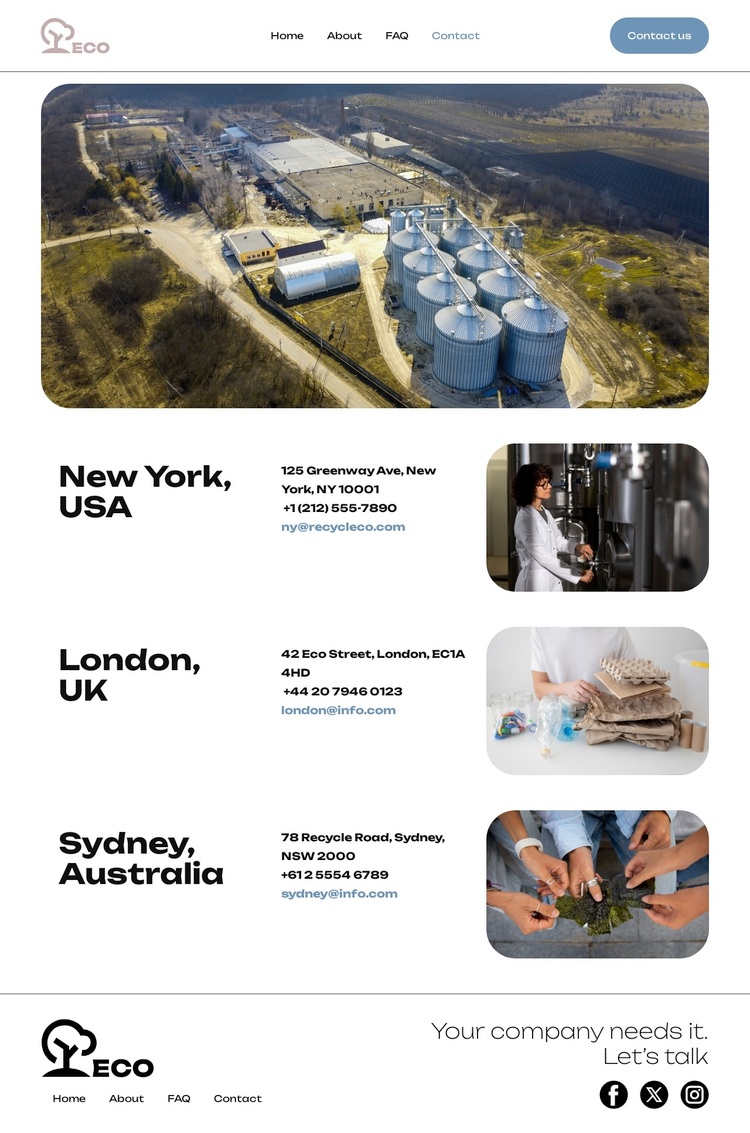
Three International Office Sections Give the Design Its Character
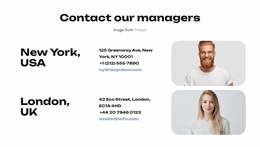
The design’s most distinctive choice is the way it combines international contact coverage with a restrained industrial presentation. New York, London, and Sydney are not treated as incidental contact lines; each receives a dedicated section with a location heading, office information, and its own rounded image. That repeated treatment gives the page a clear content identity for organizations that need to show several offices without relying on dense corporate tables.
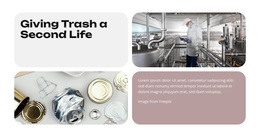
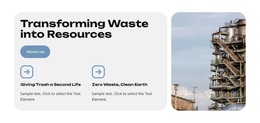
The visual direction supports that purpose. A large industrial facility photograph introduces the subject, while bold black typography, white space, thin borders, and compact spacing keep attention on the locations and their contact channels. The smaller office images repeat the rounded image language, linking practical information to a consistent visual motif. This creates a ready-made option for a project that needs environmental or recycling-related context without a heavily illustrated or colorful presentation.
The closing invitation, “Your company needs it. Let’s talk,” adds a human response point after the geographic information. Along with the Contact us action in the header and the social links in the footer, it gives the page a direct conversational character. The sample addresses, phone numbers, and emails are structural placeholders, but the underlying combination of locations, imagery, navigation, and contact emphasis is what makes this template worth considering.
Customize with Nicepage
Open this ready-made template in the Template Builder and customize it visually in the Nicepage editor. Replace demo content, edit page sections, and adapt the design to your project without rebuilding the template from scratch.
Start With a Ready-Made Template
Choose a Design for a New Page
Use a ready-made template as a starting point instead of creating every page from a blank canvas. When adding a new page in Nicepage, browse available designs, compare different layouts, and choose an option that already fits the general purpose and visual direction of your project.
Browse Different Page Designs
Explore Page Designs using search, thematic categories, Design Sets, and full-page previews. The collection includes layouts for different subjects and page purposes, making it easier to compare alternatives before selecting a design to customize.
Customize the Selected Template
After choosing a design, create the page and continue editing it visually in Nicepage. Replace the demo content, adjust images, typography, colors, sections, and other elements, and adapt the ready-made layout to your own content instead of rebuilding the design from the beginning.
Explore More Design Directions
If the first option does not match your project closely enough, return to the design collection and compare other templates before committing to a layout. This makes the template library useful not only for faster page creation, but also for exploring different visual approaches and finding a suitable starting point for a new project.
This workflow gives you access to a broad collection of ready-made designs that can be selected, compared, and customized according to the needs of each new page or project.