Freelance designeer and developer Template



Edit Template Offline
2. Create new page and search for id 6343408
Edit Template Online
Create Awesome Websites


Free Nicepage Builder
Keywords
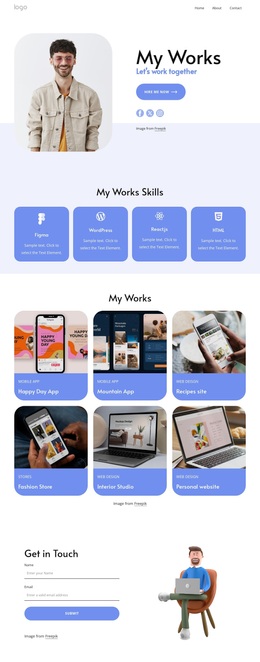
Six Project Samples Give the Portfolio Its Strongest Selection Signal
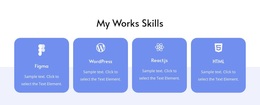
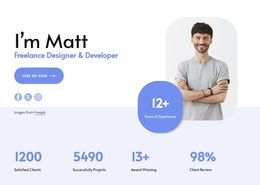
The six labeled work samples make this design a particularly clear option for projects that need visual evidence alongside a personal introduction. Happy Dog App, Mountain App, Recipes site, Fashion Store, Interior Studio, and Personal website show a range of portfolio subjects without requiring the opening hero to carry the entire message. The gallery is supported by a separate special-skills block and four compact skill cards, so visitors can connect examples with stated abilities.
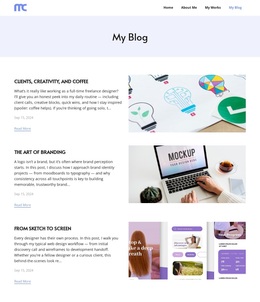
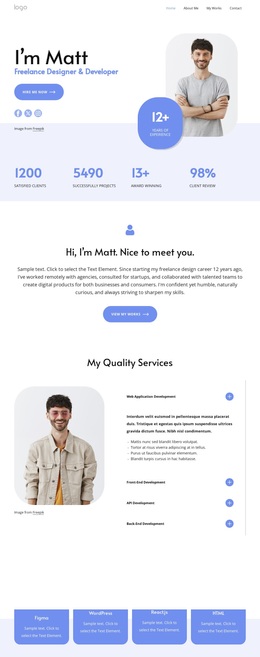
The rest of the page adds context around that central choice. Four service labels describe development capabilities, while the client-logo area and testimonial-style content provide places for reputation and recommendation. Three article cards introduce a more editorial dimension, making the design suitable for a freelancer who wants to show knowledge as well as completed work. The portrait-led introduction and soft card treatment keep these varied subjects within a friendly personal presentation.
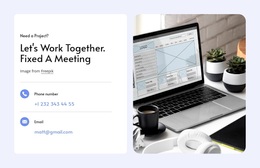
This is therefore more than a generic business layout with interchangeable service boxes. Its strongest reason to choose it is the relationship between personal identity, named technologies, varied project examples, and direct contact opportunities. The meeting invitation and closing form give visitors a clear next step after reviewing the work, while the repeated “View my works” actions keep the portfolio emphasis visible earlier in the page.
Customize with Nicepage
Open this ready-made template in the Template Builder and customize it visually in the Nicepage editor. Replace demo content, edit page sections, and adapt the design to your project without rebuilding the template from scratch.
Start With a Ready-Made Template
Choose a Design for a New Page
Use a ready-made template as a starting point instead of creating every page from a blank canvas. When adding a new page in Nicepage, browse available designs, compare different layouts, and choose an option that already fits the general purpose and visual direction of your project.
Browse Different Page Designs
Explore Page Designs using search, thematic categories, Design Sets, and full-page previews. The collection includes layouts for different subjects and page purposes, making it easier to compare alternatives before selecting a design to customize.
Customize the Selected Template
After choosing a design, create the page and continue editing it visually in Nicepage. Replace the demo content, adjust images, typography, colors, sections, and other elements, and adapt the ready-made layout to your own content instead of rebuilding the design from the beginning.
Explore More Design Directions
If the first option does not match your project closely enough, return to the design collection and compare other templates before committing to a layout. This makes the template library useful not only for faster page creation, but also for exploring different visual approaches and finding a suitable starting point for a new project.
This workflow gives you access to a broad collection of ready-made designs that can be selected, compared, and customized according to the needs of each new page or project.