Building bussiness Template



Edit Template Offline
2. Create new page and search for id 6026548
Edit Template Online
Create Awesome Websites


Free Nicepage Builder
Keywords
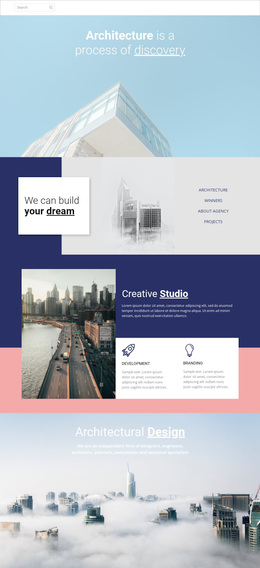
Architectural Storytelling Meets Plans and Practical Business Content
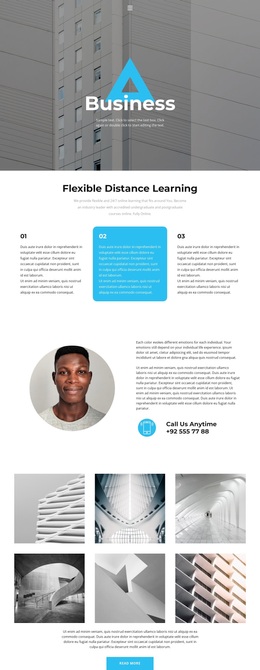
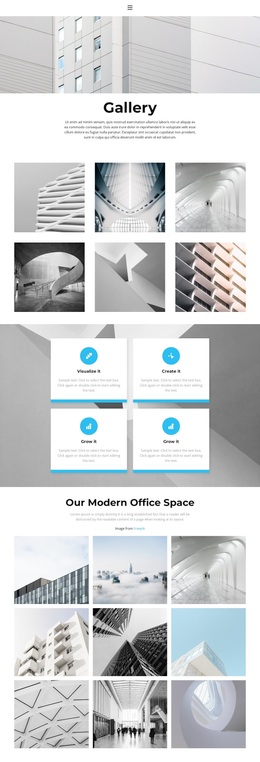
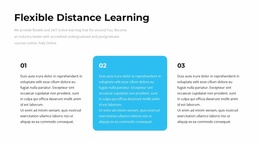
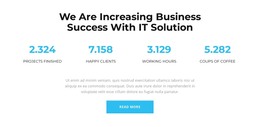
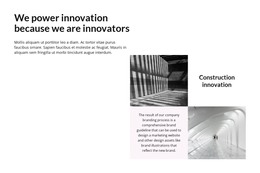
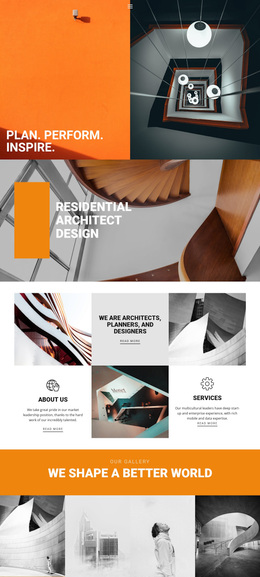
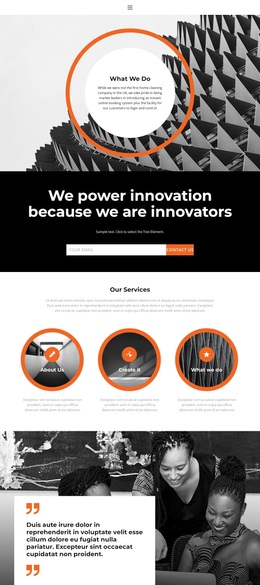
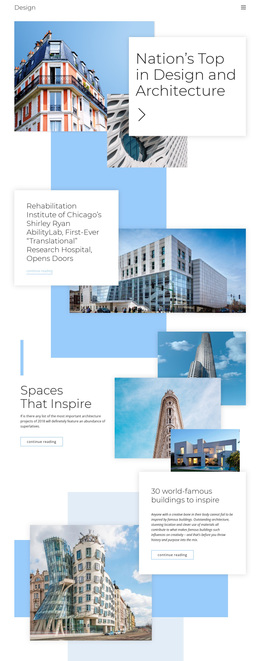
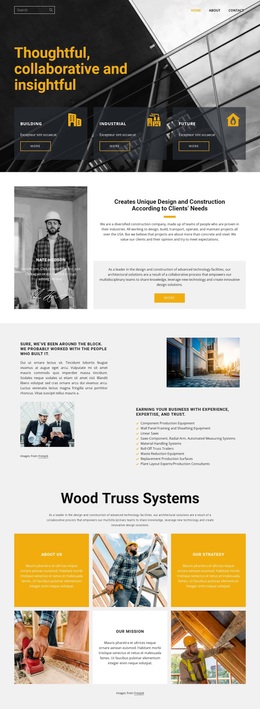
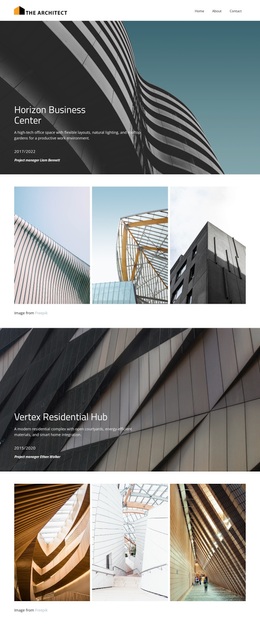
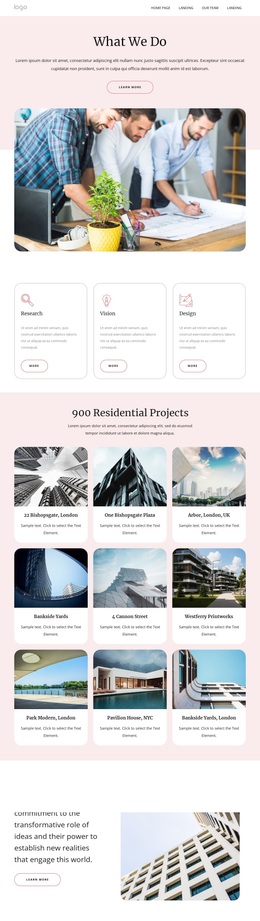
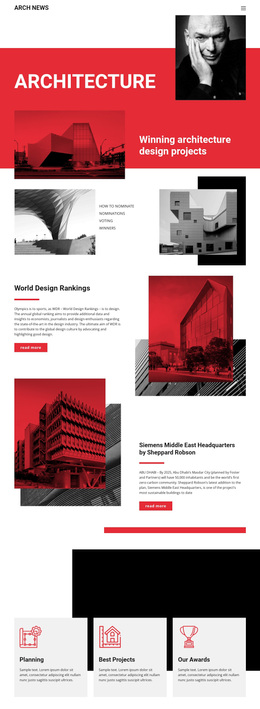
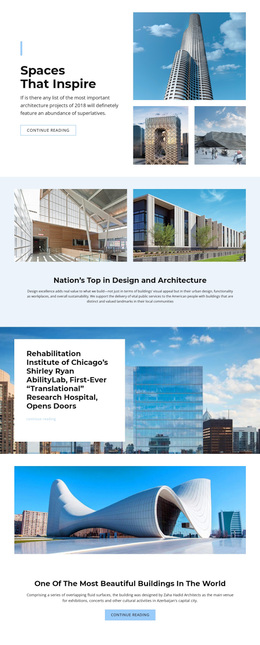
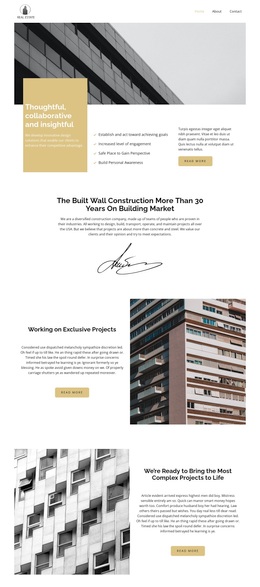
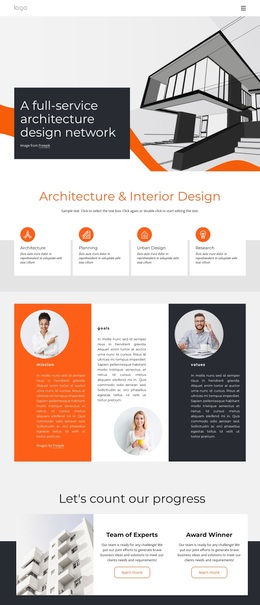
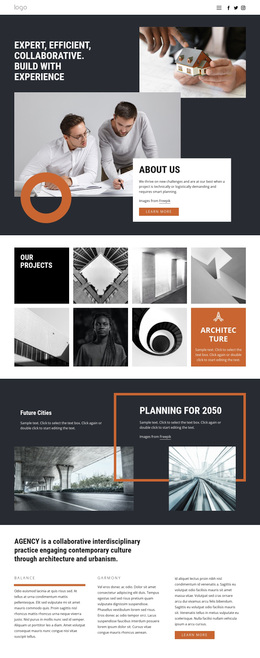
Large architectural imagery gives this design a clear visual starting point, while the Flexible Distance Learning section introduces a more structured information pattern through three numbered cards. That combination makes the page suitable for projects that need both visual context and compact explanations rather than a layout built around one content format alone. The six-image gallery reinforces the architectural direction, and the four displayed metrics add a separate proof-oriented layer. Their sample values are structural content in the template, not confirmed business results.
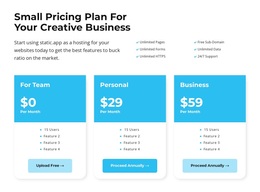
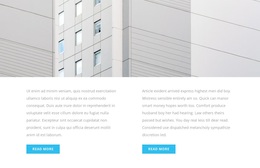
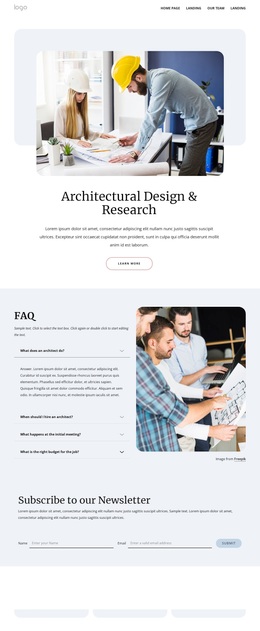
The page also covers several practical decision stages. Two image-backed article highlights create room for supporting information, and the accordion presents three transformation questions in a compact expandable format. Three pricing cards then compare a For Team plan, Personal plan, and Business plan with displayed monthly prices, feature lists, and selection actions. This gives the design broader content coverage than a simple service introduction while preserving a clear progression toward commercial choices.
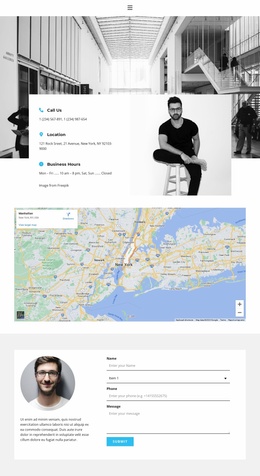
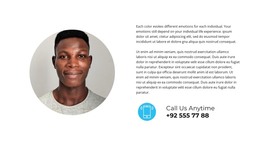
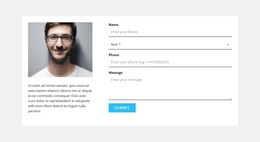
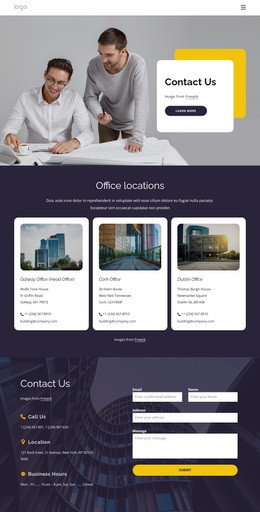
A portrait-and-copy contact section appears before the gallery, and another portrait accompanies the final inquiry form. The form includes name, selection, phone, and message inputs, so the page can support contact-oriented projects as well as plan-focused presentations. The combination of architecture, learning, metrics, questions, pricing, and inquiry makes this a useful design option for business or technology services that need varied content without abandoning a unified page structure.
Customize with Nicepage
Open this ready-made template in the Template Builder and customize it visually in the Nicepage editor. Replace demo content, edit page sections, and adapt the design to your project without rebuilding the template from scratch.
Start With a Ready-Made Template
Choose a Design for a New Page
Use a ready-made template as a starting point instead of creating every page from a blank canvas. When adding a new page in Nicepage, browse available designs, compare different layouts, and choose an option that already fits the general purpose and visual direction of your project.
Browse Different Page Designs
Explore Page Designs using search, thematic categories, Design Sets, and full-page previews. The collection includes layouts for different subjects and page purposes, making it easier to compare alternatives before selecting a design to customize.
Customize the Selected Template
After choosing a design, create the page and continue editing it visually in Nicepage. Replace the demo content, adjust images, typography, colors, sections, and other elements, and adapt the ready-made layout to your own content instead of rebuilding the design from the beginning.
Explore More Design Directions
If the first option does not match your project closely enough, return to the design collection and compare other templates before committing to a layout. This makes the template library useful not only for faster page creation, but also for exploring different visual approaches and finding a suitable starting point for a new project.
This workflow gives you access to a broad collection of ready-made designs that can be selected, compared, and customized according to the needs of each new page or project.