The leading consulting firms for management services Template


Edit Template Offline
2. Create new page and search for id 4948822
Edit Template Online
Create Awesome Websites


Free Nicepage Builder
Keywords
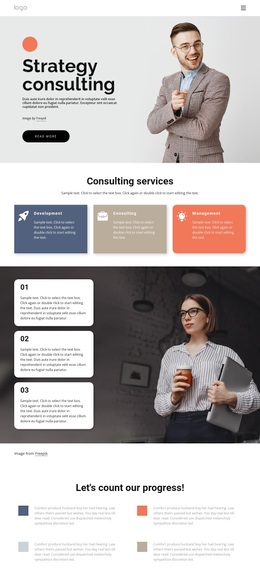
Four capabilities and nine work tiles define the design choice
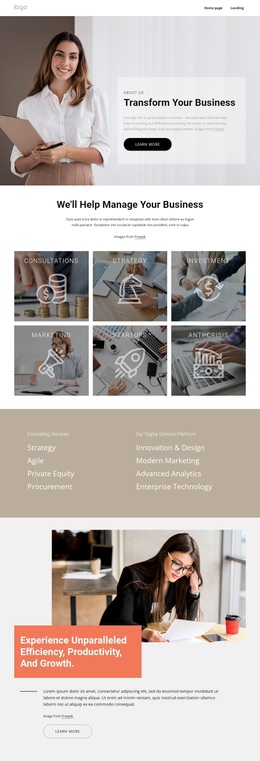
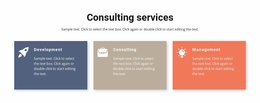
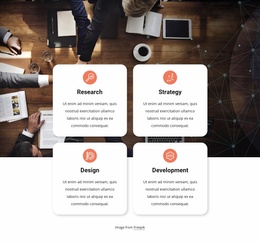
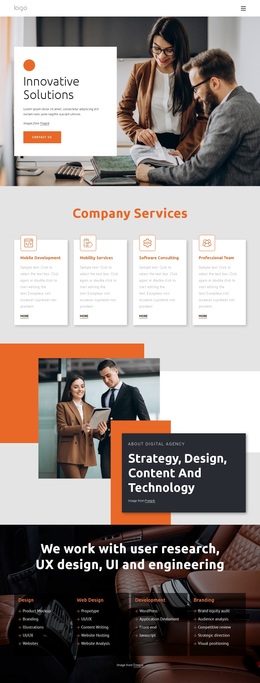
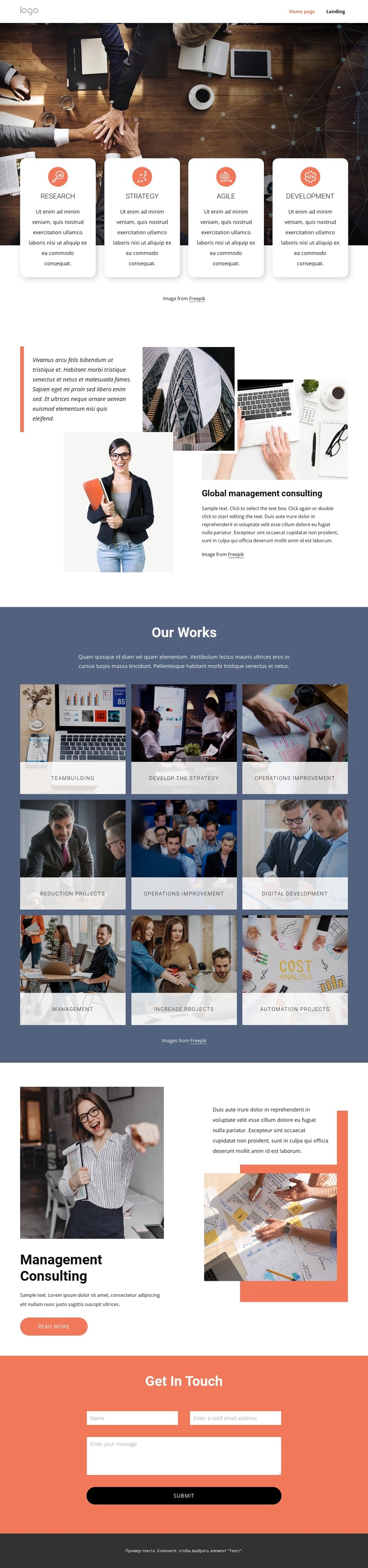
The opening combination of a large workplace photograph and four rounded cards gives this design a concise way to introduce a consulting offer without relying on dense introductory text. Research, Strategy, Agile, and Development establish the primary capability set, while the dark blue Our Works section expands the subject into nine labeled visual categories. That contrast between a short service overview and a broader tile collection makes the page suitable for projects that need to present both general expertise and specific areas of work.
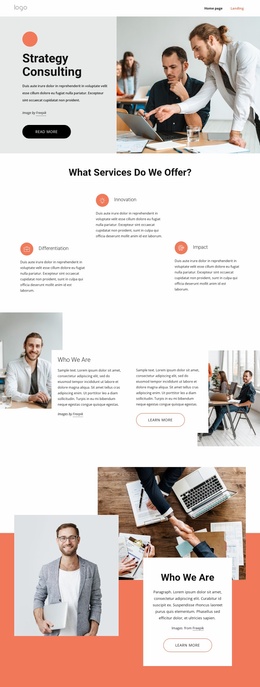
The visual storytelling continues through the Global management consulting section, where a text panel, stacked business photographs, and an accent quote create a more editorial presentation. This is followed by a featured Management consulting block that combines an image, descriptive copy, a supporting quote, and a Read more action. The arrangement gives the design more range than a page built only from uniform service cards: visitors encounter overview content, categorized work, and a closer look at one offering.
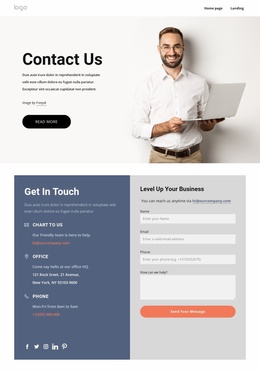
The coral Get in touch section gives the composition a practical conclusion. Its name, email, and message inputs are compact enough to keep the page focused while still providing a direct inquiry route. The strong dark blue, coral, white, and muted gray palette, together with rounded cards, image tiles, centered headings, and generous spacing, reinforces the polished consulting portfolio character. This combination makes the template a useful choice when visual evidence and organized capability presentation should work together.
Customize with Nicepage
Open this ready-made template in the Template Builder and customize it visually in the Nicepage editor. Replace demo content, edit page sections, and adapt the design to your project without rebuilding the template from scratch.
Start With a Ready-Made Template
Choose a Design for a New Page
Use a ready-made template as a starting point instead of creating every page from a blank canvas. When adding a new page in Nicepage, browse available designs, compare different layouts, and choose an option that already fits the general purpose and visual direction of your project.
Browse Different Page Designs
Explore Page Designs using search, thematic categories, Design Sets, and full-page previews. The collection includes layouts for different subjects and page purposes, making it easier to compare alternatives before selecting a design to customize.
Customize the Selected Template
After choosing a design, create the page and continue editing it visually in Nicepage. Replace the demo content, adjust images, typography, colors, sections, and other elements, and adapt the ready-made layout to your own content instead of rebuilding the design from the beginning.
Explore More Design Directions
If the first option does not match your project closely enough, return to the design collection and compare other templates before committing to a layout. This makes the template library useful not only for faster page creation, but also for exploring different visual approaches and finding a suitable starting point for a new project.
This workflow gives you access to a broad collection of ready-made designs that can be selected, compared, and customized according to the needs of each new page or project.

Design Set (22)
-

-
-
-
-
-
-
-
-
-
-
-
-
-
-
Free Website Builder SoftwareDownload
-
-