SPA and massage Template


Edit Template Offline
2. Create new page and search for id 20413
Edit Template Online
Create Awesome Websites


Free Nicepage Builder
Keywords
Massage, Skincare, and Editorial Imagery Set This Design Apart
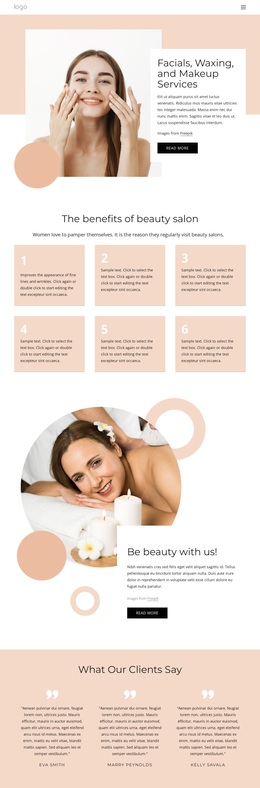
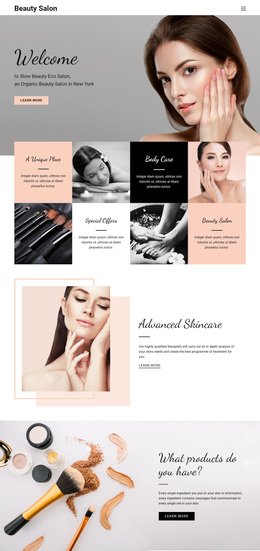
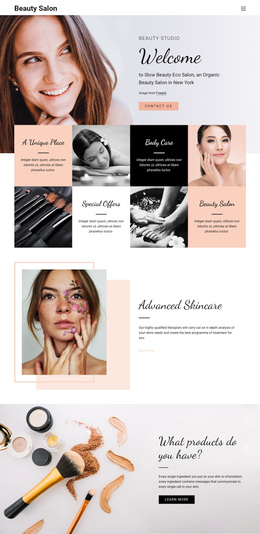
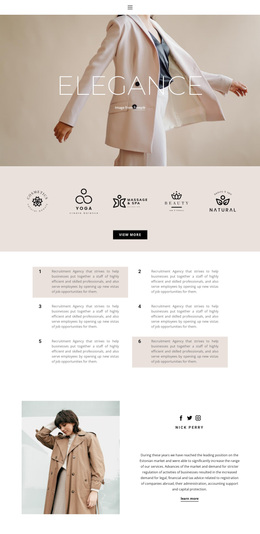
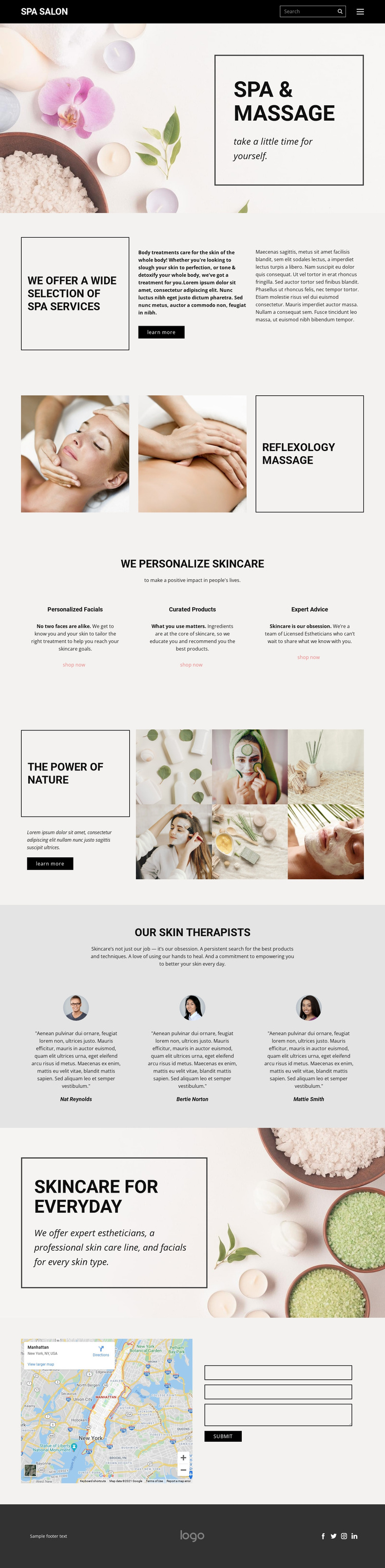
The design makes imagery a central carrier of the spa message rather than treating photographs as secondary decoration. A large opening image introduces Spa & Massage behind a bordered panel, and the Reflexology Massage section uses two treatment images to give a specific service visual emphasis. Later, the Power Of Nature feature combines a text panel with a six-image skincare collage, creating a recognizable visual direction for projects that need products and wellness imagery to work together.
Its content coverage is equally useful when comparing ready-made options. The page can present broad body-treatment information, three distinct skincare offerings, therapist-focused material, and a second everyday-skincare message. The three peer cards for Personalized Facials, Curated Products, and Expert Advice make the service range easy to distinguish without turning the page into a dense catalogue. Three therapist profile items add a human-facing section, while the map and contact form give the design a practical conclusion.
The black-and-white palette, thin borders, large whitespace, muted gray support areas, and asymmetrical compositions create a calm editorial character. That combination suits a spa or skincare project whose communication depends on atmosphere, selected services, and expert presentation. It is worth choosing for its balance of visual storytelling and concrete content coverage, not because unsupported details such as real therapist identities, prices, or location claims are present.
Customize with Nicepage
Open this ready-made template in the Template Builder and customize it visually in the Nicepage editor. Replace demo content, edit page sections, and adapt the design to your project without rebuilding the template from scratch.
Start With a Ready-Made Template
Choose a Design for a New Page
Use a ready-made template as a starting point instead of creating every page from a blank canvas. When adding a new page in Nicepage, browse available designs, compare different layouts, and choose an option that already fits the general purpose and visual direction of your project.
Browse Different Page Designs
Explore Page Designs using search, thematic categories, Design Sets, and full-page previews. The collection includes layouts for different subjects and page purposes, making it easier to compare alternatives before selecting a design to customize.
Customize the Selected Template
After choosing a design, create the page and continue editing it visually in Nicepage. Replace the demo content, adjust images, typography, colors, sections, and other elements, and adapt the ready-made layout to your own content instead of rebuilding the design from the beginning.
Explore More Design Directions
If the first option does not match your project closely enough, return to the design collection and compare other templates before committing to a layout. This makes the template library useful not only for faster page creation, but also for exploring different visual approaches and finding a suitable starting point for a new project.
This workflow gives you access to a broad collection of ready-made designs that can be selected, compared, and customized according to the needs of each new page or project.