Progressive design art Template


Edit Template Offline
2. Create new page and search for id 18727
Edit Template Online
Create Awesome Websites


Free Nicepage Builder
Keywords
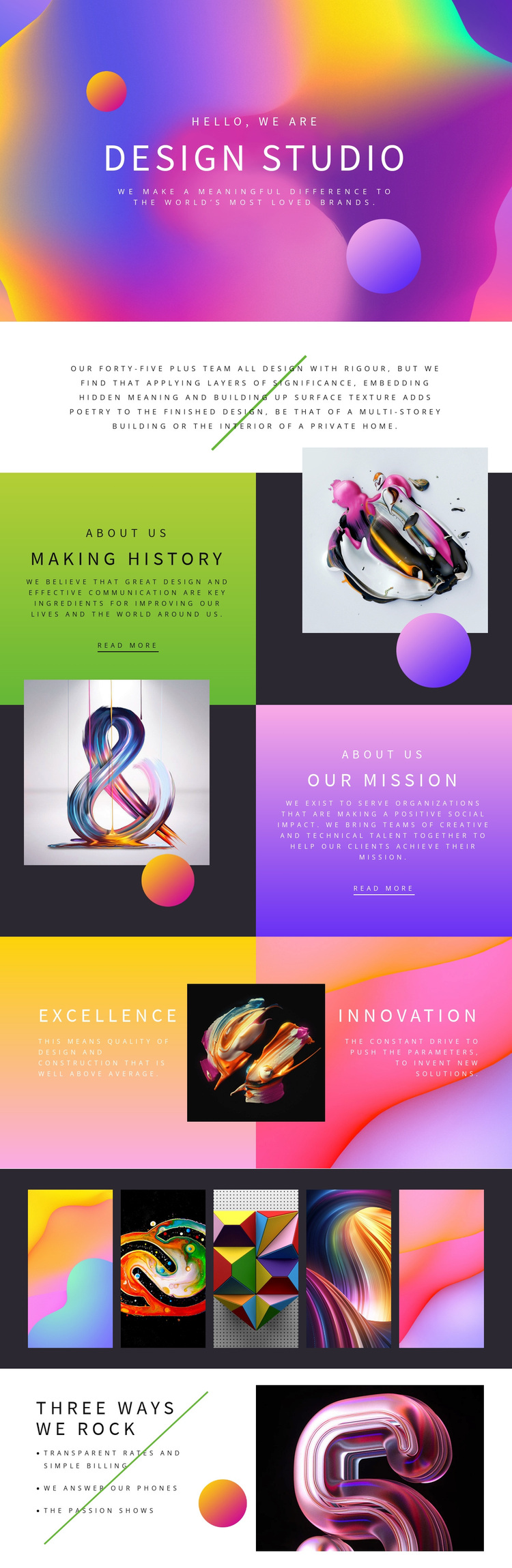
A Five-Image Showcase Gives the Studio a Distinctive Direction
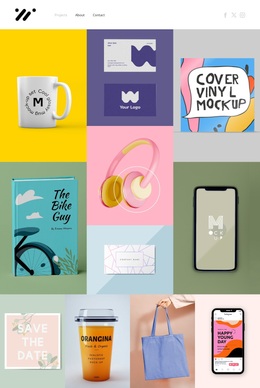
The five adjacent artwork panels immediately distinguish this design from a profile built mainly around dense text or conventional service cards. They work with the opening full-width image to make visual material a primary carrier of the studio story. Around that imagery, the page adds concrete narrative sections: “Making history” explains the studio’s outlook, “OUR MISSION” frames its purpose, and the Excellence and Innovation panels identify two central creative values.
That combination gives the template broad content coverage without losing a clear character. The centered overview provides a compact introduction, the alternating About Us sections create space for deeper statements, and the final “Three Ways We Rock” list adds practical qualities such as Transparent Rates and Simple Billing, We Answer Our Phones, and The Passion Shows. The page can therefore support a studio profile that wants to communicate both creative ambition and recognizable working principles.
As a design choice, its strongest value lies in the relationship between expressive artwork and short, emphatic text blocks. The saturated imagery and large uppercase headings create a presentation-led direction, while the section sequence supplies enough explanation to prevent the page from becoming only a visual showcase. It suits a creative organization that wants its philosophy, mission, values, and visual work to be understood as one connected identity.
Customize with Nicepage
Open this ready-made template in the Template Builder and customize it visually in the Nicepage editor. Replace demo content, edit page sections, and adapt the design to your project without rebuilding the template from scratch.
Start With a Ready-Made Template
Choose a Design for a New Page
Use a ready-made template as a starting point instead of creating every page from a blank canvas. When adding a new page in Nicepage, browse available designs, compare different layouts, and choose an option that already fits the general purpose and visual direction of your project.
Browse Different Page Designs
Explore Page Designs using search, thematic categories, Design Sets, and full-page previews. The collection includes layouts for different subjects and page purposes, making it easier to compare alternatives before selecting a design to customize.
Customize the Selected Template
After choosing a design, create the page and continue editing it visually in Nicepage. Replace the demo content, adjust images, typography, colors, sections, and other elements, and adapt the ready-made layout to your own content instead of rebuilding the design from the beginning.
Explore More Design Directions
If the first option does not match your project closely enough, return to the design collection and compare other templates before committing to a layout. This makes the template library useful not only for faster page creation, but also for exploring different visual approaches and finding a suitable starting point for a new project.
This workflow gives you access to a broad collection of ready-made designs that can be selected, compared, and customized according to the needs of each new page or project.