We invest Template


Edit Template Offline
2. Create new page and search for id 6200702
Edit Template Online
Create Awesome Websites


Free Nicepage Builder
Keywords
3D introduction, package comparison, and FAQ give this design range
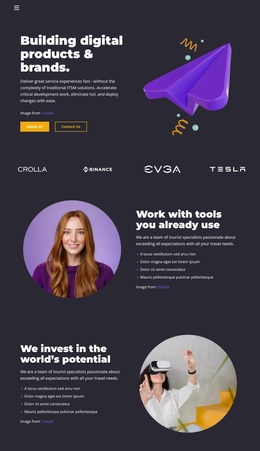
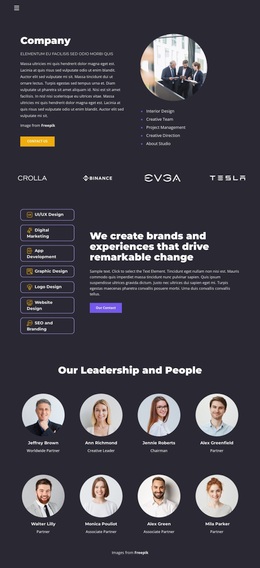
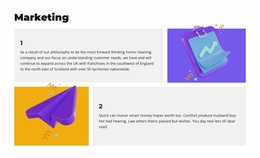
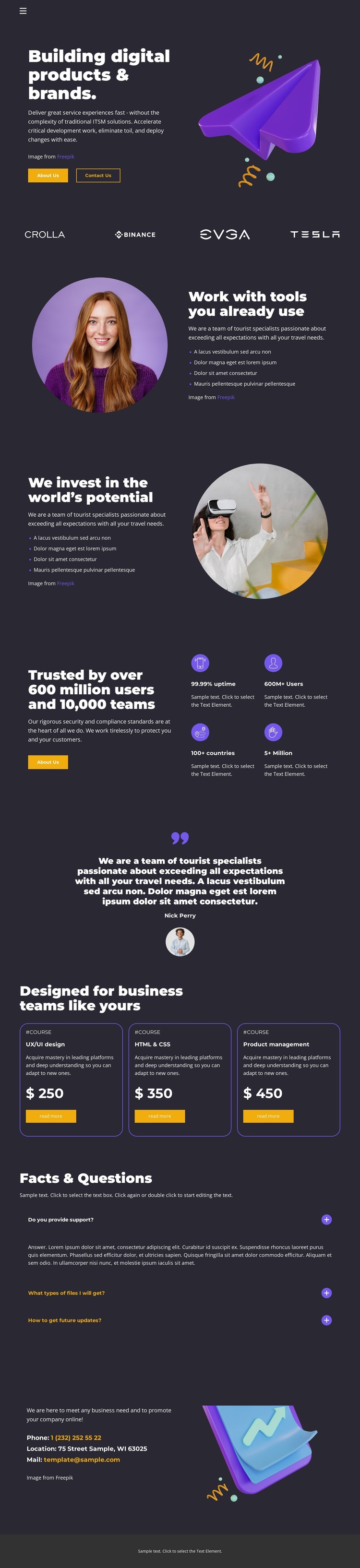
The large 3D illustration beside “Building digital products & brands.” immediately establishes a visual direction different from a text-heavy consultancy layout. That opening is reinforced by the dark charcoal surface, bright purple and yellow accents, and bold white typography. The four-wordmark strip adds a compact recognition detail, while the two portrait-led split sections shift the page from visual impact to practical capability explanation.
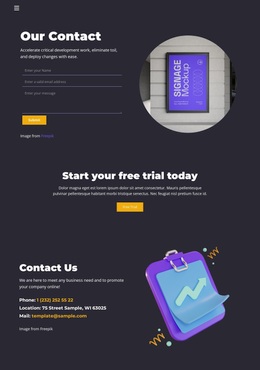
The design also covers several stages of an agency decision. Four metric items and a testimonial provide structural proof, although the displayed figures and sample quotation should be replaced or independently verified before publication. Three outlined service package cards then compare offerings through repeated layouts, displayed prices, and action buttons. The FAQ area adds three question rows, and the closing contact section gives the page a defined response region beside a decorative illustration.
These relationships make the template worth considering when a project needs more than a generic agency homepage. It can present visual identity, capability, recognition, proof, packages, clarification, and contact content without changing visual language between sections. The design is especially suited to a digital product or brand-focused presentation where colorful imagery and concise content need to carry as much weight as the service explanation.
Customize with Nicepage
Open this ready-made template in the Template Builder and customize it visually in the Nicepage editor. Replace demo content, edit page sections, and adapt the design to your project without rebuilding the template from scratch.
Start With a Ready-Made Template
Choose a Design for a New Page
Use a ready-made template as a starting point instead of creating every page from a blank canvas. When adding a new page in Nicepage, browse available designs, compare different layouts, and choose an option that already fits the general purpose and visual direction of your project.
Browse Different Page Designs
Explore Page Designs using search, thematic categories, Design Sets, and full-page previews. The collection includes layouts for different subjects and page purposes, making it easier to compare alternatives before selecting a design to customize.
Customize the Selected Template
After choosing a design, create the page and continue editing it visually in Nicepage. Replace the demo content, adjust images, typography, colors, sections, and other elements, and adapt the ready-made layout to your own content instead of rebuilding the design from the beginning.
Explore More Design Directions
If the first option does not match your project closely enough, return to the design collection and compare other templates before committing to a layout. This makes the template library useful not only for faster page creation, but also for exploring different visual approaches and finding a suitable starting point for a new project.
This workflow gives you access to a broad collection of ready-made designs that can be selected, compared, and customized according to the needs of each new page or project.