Nature soothes Template



Edit Template Offline
2. Create new page and search for id 1265973
Edit Template Online
Create Awesome Websites


Free Nicepage Builder
Keywords
Six sustainability tips connect scenic storytelling with travel choices
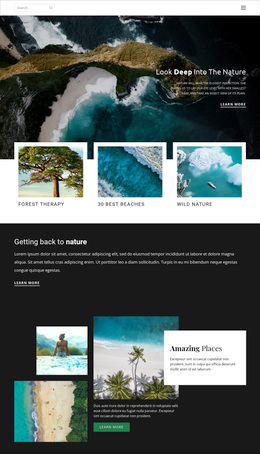
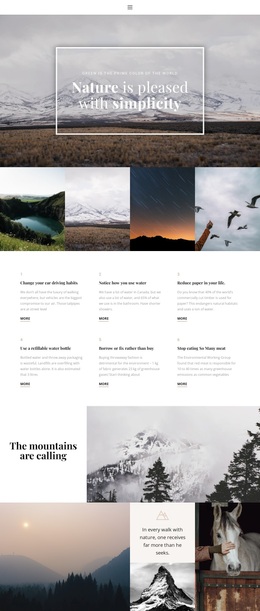
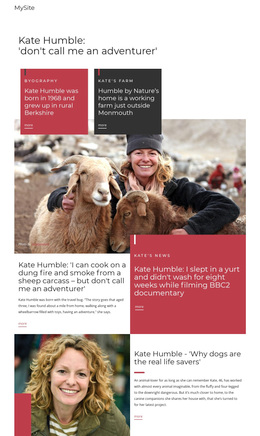
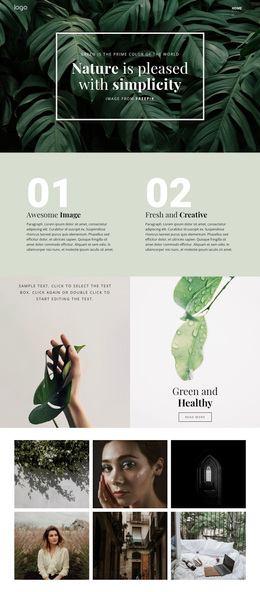
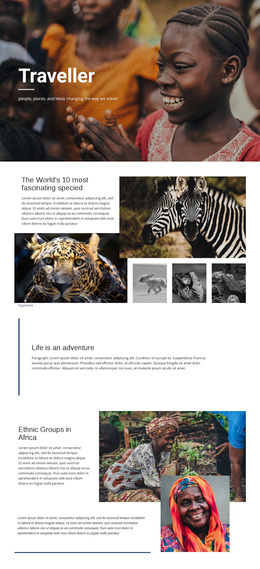
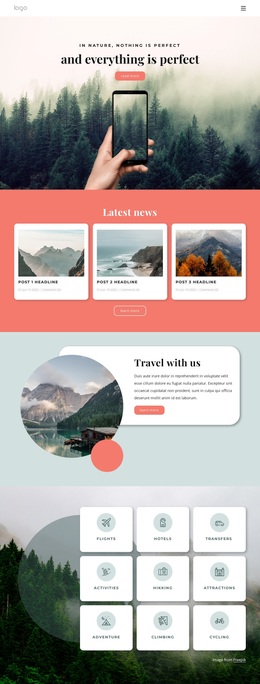
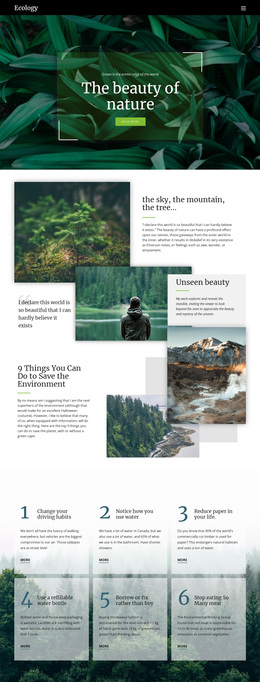
Large nature photography gives this design an immediate point of difference. Mountains, forests, lakes, and wildlife appear across the hero, gallery, collage, and quotation areas, so visual storytelling carries the visitor through the page before the travel categories appear. That imagery is not isolated from the subject: it is paired with six numbered sustainability tips covering choices such as driving, water use, paper, refillable bottles, repair, and meat consumption. The result connects travel inspiration with a broader environmental perspective.
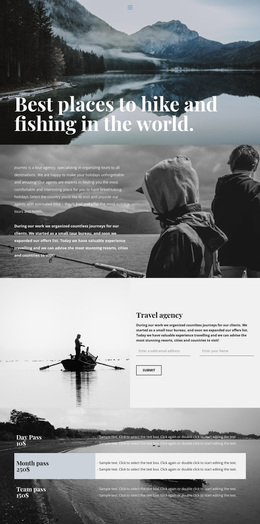
The lower half adds practical coverage without abandoning the editorial tone. The agency introduction presents tailor-made vacations and safaris, two testimonial-style profiles provide structural social proof, and three repeated cards distinguish hiking tours, luxury holidays, and trip planning. Together, those elements make the design suitable for projects that need both a nature-oriented identity and clear travel content, rather than a page centered only on a gallery or only on service listings.
Muted earth tones, pale greens, elegant serif display type, translucent borders, and generous whitespace reinforce that choice. They give the template a quieter direction than a dense promotional layout. Demo names, sample statistics, and placeholder text should be replaced, but the underlying combination of scenic proof, sustainability guidance, agency context, and travel categories remains a clear reason to select this design.
Customize with Nicepage
Open this ready-made template in the Template Builder and customize it visually in the Nicepage editor. Replace demo content, edit page sections, and adapt the design to your project without rebuilding the template from scratch.
Start With a Ready-Made Template
Choose a Design for a New Page
Use a ready-made template as a starting point instead of creating every page from a blank canvas. When adding a new page in Nicepage, browse available designs, compare different layouts, and choose an option that already fits the general purpose and visual direction of your project.
Browse Different Page Designs
Explore Page Designs using search, thematic categories, Design Sets, and full-page previews. The collection includes layouts for different subjects and page purposes, making it easier to compare alternatives before selecting a design to customize.
Customize the Selected Template
After choosing a design, create the page and continue editing it visually in Nicepage. Replace the demo content, adjust images, typography, colors, sections, and other elements, and adapt the ready-made layout to your own content instead of rebuilding the design from the beginning.
Explore More Design Directions
If the first option does not match your project closely enough, return to the design collection and compare other templates before committing to a layout. This makes the template library useful not only for faster page creation, but also for exploring different visual approaches and finding a suitable starting point for a new project.
This workflow gives you access to a broad collection of ready-made designs that can be selected, compared, and customized according to the needs of each new page or project.