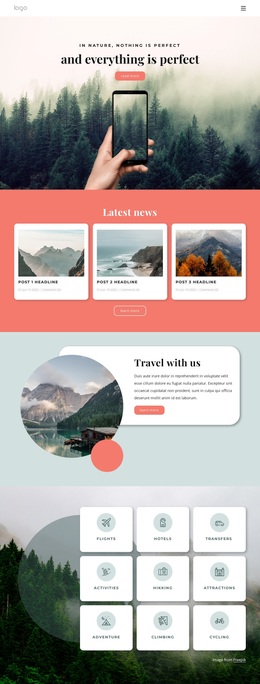
Explore wonderful nature Template


Edit Template Offline
2. Create new page and search for id 12515
Edit Template Online
Create Awesome Websites


Free Nicepage Builder
Keywords
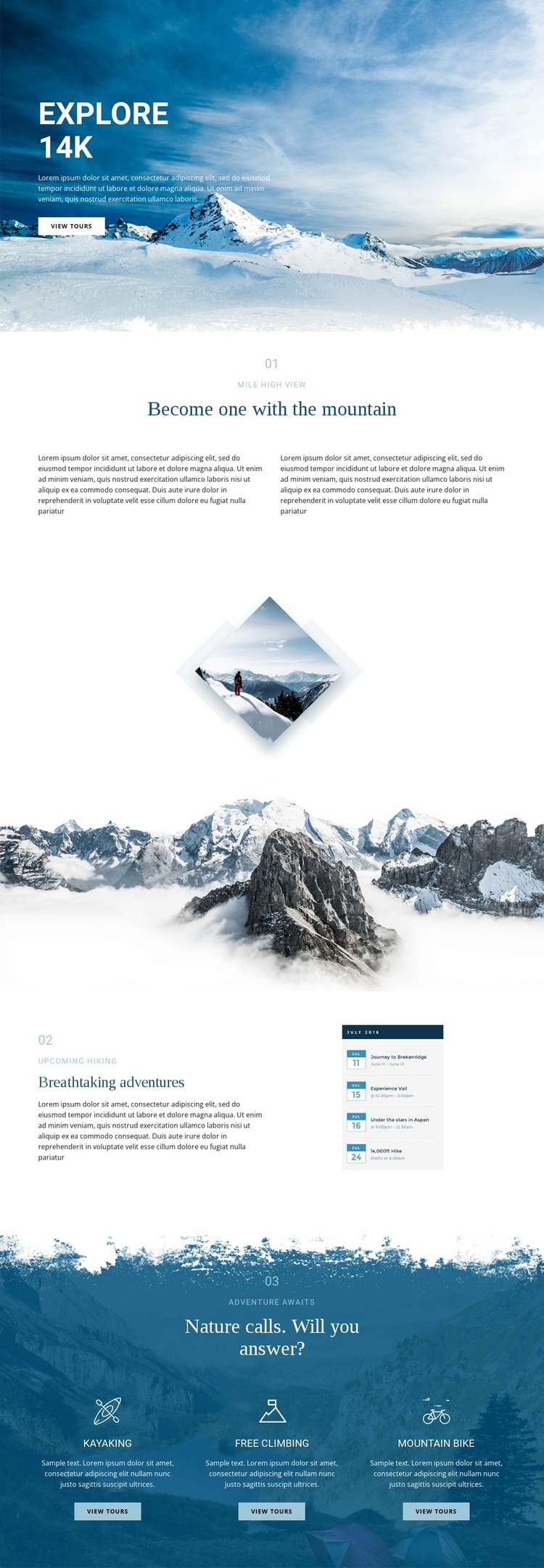
Three Outdoor Activities Anchor the Design Choice
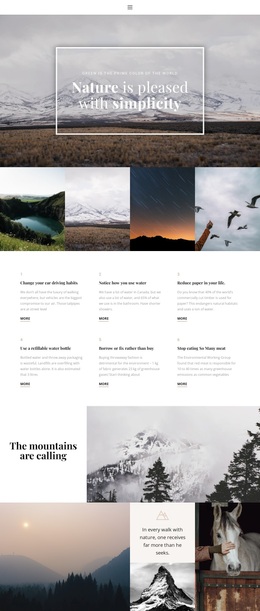
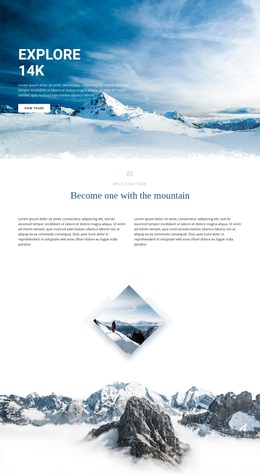
The strongest reason to choose this design is the way it lets mountain imagery carry the opening impression while still covering several concrete adventure options. The hero immediately establishes snowy alpine scenery and introduces exploration with a View tours action. The numbered “Become one with the mountain” and “Breathtaking adventures” sections add editorial context for viewpoint and hiking themes, so the page has more substance than a single dramatic photograph.
The design becomes especially distinctive in its closing activity block. Kayaking, free climbing, and mountain biking are arranged as three parallel choices over a deep blue mountain background. Each card adds an icon, supporting description, and View tours button, giving projects a ready-made way to present different outdoor experiences without relying on a long catalogue or dense technical layout. The repeated action also connects the activity coverage back to the invitation introduced in the hero.
This makes the template a useful option for projects that want visual storytelling, a travel-poster tone, and several recognizable activity categories in one presentation. It is more specifically oriented toward mountain adventure discovery than a generic nature layout because the verified content combines alpine imagery with hiking, kayaking, free climbing, and mountain biking. The result is a focused design choice for presenting outdoor tours through atmosphere followed by clear options.
Customize with Nicepage
Open this ready-made template in the Template Builder and customize it visually in the Nicepage editor. Replace demo content, edit page sections, and adapt the design to your project without rebuilding the template from scratch.
Start With a Ready-Made Template
Choose a Design for a New Page
Use a ready-made template as a starting point instead of creating every page from a blank canvas. When adding a new page in Nicepage, browse available designs, compare different layouts, and choose an option that already fits the general purpose and visual direction of your project.
Browse Different Page Designs
Explore Page Designs using search, thematic categories, Design Sets, and full-page previews. The collection includes layouts for different subjects and page purposes, making it easier to compare alternatives before selecting a design to customize.
Customize the Selected Template
After choosing a design, create the page and continue editing it visually in Nicepage. Replace the demo content, adjust images, typography, colors, sections, and other elements, and adapt the ready-made layout to your own content instead of rebuilding the design from the beginning.
Explore More Design Directions
If the first option does not match your project closely enough, return to the design collection and compare other templates before committing to a layout. This makes the template library useful not only for faster page creation, but also for exploring different visual approaches and finding a suitable starting point for a new project.
This workflow gives you access to a broad collection of ready-made designs that can be selected, compared, and customized according to the needs of each new page or project.