Skies and beauty of nature Template


Edit Template Offline
2. Create new page and search for id 17024
Edit Template Online
Create Awesome Websites


Free Nicepage Builder
Keywords
Six Practical Habits Give the Nature Story a Clear Direction
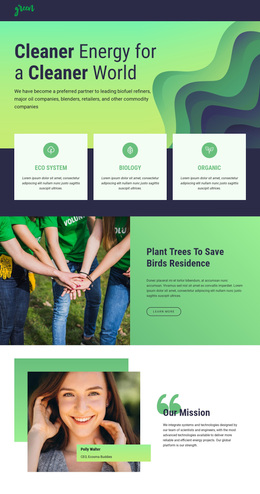
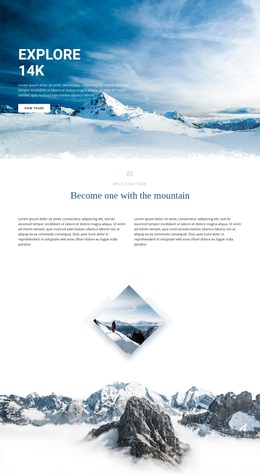
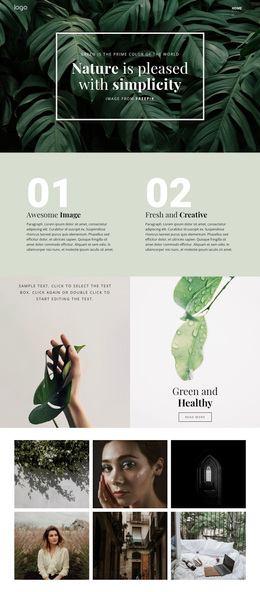
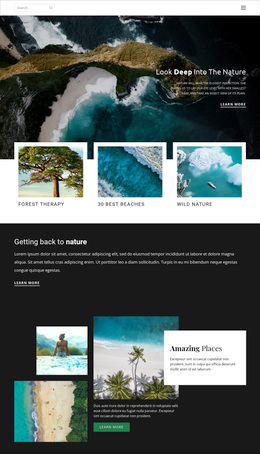
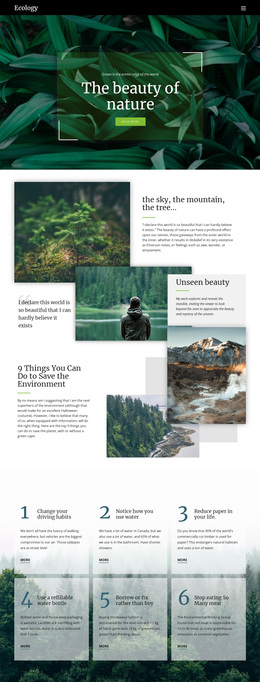
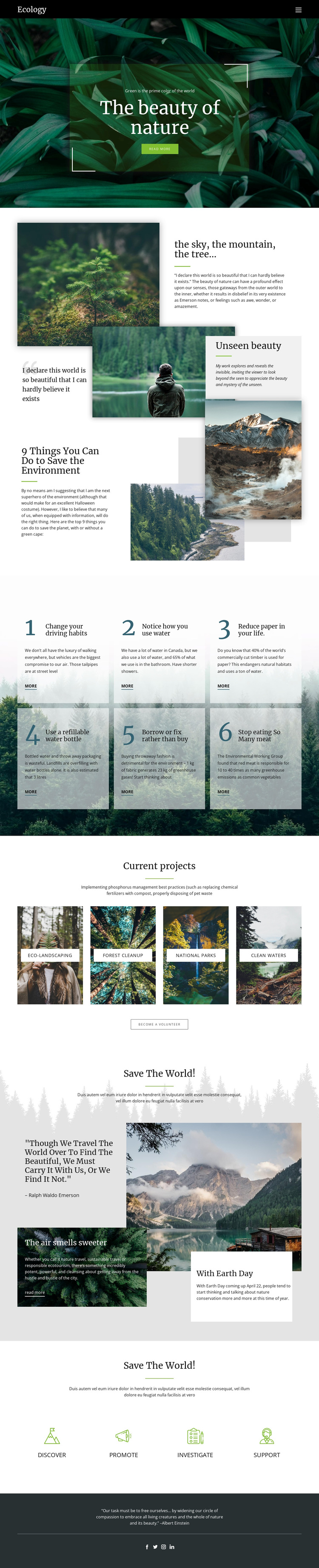
Large nature photographs carry the first impression, but the design becomes distinctive through the way visual storytelling is paired with practical environmental content. “The beauty of nature” introduces the subject in a full-width hero, while the “Unseen beauty” section uses overlapping landscape and forest images to create a more reflective editorial moment. The page is therefore suited to projects that need imagery to establish emotional context before presenting information.
Its strongest differentiating feature is the group of six numbered environmental action cards. Rather than leaving conservation as a general theme, the repeated cards provide a visible framework for sustainable habits that visitors can review and apply. The four “Current projects” categories add breadth without changing the focus: Eco-landscaping, Forest cleanup, National parks, and Clean waters show several recognizable directions for conservation content through labeled photography.
The later “Save The World!” feature combines a mountain image, a quotation attributed to Ralph Waldo Emerson, and two smaller story panels, giving the page a second editorial register. Four icon-based pathways—Discover, Promote, Investigate, and Support—then make participation more explicit. This combination of visual atmosphere, practical guidance, project categories, and action pathways makes the design a useful choice for an ecology or nature-conservation campaign that must communicate both feeling and direction.
Customize with Nicepage
Open this ready-made template in the Template Builder and customize it visually in the Nicepage editor. Replace demo content, edit page sections, and adapt the design to your project without rebuilding the template from scratch.
Start With a Ready-Made Template
Choose a Design for a New Page
Use a ready-made template as a starting point instead of creating every page from a blank canvas. When adding a new page in Nicepage, browse available designs, compare different layouts, and choose an option that already fits the general purpose and visual direction of your project.
Browse Different Page Designs
Explore Page Designs using search, thematic categories, Design Sets, and full-page previews. The collection includes layouts for different subjects and page purposes, making it easier to compare alternatives before selecting a design to customize.
Customize the Selected Template
After choosing a design, create the page and continue editing it visually in Nicepage. Replace the demo content, adjust images, typography, colors, sections, and other elements, and adapt the ready-made layout to your own content instead of rebuilding the design from the beginning.
Explore More Design Directions
If the first option does not match your project closely enough, return to the design collection and compare other templates before committing to a layout. This makes the template library useful not only for faster page creation, but also for exploring different visual approaches and finding a suitable starting point for a new project.
This workflow gives you access to a broad collection of ready-made designs that can be selected, compared, and customized according to the needs of each new page or project.