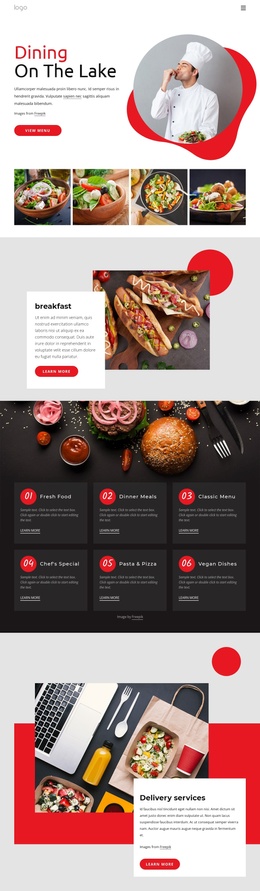
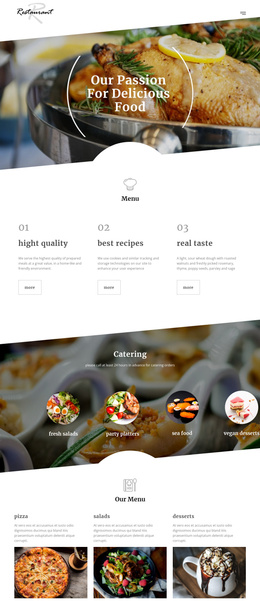
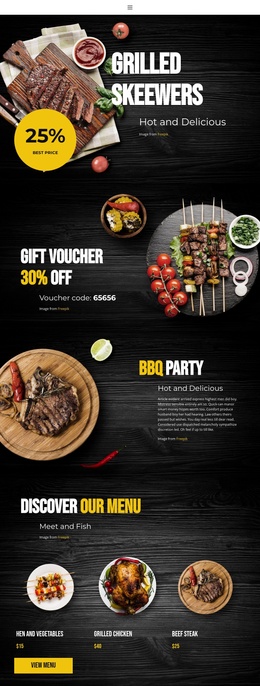
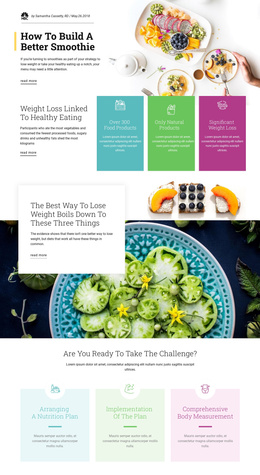
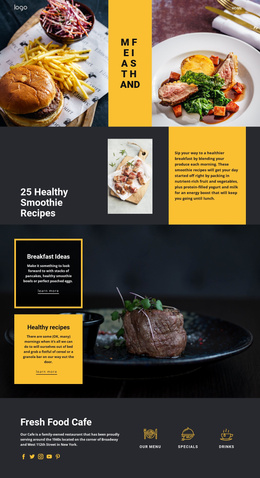
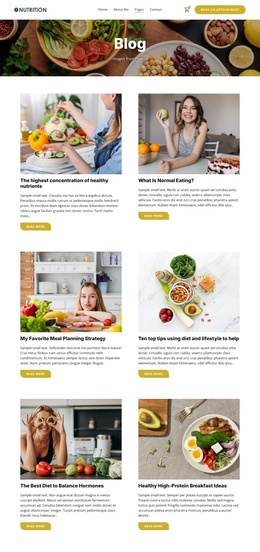
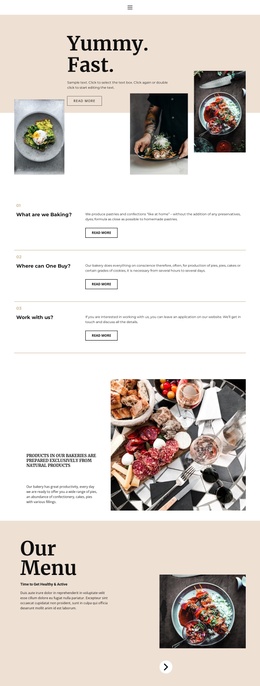
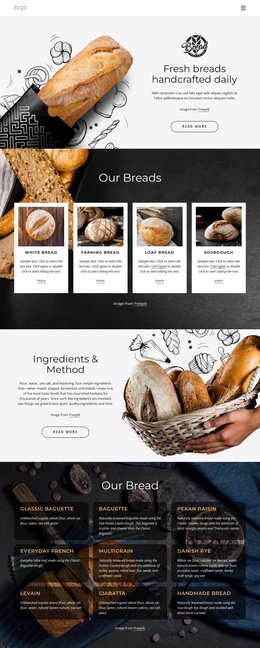
The most delicious food Joomla Template


Massaman Curry Copy Creates a Structured Joomla Content Region
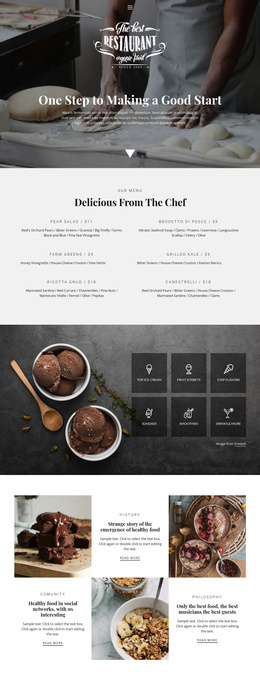
The heading “Which is the tastiest food?” gives this section a clear editorial subject, while the paragraph provides the main informational body by discussing Massaman curry and a meaty, spicy, gingery dish from west Sumatra. The repeated orange-halves image adds a separate visual entry point, so the content is organized as a relationship between food imagery and explanatory text rather than as one undifferentiated paragraph. The read more action then offers a natural continuation for visitors who want related information.
In a Joomla-managed project, this arrangement can function as one stable content region within a broader page. The two equal-width areas make the section easy to recognize: the image carries visual context on one side, and the black panel groups the heading, paragraph, and yellow action on the other. White text against the dark panel preserves a strong reading contrast, while centered alignment keeps the editorial message contained. The surrounding Joomla-managed site can handle other content areas and page structure around this section.
This block is especially suited to structured food, restaurant, or editorial content where one topic needs both an image-led introduction and a short explanatory passage. Its reusable value comes from the clear division between subject imagery, written information, and the next-content action, not from any assumption about the wider CMS arrangement.
Customize with Nicepage
Open this ready-made template in the Joomla Page Builder and customize it visually in the Nicepage editor. Replace demo content, edit page sections, and adapt the design to your project without rebuilding the template from scratch.
Edit Template Offline
2. Create a new page or select existing
3. Click Add new block, search for id 70543 and click enter
Edit Template Online
Create Awesome Websites


Free Nicepage Builder
Keywords
Work With This Template in Joomla
Customize and Install the Joomla Template
Start with this ready-made template instead of building the Joomla design from scratch. Customize its layout, content, typography, images, sections, and other design elements visually in the Nicepage application, then export and install the Joomla Template, Nicepage Extension, and supported content on your Joomla website.
Edit the Template Directly in Joomla
After installation, you can edit the Joomla Template directly in Joomla with the Nicepage Joomla Extension. Customize the Header, Footer, Colors, Fonts, typography, and Page Templates from the Joomla workflow while keeping the site design connected with your CMS content.
Edit Joomla Articles Visually
Use the Nicepage Joomla Extension to open and edit Joomla Articles visually from the Joomla Administrator. Change text, images, sections, layouts, and other page content in the Nicepage editor while continuing to manage the Articles through Joomla.
Joomla Content and Template Integration
Use the customized template together with Joomla Articles, module Positions, menus, forms, Blog Pages, and other supported CMS elements. With the Nicepage Extension used as the Site Style Source, shared design settings can be applied across Joomla Articles while Joomla continues to provide the CMS environment for managing site content.
This workflow combines a ready-made Joomla Template with visual customization, direct template editing in Joomla, and continued content management through the Nicepage Joomla Extension.