Grilled skeewers Joomla Template



Edit Template Offline
2. Create new page and search for id 5707828
Edit Template Online
Create Awesome Websites


Free Nicepage Builder
Keywords
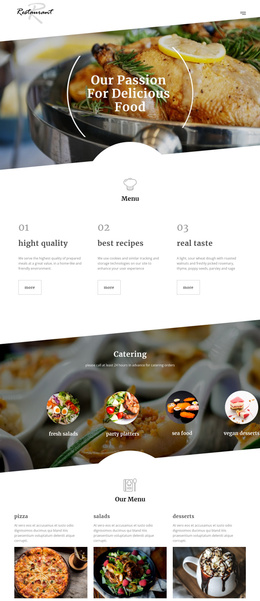
Menu and event content arranged for a restaurant site
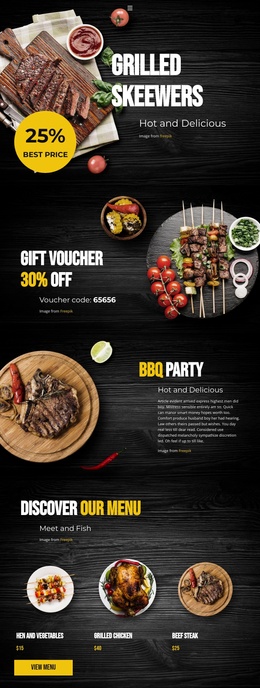
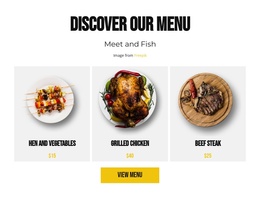
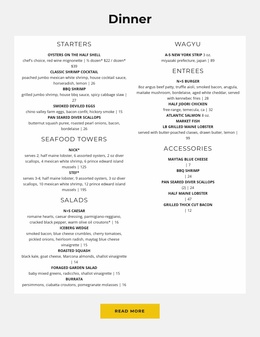
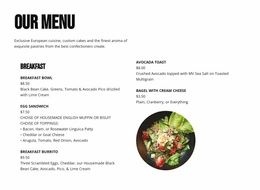
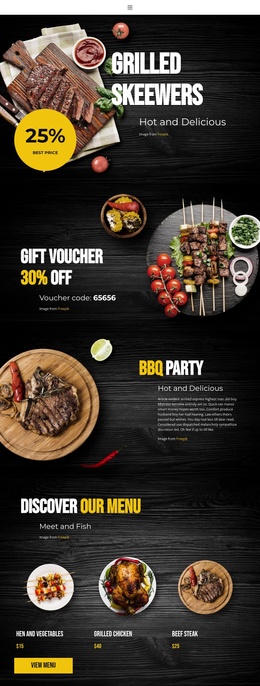
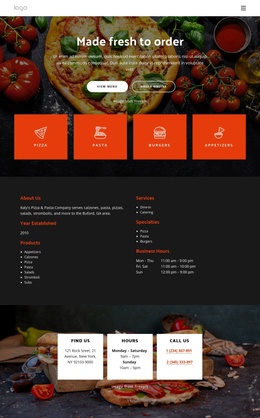
The recurring information areas in this design map naturally to a structured restaurant website. The menu section groups Hen and Vegetables, Grilled Chicken, and Beef Steak as related food content, while the BBQ Party and BBQ Weekend sections provide separate spaces for event information. Keeping those subjects in distinct blocks helps a Joomla-managed project preserve a clear relationship between menu content, promotions, and scheduled activities rather than merging every message into one generic page.
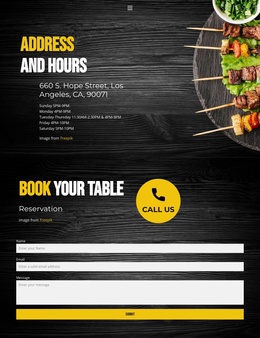
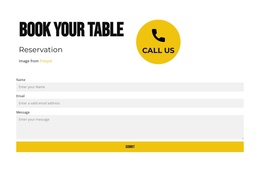
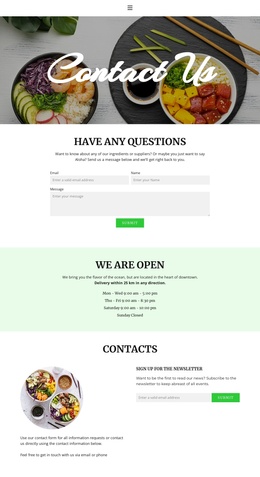
The Gift Voucher sections add another repeatable content type. Their discount copy, voucher code, and food imagery form a recognizable promotional unit that could be maintained alongside the menu and event areas. Address and Hours content then supplies a practical site region, giving visitors a place to find location and operating information before reaching the booking section. The reservation form and Call Us action complete the path from restaurant presentation to contact.
This structure is also compatible with a broader navigation model because the page contains clearly named areas such as menu, vouchers, events, contact information, and reservations. In a Joomla project, these relationships can guide how content is divided and maintained without claiming that Joomla Articles or module positions already exist in the template. The Joomla Extension is an optional product bridge for designing and editing Joomla article content, while the template-specific value remains its organized restaurant content structure.
Customize with Nicepage
Open this ready-made template in the Joomla Page Builder and customize it visually in the Nicepage editor. Replace demo content, edit page sections, and adapt the design to your project without rebuilding the template from scratch.
Work With This Template in Joomla
Customize and Install the Joomla Template
Start with this ready-made template instead of building the Joomla design from scratch. Customize its layout, content, typography, images, sections, and other design elements visually in the Nicepage application, then export and install the Joomla Template, Nicepage Extension, and supported content on your Joomla website.
Edit the Template Directly in Joomla
After installation, you can edit the Joomla Template directly in Joomla with the Nicepage Joomla Extension. Customize the Header, Footer, Colors, Fonts, typography, and Page Templates from the Joomla workflow while keeping the site design connected with your CMS content.
Edit Joomla Articles Visually
Use the Nicepage Joomla Extension to open and edit Joomla Articles visually from the Joomla Administrator. Change text, images, sections, layouts, and other page content in the Nicepage editor while continuing to manage the Articles through Joomla.
Joomla Content and Template Integration
Use the customized template together with Joomla Articles, module Positions, menus, forms, Blog Pages, and other supported CMS elements. With the Nicepage Extension used as the Site Style Source, shared design settings can be applied across Joomla Articles while Joomla continues to provide the CMS environment for managing site content.
This workflow combines a ready-made Joomla Template with visual customization, direct template editing in Joomla, and continued content management through the Nicepage Joomla Extension.