Dining on the lake Joomla Template



Edit Template Offline
2. Create new page and search for id 91384
Edit Template Online
Create Awesome Websites


Free Nicepage Builder
Keywords
Food Categories and Delivery Regions Create Organized CMS Content Areas
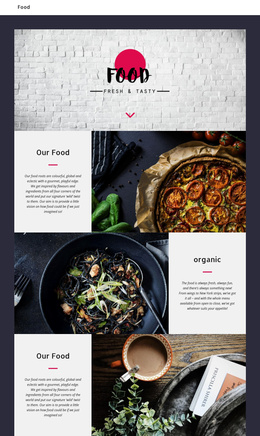
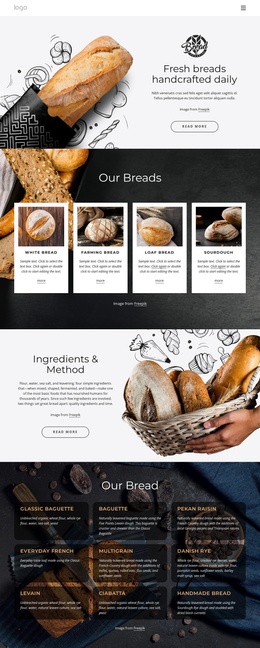
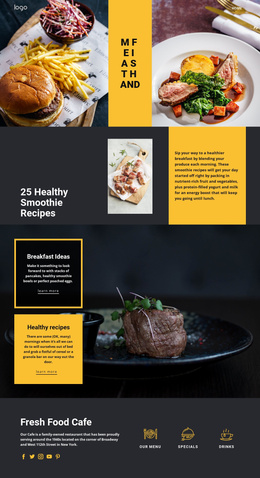
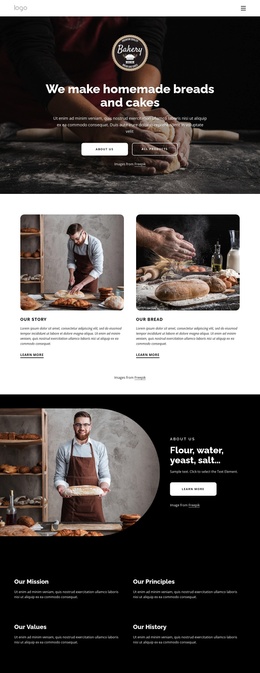
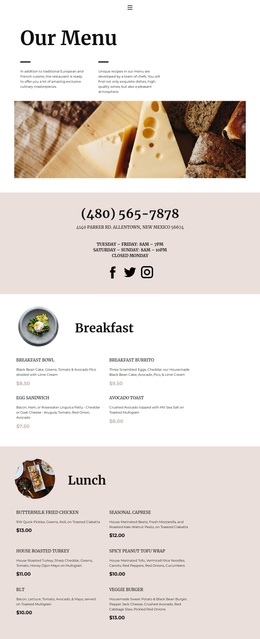
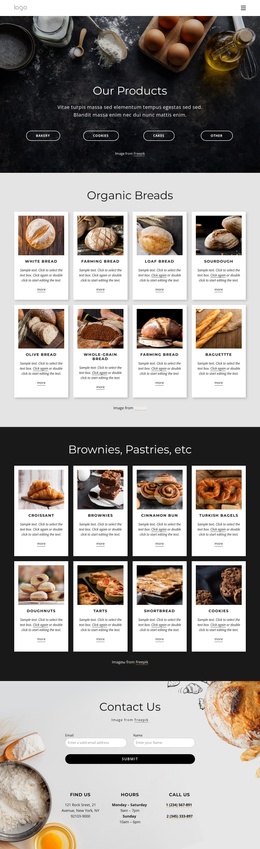
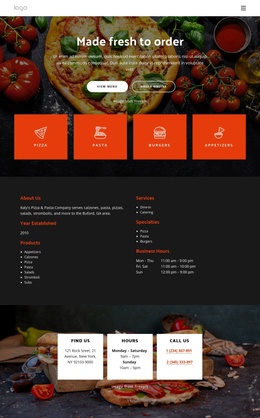
The six numbered category cards give the design a natural set of structured restaurant information areas: Fresh Food, Dinner Meals, Classic Menu, Chef's Special, Pasta & Pizza, and Vegan Dishes. Their repeated treatment makes them easy to understand as related content while the surrounding dark food background keeps them within one shared visual region. The separate burger menu then provides a more detailed product-oriented area with six named items, displayed prices, and add-to-cart actions.
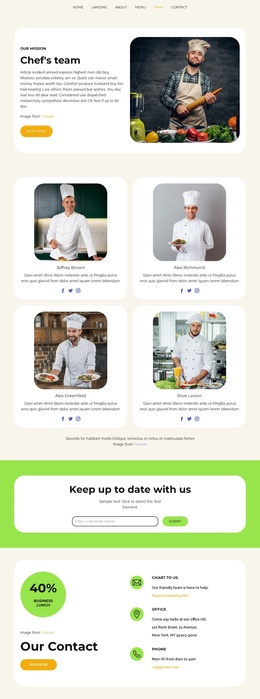
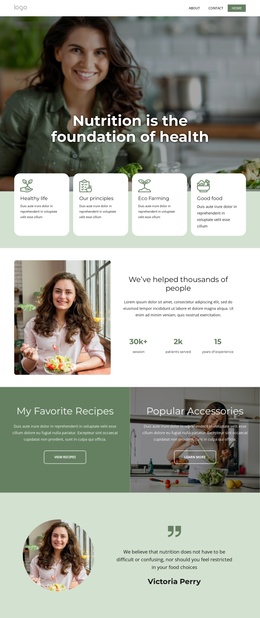
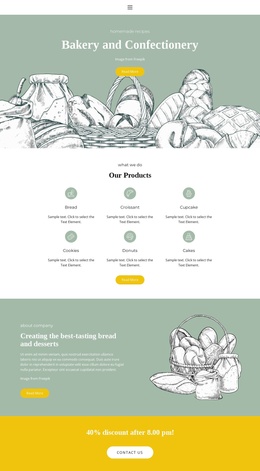
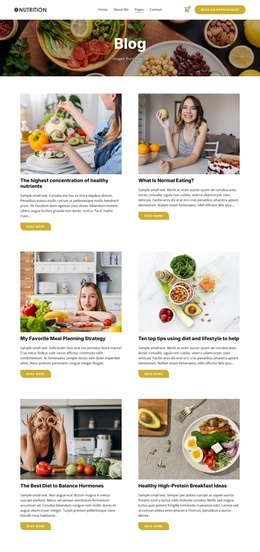
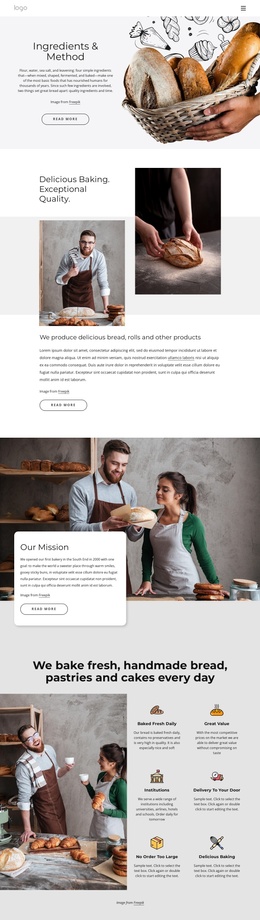
The page also divides service information into two delivery promotions. One uses an overlapping white card beside a large image, while the later section places circular food images next to a light-gray information card. These regions could support distinct CMS-managed content while retaining the same restaurant navigation and visual system. The hero gallery, food category carousel, and Fast Food banner add further editorial zones for presenting imagery and menu direction. At the bottom, the Subscribe section connects an email form with location information and social links, giving the site a clear communication region rather than treating contact details as isolated text. In a Joomla project, this combination of recurring categories, service areas, navigation, gallery content, and contact information provides a coherent structure for organized restaurant content without requiring unsupported claims about existing Joomla Articles or modules.
Customize with Nicepage
Open this ready-made template in the Joomla Page Builder and customize it visually in the Nicepage editor. Replace demo content, edit page sections, and adapt the design to your project without rebuilding the template from scratch.
Work With This Template in Joomla
Customize and Install the Joomla Template
Start with this ready-made template instead of building the Joomla design from scratch. Customize its layout, content, typography, images, sections, and other design elements visually in the Nicepage application, then export and install the Joomla Template, Nicepage Extension, and supported content on your Joomla website.
Edit the Template Directly in Joomla
After installation, you can edit the Joomla Template directly in Joomla with the Nicepage Joomla Extension. Customize the Header, Footer, Colors, Fonts, typography, and Page Templates from the Joomla workflow while keeping the site design connected with your CMS content.
Edit Joomla Articles Visually
Use the Nicepage Joomla Extension to open and edit Joomla Articles visually from the Joomla Administrator. Change text, images, sections, layouts, and other page content in the Nicepage editor while continuing to manage the Articles through Joomla.
Joomla Content and Template Integration
Use the customized template together with Joomla Articles, module Positions, menus, forms, Blog Pages, and other supported CMS elements. With the Nicepage Extension used as the Site Style Source, shared design settings can be applied across Joomla Articles while Joomla continues to provide the CMS environment for managing site content.
This workflow combines a ready-made Joomla Template with visual customization, direct template editing in Joomla, and continued content management through the Nicepage Joomla Extension.