Get personalized nutrition coaching Joomla Template


Edit Template Offline
2. Create new page and search for id 6435437
Edit Template Online
Create Awesome Websites


Free Nicepage Builder
Keywords
Navigation and booking regions create a structured Joomla content foundation
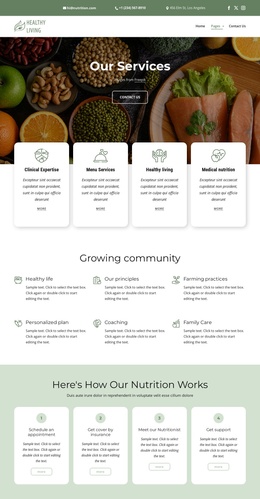
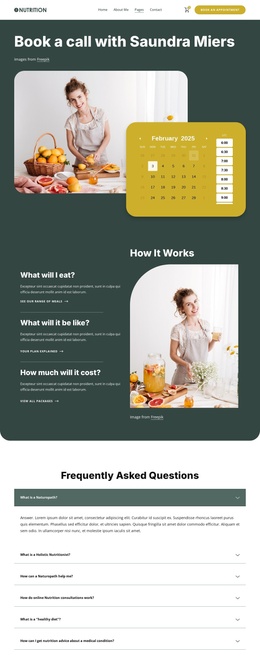
The two-bar header gives the design a defined shared region for navigation, contact channels, social links, and branding. Its links point toward informational, service, portfolio, FAQ, booking, pricing, and blog content, so the page is not limited to a single isolated interaction. That range of destinations provides a useful structure for organizing related site areas while keeping the booking page visually connected to them.
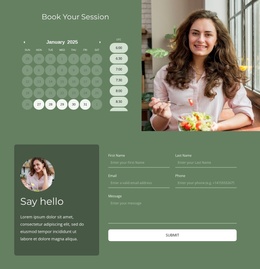
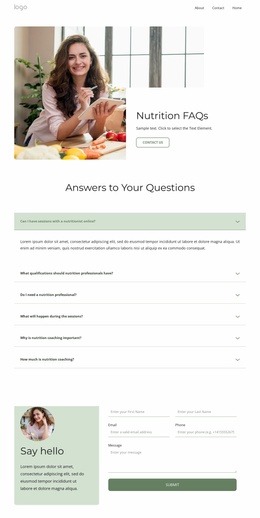
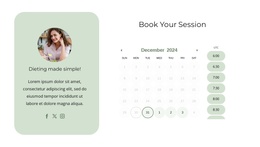
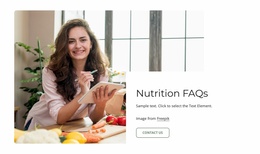
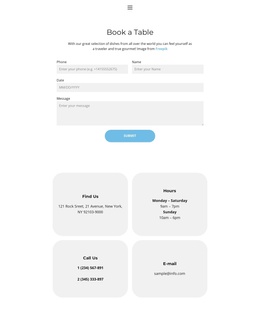
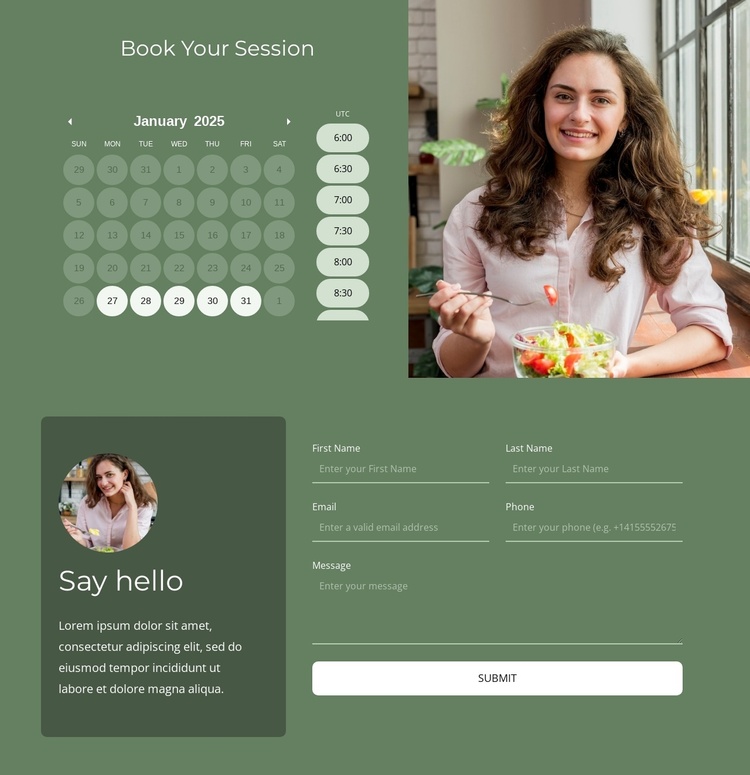
The central appointment area supplies a second, more focused content region. Date selection, time-slot selection, and booking status messages belong together beside the lifestyle image, making the scheduling purpose immediately distinguishable from general site information. In a Joomla project, this separation can help keep appointment-oriented content distinct from service or informational material while preserving the same page design.
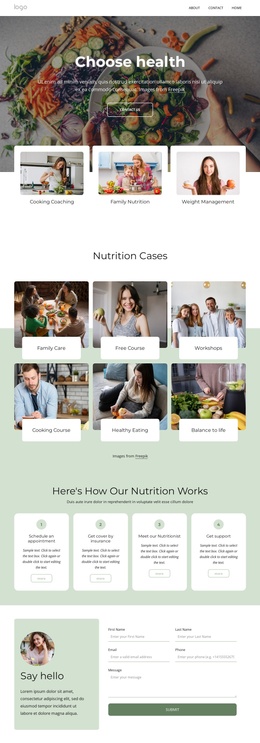
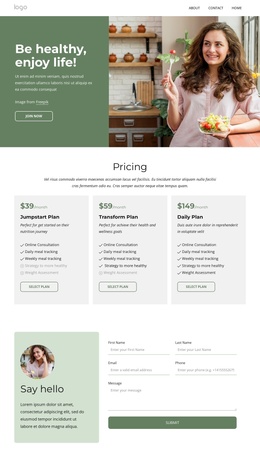
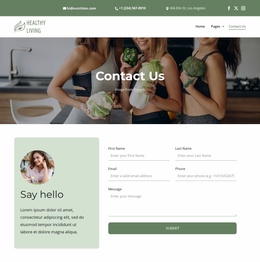
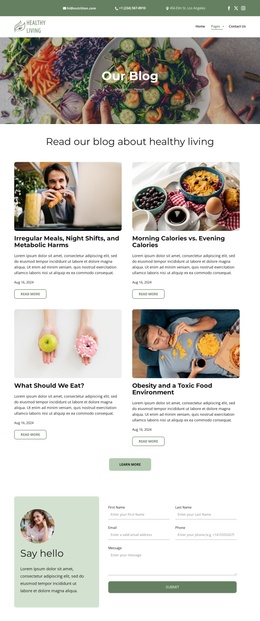
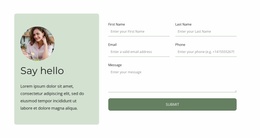
The “Say hello” inquiry form adds a structured contact area with name fields and a submit action. At the end of the page, the four-column footer groups quick links, address and contact channels, social links, and a subscription signup form into reusable site-facing regions. These relationships make the design suitable for a Joomla content environment without claiming that Joomla Articles, categories, or module positions already exist. The Joomla Extension can be a relevant bridge when the project needs CMS-managed content alongside this verified navigation and contact structure.
Customize with Nicepage
Open this ready-made template in the Joomla Page Builder and customize it visually in the Nicepage editor. Replace demo content, edit page sections, and adapt the design to your project without rebuilding the template from scratch.
Work With This Template in Joomla
Customize and Install the Joomla Template
Start with this ready-made template instead of building the Joomla design from scratch. Customize its layout, content, typography, images, sections, and other design elements visually in the Nicepage application, then export and install the Joomla Template, Nicepage Extension, and supported content on your Joomla website.
Edit the Template Directly in Joomla
After installation, you can edit the Joomla Template directly in Joomla with the Nicepage Joomla Extension. Customize the Header, Footer, Colors, Fonts, typography, and Page Templates from the Joomla workflow while keeping the site design connected with your CMS content.
Edit Joomla Articles Visually
Use the Nicepage Joomla Extension to open and edit Joomla Articles visually from the Joomla Administrator. Change text, images, sections, layouts, and other page content in the Nicepage editor while continuing to manage the Articles through Joomla.
Joomla Content and Template Integration
Use the customized template together with Joomla Articles, module Positions, menus, forms, Blog Pages, and other supported CMS elements. With the Nicepage Extension used as the Site Style Source, shared design settings can be applied across Joomla Articles while Joomla continues to provide the CMS environment for managing site content.
This workflow combines a ready-made Joomla Template with visual customization, direct template editing in Joomla, and continued content management through the Nicepage Joomla Extension.