Guided Mountain Tours Joomla Template


Edit Template Offline
2. Create new page and search for id 6373350
Edit Template Online
Create Awesome Websites


Free Nicepage Builder
Keywords
Service Areas and Destination Content Suit a Joomla Site Structure
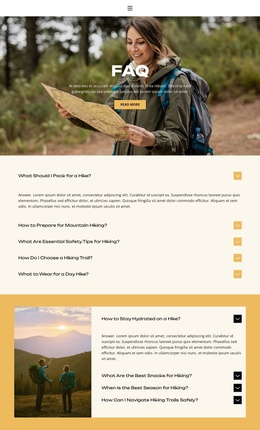
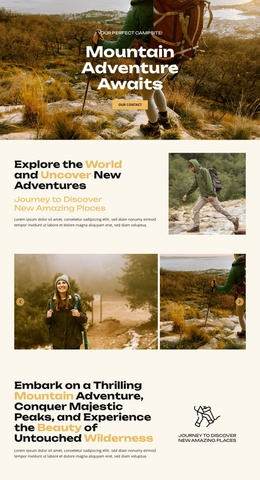
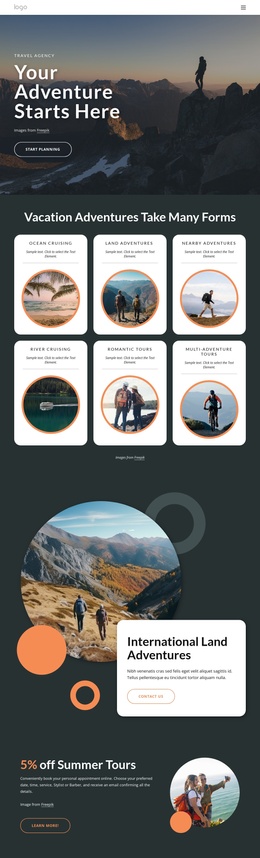
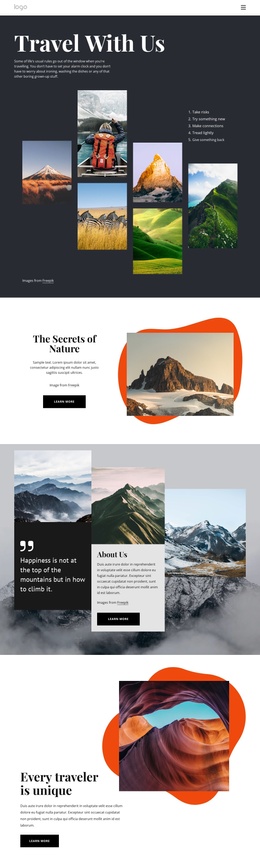
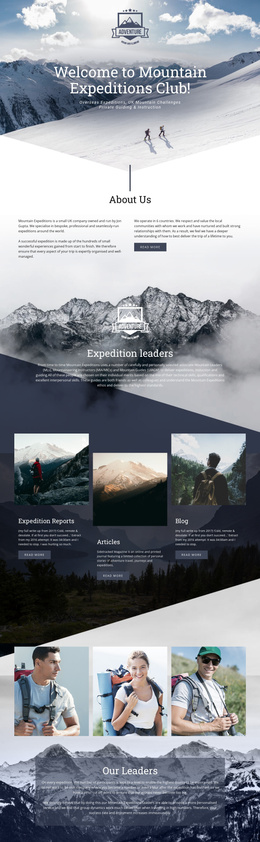
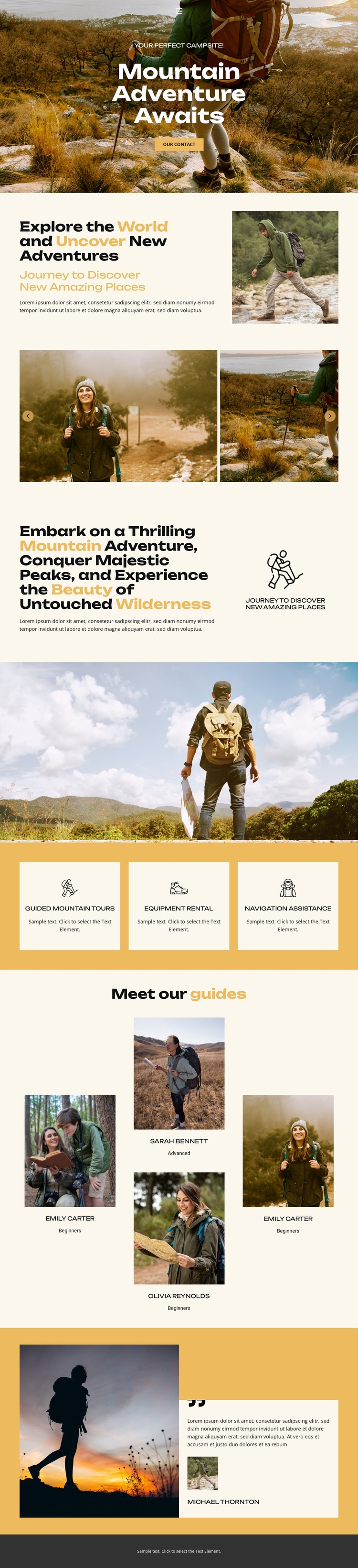
The page divides mountain travel information into clear content areas that can be understood and maintained within a Joomla-oriented website structure. The opening hero introduces the adventure subject and contact direction, while the About Us and wilderness sections provide longer descriptive context supported by hiking and mountain landscape photography. These areas give the design a natural place for core informational content without relying on the placeholder names or sample wording as business facts.
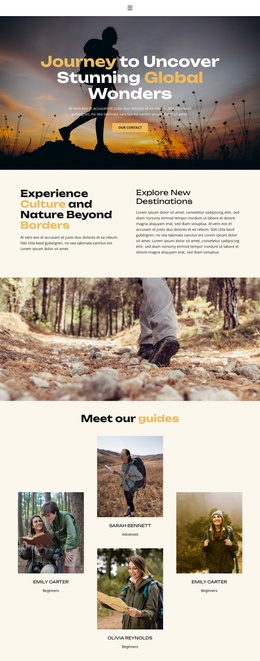
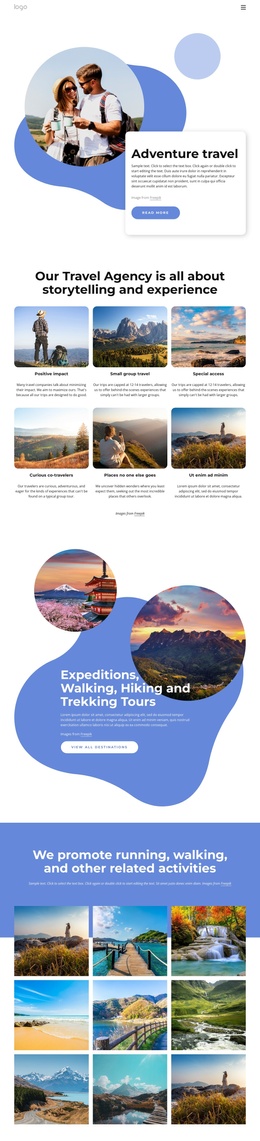
The three service cards create a separate group for guided mountain tours, equipment rental, and navigation assistance. Their repeated format is useful for keeping related offerings visually coordinated. The guide team section provides another distinct region, with four profile positions that can represent guide information, while the Destinations section establishes a separate area for location-focused descriptions and imagery. Together, these regions create a structured content hierarchy rather than a single undifferentiated promotional block.
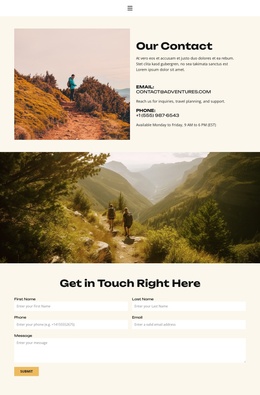
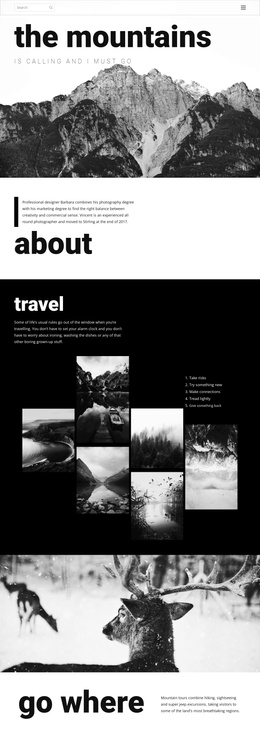
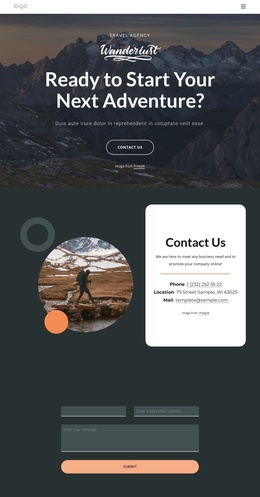
In a Joomla project, the visual system could therefore remain organized around navigation, service information, guide content, destinations, and contact-oriented messaging. The warm cream, ochre, olive, and charcoal palette, along with the shared image-led treatment, helps those content regions remain connected as the site is adapted. The design offers a practical starting arrangement for managing related outdoor travel information while preserving a recognizable page character.
Customize with Nicepage
Open this ready-made template in the Joomla Page Builder and customize it visually in the Nicepage editor. Replace demo content, edit page sections, and adapt the design to your project without rebuilding the template from scratch.
Work With This Template in Joomla
Customize and Install the Joomla Template
Start with this ready-made template instead of building the Joomla design from scratch. Customize its layout, content, typography, images, sections, and other design elements visually in the Nicepage application, then export and install the Joomla Template, Nicepage Extension, and supported content on your Joomla website.
Edit the Template Directly in Joomla
After installation, you can edit the Joomla Template directly in Joomla with the Nicepage Joomla Extension. Customize the Header, Footer, Colors, Fonts, typography, and Page Templates from the Joomla workflow while keeping the site design connected with your CMS content.
Edit Joomla Articles Visually
Use the Nicepage Joomla Extension to open and edit Joomla Articles visually from the Joomla Administrator. Change text, images, sections, layouts, and other page content in the Nicepage editor while continuing to manage the Articles through Joomla.
Joomla Content and Template Integration
Use the customized template together with Joomla Articles, module Positions, menus, forms, Blog Pages, and other supported CMS elements. With the Nicepage Extension used as the Site Style Source, shared design settings can be applied across Joomla Articles while Joomla continues to provide the CMS environment for managing site content.
This workflow combines a ready-made Joomla Template with visual customization, direct template editing in Joomla, and continued content management through the Nicepage Joomla Extension.