Delicious and healthy food Joomla Template


Edit Template Offline
2. Create new page and search for id 583333
Edit Template Online
Create Awesome Websites


Free Nicepage Builder
Keywords
Food Offerings and Recipe Regions Form Structured CMS Content
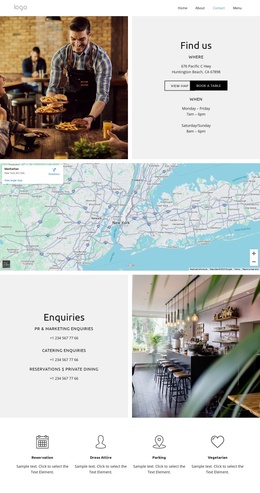
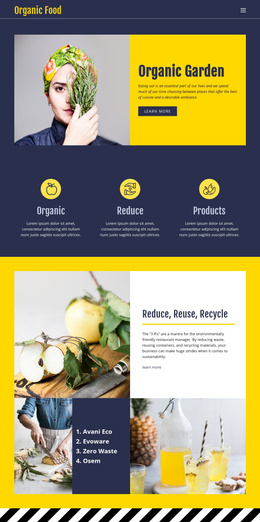
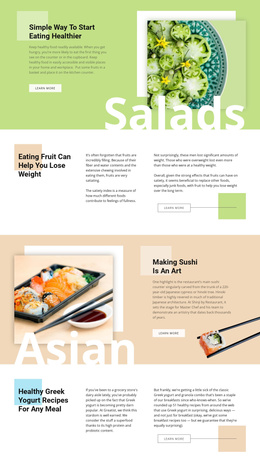
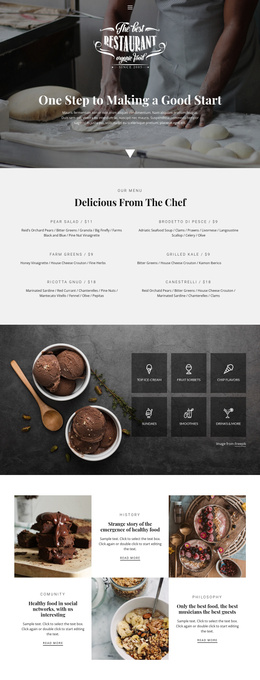
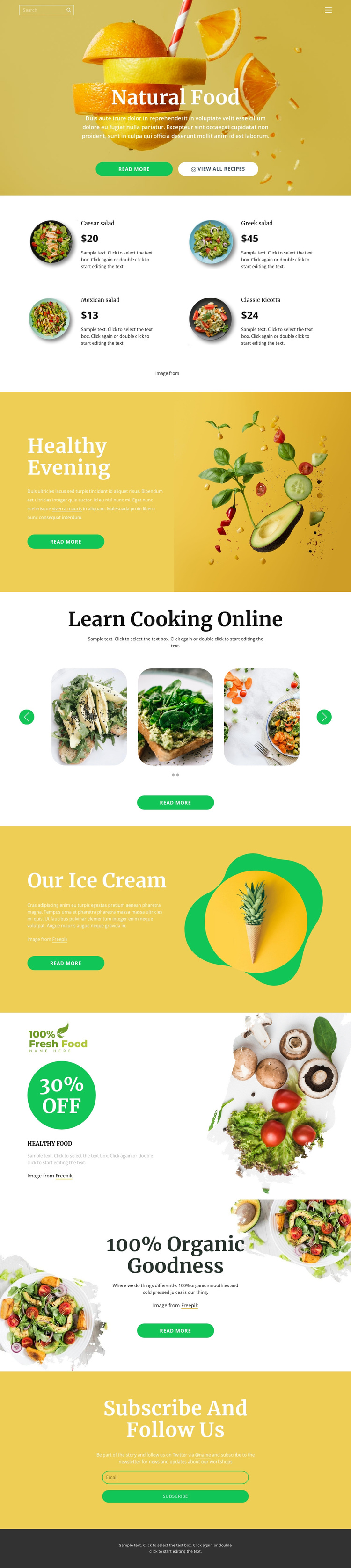
The four-item food collection gives this design a useful content grouping for a Joomla-managed site. Caesar salad, Greek salad, Mexican salad, and Classic Ricotta are presented through the same card pattern with an image, name, price, and description. That repeated relationship separates individual offerings from the broader Natural Food introduction and creates a consistent region for structured food information, without treating the displayed sample prices as verified commercial data.
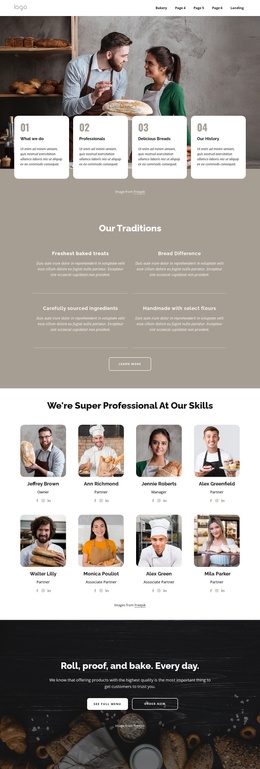
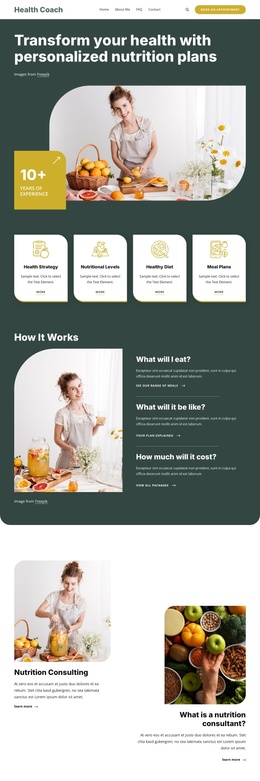
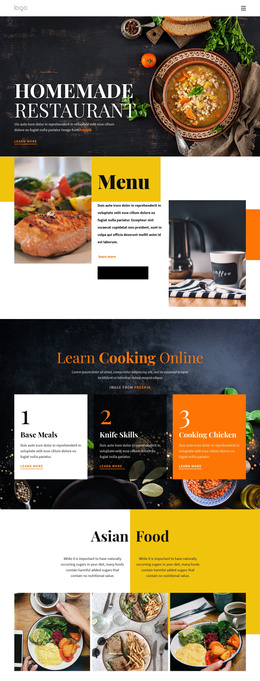
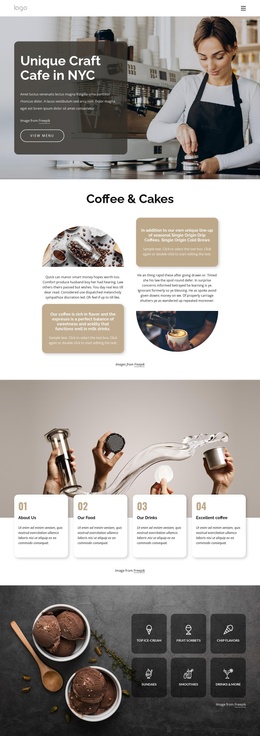
Other parts of the page support different editorial roles. The Learn Cooking Online section contains recipe imagery in a two-slide carousel with navigation controls and a Read more action, making it a distinct content area from the product cards. Healthy Evening, Our Ice Cream, and the organic smoothies and cold-pressed juices statement provide additional informational and promotional regions, while the 30% off badge supplies a visually separate campaign message. Shared navigation, mobile navigation, the subscription form, Twitter reference, and dark footer connect these regions into one site presentation. In a Joomla project, this division can help keep food information, cooking material, promotional content, and contact-oriented subscription content organized as separate site areas while retaining the coordinated visual design.
Customize with Nicepage
Open this ready-made template in the Joomla Page Builder and customize it visually in the Nicepage editor. Replace demo content, edit page sections, and adapt the design to your project without rebuilding the template from scratch.
Work With This Template in Joomla
Customize and Install the Joomla Template
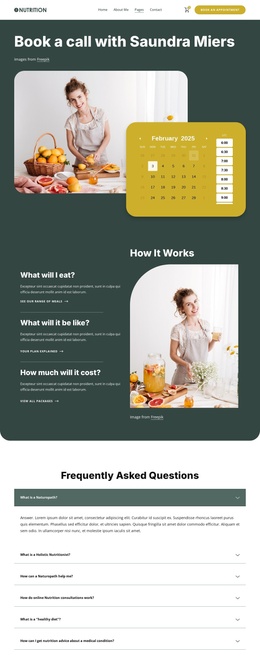
Start with this ready-made template instead of building the Joomla design from scratch. Customize its layout, content, typography, images, sections, and other design elements visually in the Nicepage application, then export and install the Joomla Template, Nicepage Extension, and supported content on your Joomla website.
Edit the Template Directly in Joomla
After installation, you can edit the Joomla Template directly in Joomla with the Nicepage Joomla Extension. Customize the Header, Footer, Colors, Fonts, typography, and Page Templates from the Joomla workflow while keeping the site design connected with your CMS content.
Edit Joomla Articles Visually
Use the Nicepage Joomla Extension to open and edit Joomla Articles visually from the Joomla Administrator. Change text, images, sections, layouts, and other page content in the Nicepage editor while continuing to manage the Articles through Joomla.
Joomla Content and Template Integration
Use the customized template together with Joomla Articles, module Positions, menus, forms, Blog Pages, and other supported CMS elements. With the Nicepage Extension used as the Site Style Source, shared design settings can be applied across Joomla Articles while Joomla continues to provide the CMS environment for managing site content.
This workflow combines a ready-made Joomla Template with visual customization, direct template editing in Joomla, and continued content management through the Nicepage Joomla Extension.