Contacts of our restaurants Joomla Template


Edit Template Offline
2. Create new page and search for id 5707813
Edit Template Online
Create Awesome Websites


Free Nicepage Builder
Keywords
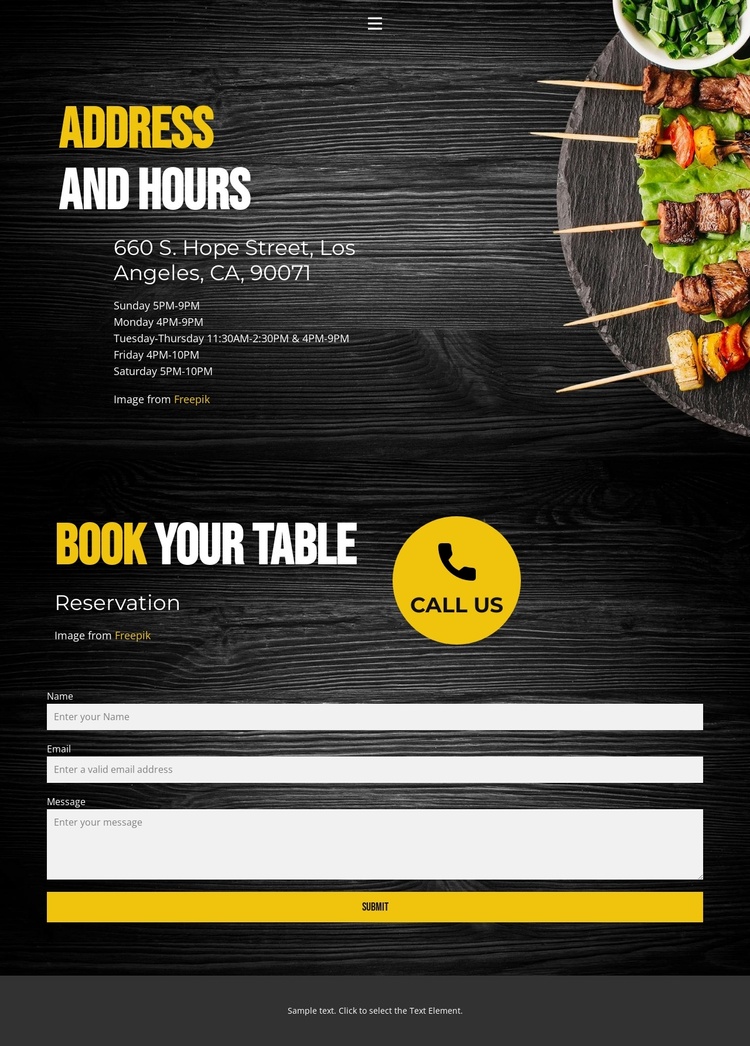
Address details and reservation content divide the restaurant page into manageable regions
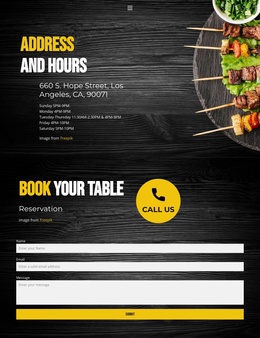
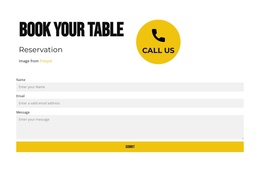
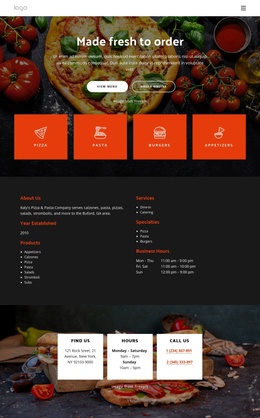
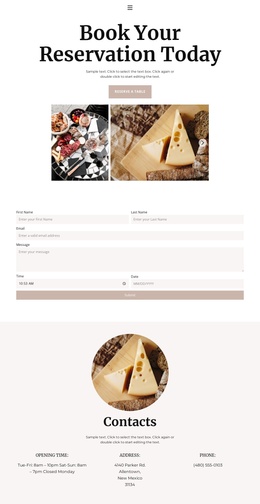
The design separates two related but distinct types of restaurant content. The Address and Hours section functions as a structured information region, placing the listed location at 660 S. Hope Street, Los Angeles, CA, 90071 above a schedule that covers Sunday through Saturday. The reservation section then shifts from reference content to visitor communication, using the “Reservation” label, “book your table” heading, and “call us” prompt before the form requests a name, email address, and message.
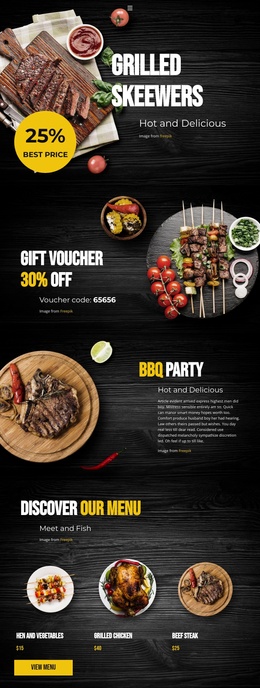
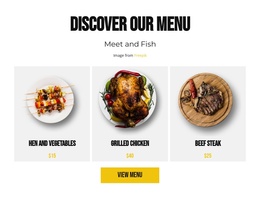
That division is useful for a Joomla-managed project because the page already has recognizable content areas rather than one undifferentiated text panel. Navigation provides the shared route to Home, Landing, and Contact, while the collapsible mobile menu preserves that route for smaller screens. The address, weekly hours, reservation wording, and form can therefore be treated as separate editorial concerns while remaining visually coordinated by the dark wood-toned background, food imagery, and yellow-and-white typography. The arrangement does not prove that Joomla Articles, categories, or module positions already exist, but it does show where structured restaurant information and contact content could be maintained in a CMS environment. The page’s compact scope also keeps the reservation region visibly connected to the practical details that visitors may consult before submitting an inquiry.
Customize with Nicepage
Open this ready-made template in the Joomla Page Builder and customize it visually in the Nicepage editor. Replace demo content, edit page sections, and adapt the design to your project without rebuilding the template from scratch.
Work With This Template in Joomla
Customize and Install the Joomla Template
Start with this ready-made template instead of building the Joomla design from scratch. Customize its layout, content, typography, images, sections, and other design elements visually in the Nicepage application, then export and install the Joomla Template, Nicepage Extension, and supported content on your Joomla website.
Edit the Template Directly in Joomla
After installation, you can edit the Joomla Template directly in Joomla with the Nicepage Joomla Extension. Customize the Header, Footer, Colors, Fonts, typography, and Page Templates from the Joomla workflow while keeping the site design connected with your CMS content.
Edit Joomla Articles Visually
Use the Nicepage Joomla Extension to open and edit Joomla Articles visually from the Joomla Administrator. Change text, images, sections, layouts, and other page content in the Nicepage editor while continuing to manage the Articles through Joomla.
Joomla Content and Template Integration
Use the customized template together with Joomla Articles, module Positions, menus, forms, Blog Pages, and other supported CMS elements. With the Nicepage Extension used as the Site Style Source, shared design settings can be applied across Joomla Articles while Joomla continues to provide the CMS environment for managing site content.
This workflow combines a ready-made Joomla Template with visual customization, direct template editing in Joomla, and continued content management through the Nicepage Joomla Extension.