Modern living interior Joomla Template



Edit Template Offline
2. Create new page and search for id 23291
Edit Template Online
Create Awesome Websites


Free Nicepage Builder
Keywords
Collection galleries and shared navigation create organized CMS regions
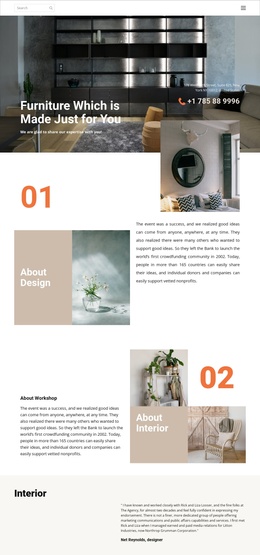
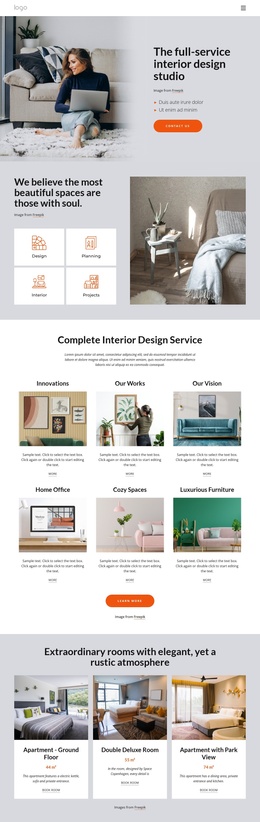
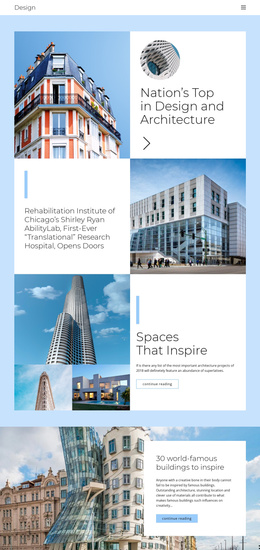
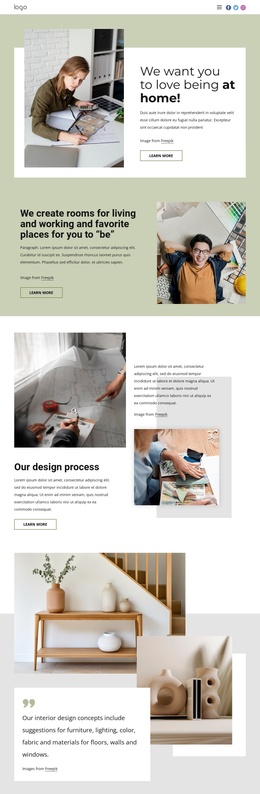
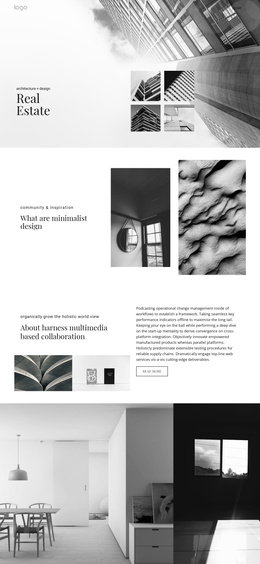
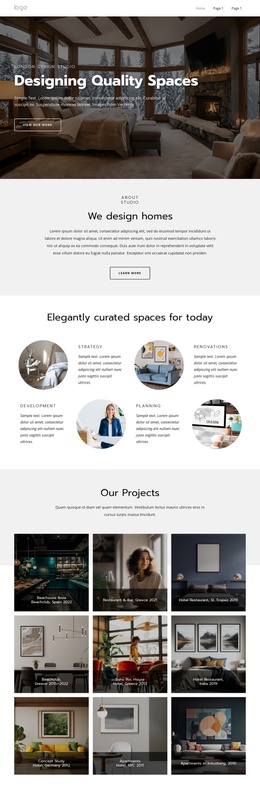
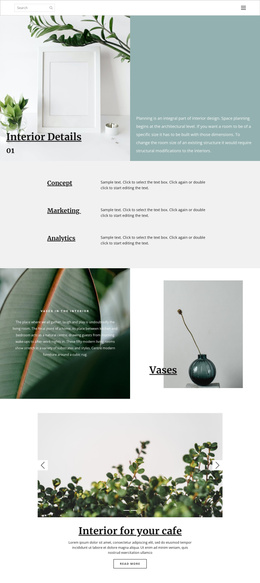
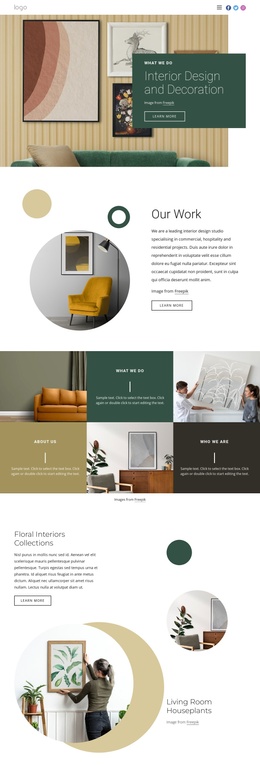
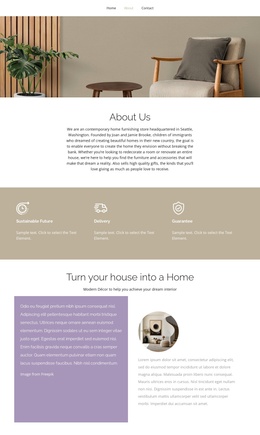
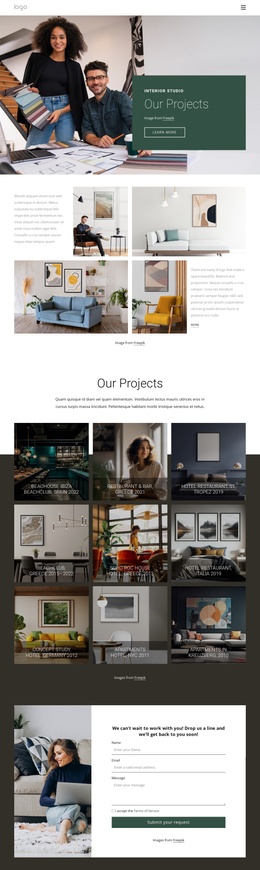
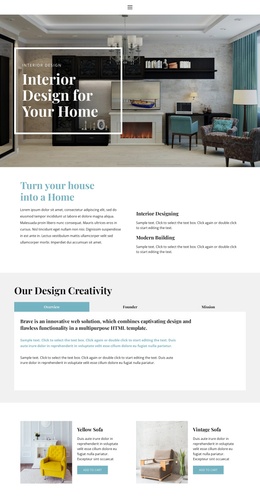
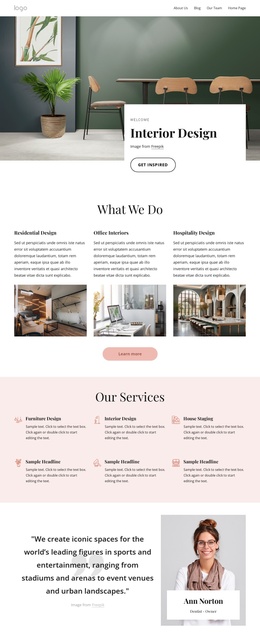
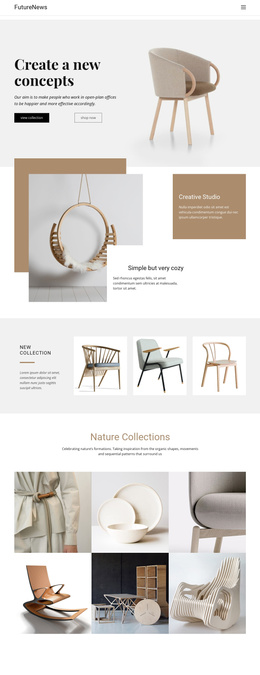
The page divides its subject into several structured content areas that can be maintained independently in a Joomla-oriented project. The hero introduces the interior direction and separates “view collection” from “shop now,” while the New Collection and Nature Collections sections provide two different gallery contexts. One is a concise three-image furniture introduction; the other is a six-image presentation inspired by natural forms and interior scenes. This distinction gives recurring collection content a clear place within the page’s information structure.
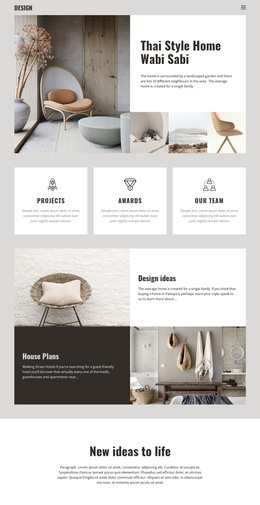
The “Modern interior places” and “Chairs Trending” sections add descriptive content around the imagery. Their split and feature-panel layouts can accommodate structured information about furniture concepts, practical spaces, or featured collections without losing the visual relationship between text and photographs. The six-mark brand display can sit between these editorial regions and the final Sweet Home feature as a separate identity or collection area.
Navigation is also reinforced at the end of the page through category links, utility links, and five social icons. Those shared regions make the design more than a gallery alone: they connect the individual collection areas into a site-facing structure. In Joomla, the page’s menus, recurring informational sections, and contact-free social footer could therefore remain visually coordinated while the underlying content is organized through the CMS.
Customize with Nicepage
Open this ready-made template in the Joomla Page Builder and customize it visually in the Nicepage editor. Replace demo content, edit page sections, and adapt the design to your project without rebuilding the template from scratch.
Work With This Template in Joomla
Customize and Install the Joomla Template
Start with this ready-made template instead of building the Joomla design from scratch. Customize its layout, content, typography, images, sections, and other design elements visually in the Nicepage application, then export and install the Joomla Template, Nicepage Extension, and supported content on your Joomla website.
Edit the Template Directly in Joomla
After installation, you can edit the Joomla Template directly in Joomla with the Nicepage Joomla Extension. Customize the Header, Footer, Colors, Fonts, typography, and Page Templates from the Joomla workflow while keeping the site design connected with your CMS content.
Edit Joomla Articles Visually
Use the Nicepage Joomla Extension to open and edit Joomla Articles visually from the Joomla Administrator. Change text, images, sections, layouts, and other page content in the Nicepage editor while continuing to manage the Articles through Joomla.
Joomla Content and Template Integration
Use the customized template together with Joomla Articles, module Positions, menus, forms, Blog Pages, and other supported CMS elements. With the Nicepage Extension used as the Site Style Source, shared design settings can be applied across Joomla Articles while Joomla continues to provide the CMS environment for managing site content.
This workflow combines a ready-made Joomla Template with visual customization, direct template editing in Joomla, and continued content management through the Nicepage Joomla Extension.