Gallery with the best projects Joomla Template


Edit Template Offline
2. Create new page and search for id 6238236
Edit Template Online
Create Awesome Websites


Free Nicepage Builder
Keywords
Gallery Collections and Contact Content Form Structured Joomla Regions
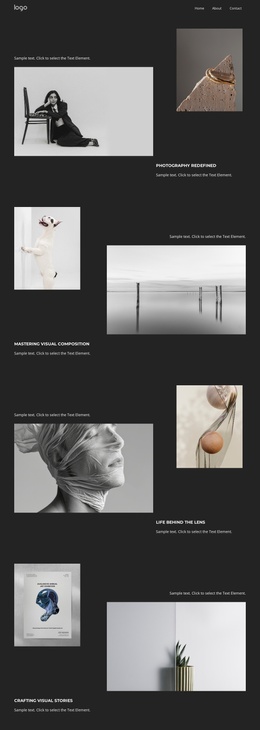
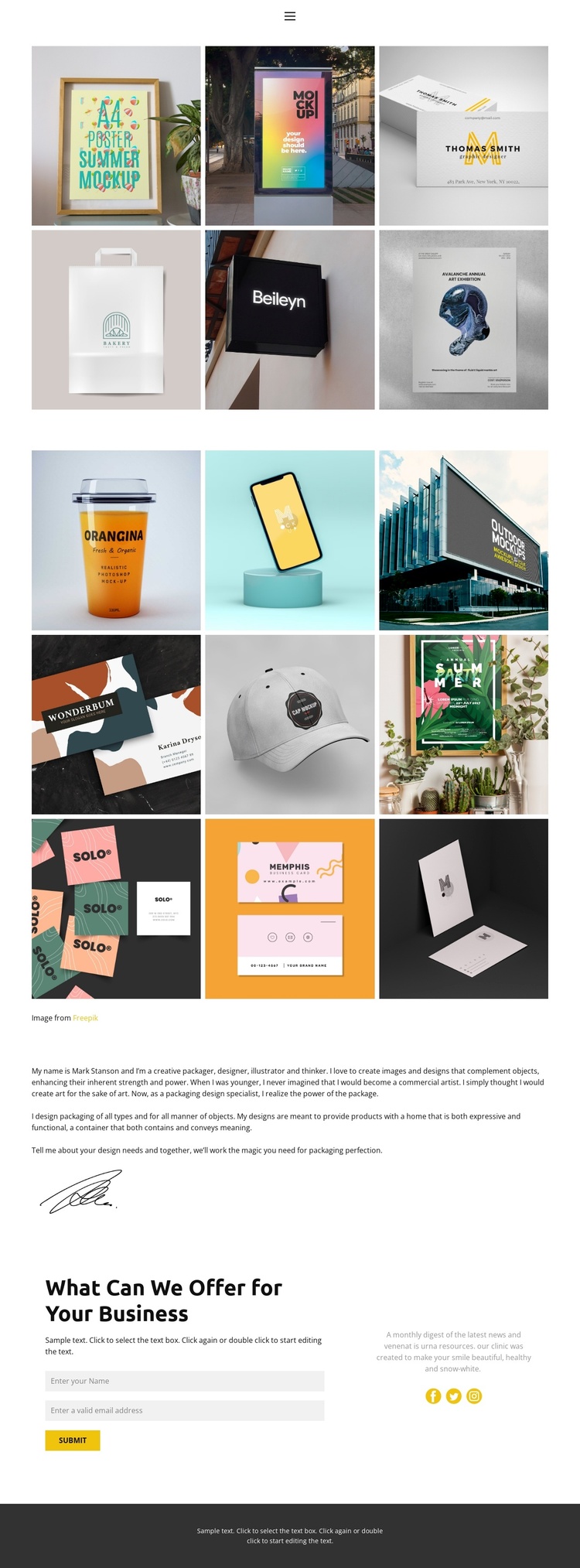
The two galleries divide the main portfolio into recurring content areas: the first contains six packaging images, while the second contains nine. That separation is useful for a CMS-managed presentation because visual work can remain grouped into clear regions instead of being mixed with the biography or inquiry content. The compact navigation reinforces those boundaries by identifying Home, About, Gallery, and Contact as recognizable parts of the site experience.
The About section supplies a different kind of managed content. Biography text is paired with a signature-style illustration, creating a profile-oriented region that can sit alongside the portfolio without changing its visual direction. The closing section then combines the heading “What Can We Offer for Your Business” with a form requesting a name and email address. Supporting text and Facebook, Twitter, and Instagram links extend that contact region into a broader connection area.
For a Joomla project, these relationships provide a practical way to interpret the design as coordinated CMS content: gallery material, designer information, service context, and inquiries each have a visible place within the navigation and page sequence. The white and dark areas, together with the yellow accent, keep recurring regions visually connected. The design therefore offers more than a decorative gallery; it establishes structured content zones that can be maintained while the packaging portfolio evolves.
Customize with Nicepage
Open this ready-made template in the Joomla Page Builder and customize it visually in the Nicepage editor. Replace demo content, edit page sections, and adapt the design to your project without rebuilding the template from scratch.
Work With This Template in Joomla
Customize and Install the Joomla Template
Start with this ready-made template instead of building the Joomla design from scratch. Customize its layout, content, typography, images, sections, and other design elements visually in the Nicepage application, then export and install the Joomla Template, Nicepage Extension, and supported content on your Joomla website.
Edit the Template Directly in Joomla
After installation, you can edit the Joomla Template directly in Joomla with the Nicepage Joomla Extension. Customize the Header, Footer, Colors, Fonts, typography, and Page Templates from the Joomla workflow while keeping the site design connected with your CMS content.
Edit Joomla Articles Visually
Use the Nicepage Joomla Extension to open and edit Joomla Articles visually from the Joomla Administrator. Change text, images, sections, layouts, and other page content in the Nicepage editor while continuing to manage the Articles through Joomla.
Joomla Content and Template Integration
Use the customized template together with Joomla Articles, module Positions, menus, forms, Blog Pages, and other supported CMS elements. With the Nicepage Extension used as the Site Style Source, shared design settings can be applied across Joomla Articles while Joomla continues to provide the CMS environment for managing site content.
This workflow combines a ready-made Joomla Template with visual customization, direct template editing in Joomla, and continued content management through the Nicepage Joomla Extension.