Work is just a part of our lives Joomla Template



Edit Template Offline
2. Create new page and search for id 5544225
Edit Template Online
Create Awesome Websites


Free Nicepage Builder
Keywords
Service regions and shared navigation suit structured agency content
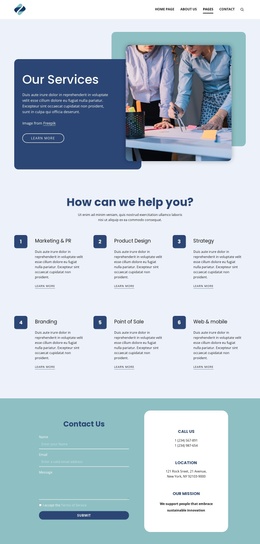
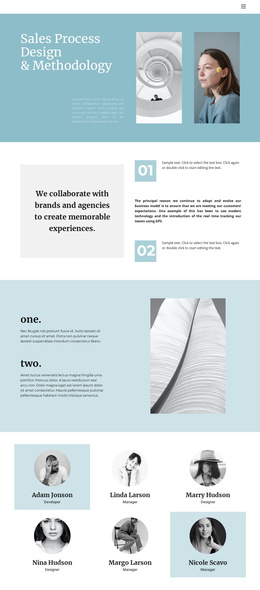
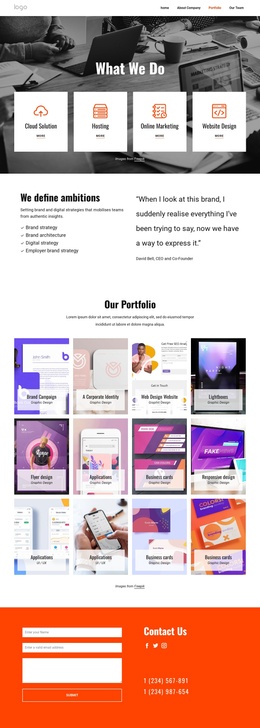
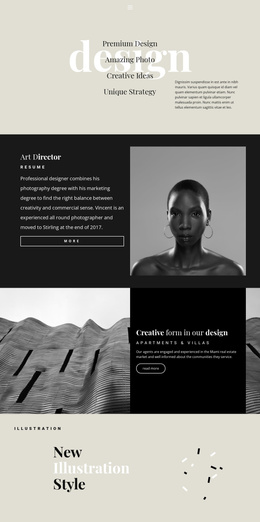
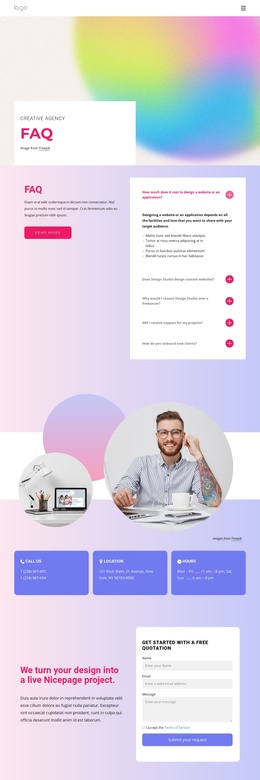
The page divides agency information into recurring regions that are easy to distinguish: the opening identity statement, the three capability cards, the four service categories, the workplace culture content, and the closing contact area. Research, Strategy, and Design form one compact group, while Branding, Web Design, Software, and Marketing form a broader service group. This separation gives editorial content clear places to belong without requiring every topic to occupy the same type of block.
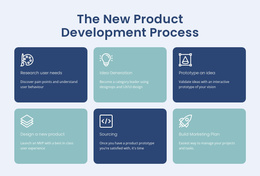
The “Why work here?” section adds a different content purpose through six culture statements, making the design relevant to both potential clients and prospective team members. The growth partnership and studio profile sections can carry organizational context, while the testimonial carousel provides a separate area for customer-oriented evidence. At the end, the contact form, mission information, phone and location details, footer navigation, and subscription form create shared site regions for communication and continued engagement.
That combination is suitable for a Joomla-oriented project because the design already distinguishes menus, service information, repeatable statements, media-led sections, and contact content. In a Joomla site, these areas could be aligned with CMS-managed content while preserving the visual relationships between the agency’s sections. Nicepage’s Joomla Extension is an optional bridge for creating and designing Joomla Articles, but the template-specific value remains the way its content regions are already separated.
Customize with Nicepage
Open this ready-made template in the Joomla Page Builder and customize it visually in the Nicepage editor. Replace demo content, edit page sections, and adapt the design to your project without rebuilding the template from scratch.
Work With This Template in Joomla
Customize and Install the Joomla Template
Start with this ready-made template instead of building the Joomla design from scratch. Customize its layout, content, typography, images, sections, and other design elements visually in the Nicepage application, then export and install the Joomla Template, Nicepage Extension, and supported content on your Joomla website.
Edit the Template Directly in Joomla
After installation, you can edit the Joomla Template directly in Joomla with the Nicepage Joomla Extension. Customize the Header, Footer, Colors, Fonts, typography, and Page Templates from the Joomla workflow while keeping the site design connected with your CMS content.
Edit Joomla Articles Visually
Use the Nicepage Joomla Extension to open and edit Joomla Articles visually from the Joomla Administrator. Change text, images, sections, layouts, and other page content in the Nicepage editor while continuing to manage the Articles through Joomla.
Joomla Content and Template Integration
Use the customized template together with Joomla Articles, module Positions, menus, forms, Blog Pages, and other supported CMS elements. With the Nicepage Extension used as the Site Style Source, shared design settings can be applied across Joomla Articles while Joomla continues to provide the CMS environment for managing site content.
This workflow combines a ready-made Joomla Template with visual customization, direct template editing in Joomla, and continued content management through the Nicepage Joomla Extension.