AI Solutions Unleashed Joomla Template



Edit Template Offline
2. Create new page and search for id 6369903
Edit Template Online
Create Awesome Websites


Free Nicepage Builder
Keywords
Education and Capability Regions Divide the CMS Content Clearly
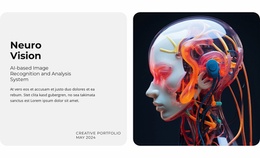
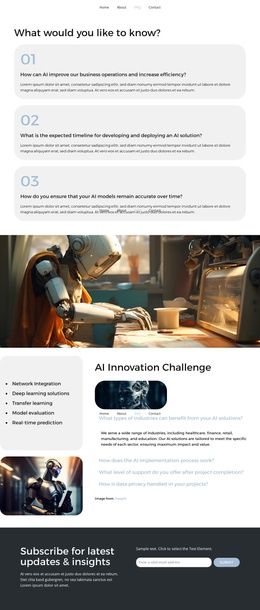
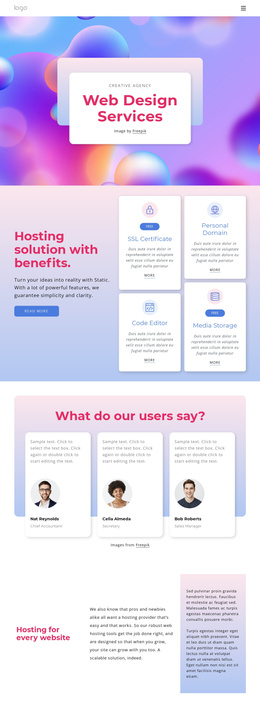
The AI Impact on Education section provides a strong structured content region: a large AI illustration is paired with three repeated entries for Future-Ready AI Agency, AI-Powered Agencies, and AI Agency Solutions. These entries can be understood as separate informational items within a broader agency explanation, while the image maintains a shared visual context. The earlier strategy grid adds two rounded text panels beside an AI image, creating another clear region for organized agency information.
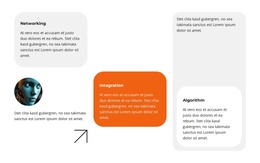
Below the full-width technology transition, the Networking, Intagration, and Algorithm cards form a second repeated group. Their similar presentation makes them suitable for recurring capability content that needs to remain visually coordinated as the underlying wording changes. The four organization cards near the end provide a separate company-example region, with Ogie, Elements, Holistic Lifes, and Brighto serving as structural sample labels rather than verified client claims.
Navigation, mobile navigation, social links, and the dark footer establish shared site regions around the page content. In a Joomla-managed project, those regions can keep the visual frame consistent while structured information is maintained through the CMS. The design therefore supports a clear relationship between reusable navigation and footer areas, grouped agency content, repeated capability entries, and organization examples without asserting that Joomla Articles or module positions already exist in this specific template.
Customize with Nicepage
Open this ready-made template in the Joomla Page Builder and customize it visually in the Nicepage editor. Replace demo content, edit page sections, and adapt the design to your project without rebuilding the template from scratch.
Work With This Template in Joomla
Customize and Install the Joomla Template
Start with this ready-made template instead of building the Joomla design from scratch. Customize its layout, content, typography, images, sections, and other design elements visually in the Nicepage application, then export and install the Joomla Template, Nicepage Extension, and supported content on your Joomla website.
Edit the Template Directly in Joomla
After installation, you can edit the Joomla Template directly in Joomla with the Nicepage Joomla Extension. Customize the Header, Footer, Colors, Fonts, typography, and Page Templates from the Joomla workflow while keeping the site design connected with your CMS content.
Edit Joomla Articles Visually
Use the Nicepage Joomla Extension to open and edit Joomla Articles visually from the Joomla Administrator. Change text, images, sections, layouts, and other page content in the Nicepage editor while continuing to manage the Articles through Joomla.
Joomla Content and Template Integration
Use the customized template together with Joomla Articles, module Positions, menus, forms, Blog Pages, and other supported CMS elements. With the Nicepage Extension used as the Site Style Source, shared design settings can be applied across Joomla Articles while Joomla continues to provide the CMS environment for managing site content.
This workflow combines a ready-made Joomla Template with visual customization, direct template editing in Joomla, and continued content management through the Nicepage Joomla Extension.