We create beautiful websites Joomla Template



Edit Template Offline
2. Create new page and search for id 1521860
Edit Template Online
Create Awesome Websites


Free Nicepage Builder
Keywords
Capability Regions Give the Joomla Project a Structured Content Model
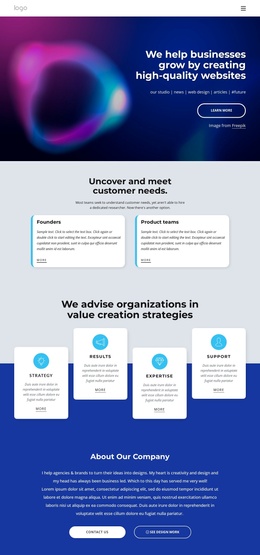
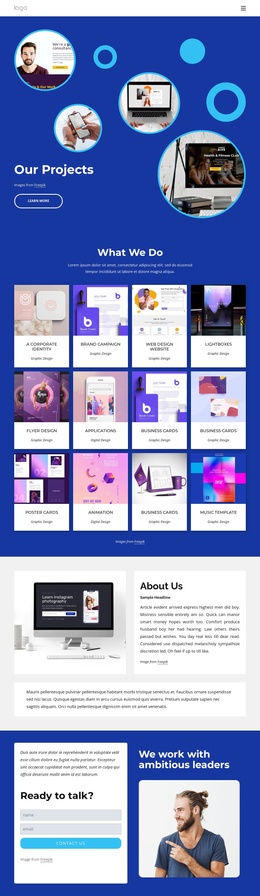
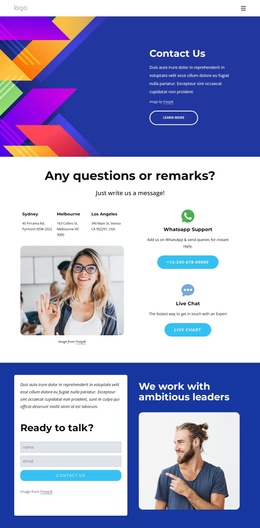
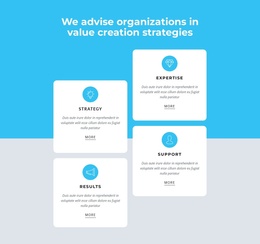
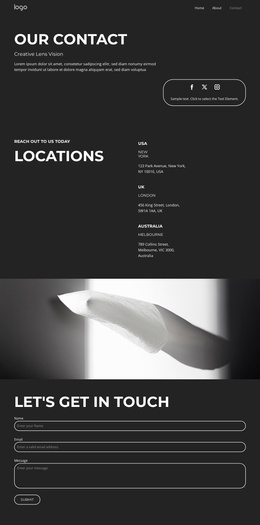
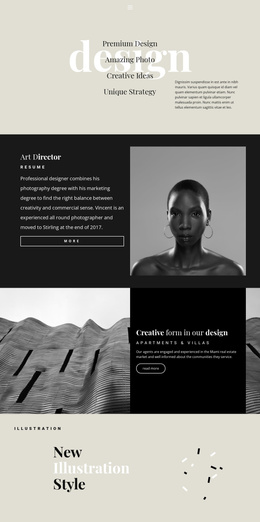
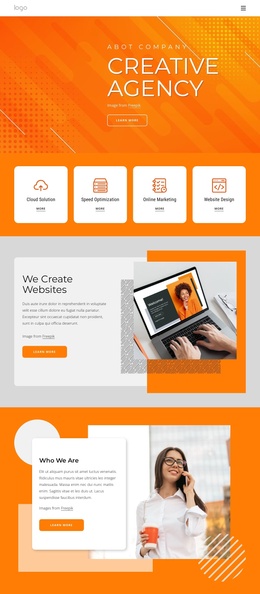
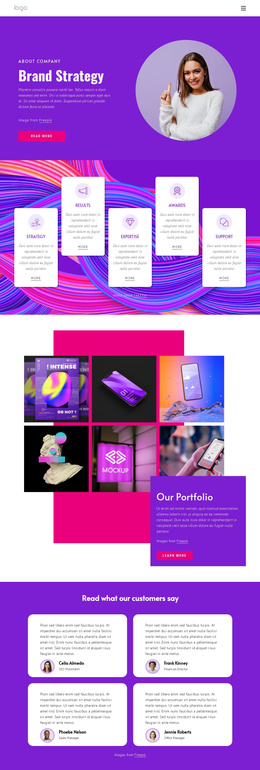
The navigation and repeated informational areas divide this design into content regions that can suit a CMS-managed business site. Company, About Us, Contact Us, and Our Projects identify the main destinations, while the audience section separates founders and product teams as two clear presentation areas. The advisory section adds four recurring labels—Strategy, Results, Expertise, and Support—that can organize structured service information without losing the shared visual direction.
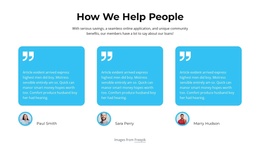
The page also includes an About Our Company section, a business-problem explanation, three testimonial entries, and a What We Do card framed by two photographic panels. These areas have different editorial roles: company background, problem context, social proof, and service explanation. The final contact section adds a form requesting a name and email address, while the direct Chat Now action supplies another visible contact route.
For a Joomla-oriented project, this separation makes it easier to think about menus, recurring informational regions, and managed content as connected parts of one site design. The template analysis does not verify Joomla Articles or module positions already inside the page, so those should not be treated as existing components. Instead, the value lies in the design’s clear content boundaries and reusable navigation relationship.
Customize with Nicepage
Open this ready-made template in the Joomla Page Builder and customize it visually in the Nicepage editor. Replace demo content, edit page sections, and adapt the design to your project without rebuilding the template from scratch.
Work With This Template in Joomla
Customize and Install the Joomla Template
Start with this ready-made template instead of building the Joomla design from scratch. Customize its layout, content, typography, images, sections, and other design elements visually in the Nicepage application, then export and install the Joomla Template, Nicepage Extension, and supported content on your Joomla website.
Edit the Template Directly in Joomla
After installation, you can edit the Joomla Template directly in Joomla with the Nicepage Joomla Extension. Customize the Header, Footer, Colors, Fonts, typography, and Page Templates from the Joomla workflow while keeping the site design connected with your CMS content.
Edit Joomla Articles Visually
Use the Nicepage Joomla Extension to open and edit Joomla Articles visually from the Joomla Administrator. Change text, images, sections, layouts, and other page content in the Nicepage editor while continuing to manage the Articles through Joomla.
Joomla Content and Template Integration
Use the customized template together with Joomla Articles, module Positions, menus, forms, Blog Pages, and other supported CMS elements. With the Nicepage Extension used as the Site Style Source, shared design settings can be applied across Joomla Articles while Joomla continues to provide the CMS environment for managing site content.
This workflow combines a ready-made Joomla Template with visual customization, direct template editing in Joomla, and continued content management through the Nicepage Joomla Extension.