We create experiences that brands live by Joomla Template


Edit Template Offline
2. Create new page and search for id 5204099
Edit Template Online
Create Awesome Websites


Free Nicepage Builder
Keywords
Leadership Profiles Lead Into Structured Contact Content
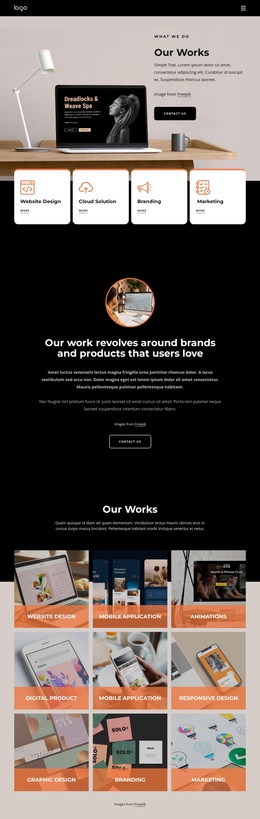
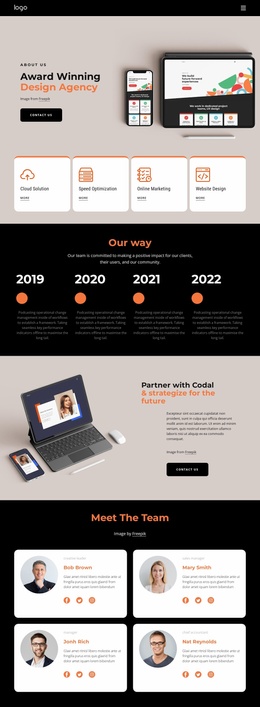
The four leader profiles create a defined information group near the start of the page, while the eight additional team cards provide a broader directory of people and roles. This separation gives the design more than a single undifferentiated staff list: one section introduces leadership, and the next presents the wider team through repeated cards with portraits and social links. The navigation and mobile-navigation components provide shared access to these content areas without changing the underlying page structure.
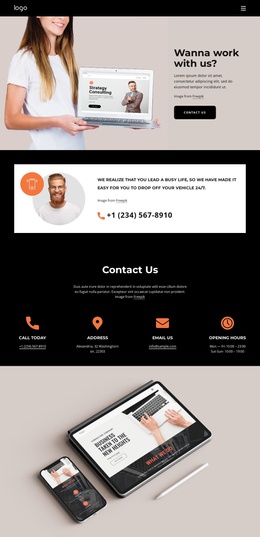
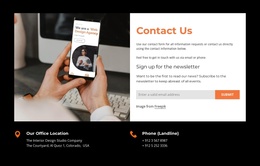
The contact section then gathers phone, email, address, and opening hours beside a Book Consultation action. For a Joomla-managed project, these areas can be understood as distinct content regions: team information, supporting personnel profiles, and practical contact material each have a clear place in the page. The sample names and contact values are only structural evidence, but the arrangement shows how recurring people content and contact information can remain visually coordinated. The black header and footer also establish shared site regions around the page content, while the beige, white, and orange accents distinguish the major sections. This makes the design suitable for organizing creative-team information and consultation-oriented content within a Joomla site structure.
Customize with Nicepage
Open this ready-made template in the Joomla Page Builder and customize it visually in the Nicepage editor. Replace demo content, edit page sections, and adapt the design to your project without rebuilding the template from scratch.
Work With This Template in Joomla
Customize and Install the Joomla Template
Start with this ready-made template instead of building the Joomla design from scratch. Customize its layout, content, typography, images, sections, and other design elements visually in the Nicepage application, then export and install the Joomla Template, Nicepage Extension, and supported content on your Joomla website.
Edit the Template Directly in Joomla
After installation, you can edit the Joomla Template directly in Joomla with the Nicepage Joomla Extension. Customize the Header, Footer, Colors, Fonts, typography, and Page Templates from the Joomla workflow while keeping the site design connected with your CMS content.
Edit Joomla Articles Visually
Use the Nicepage Joomla Extension to open and edit Joomla Articles visually from the Joomla Administrator. Change text, images, sections, layouts, and other page content in the Nicepage editor while continuing to manage the Articles through Joomla.
Joomla Content and Template Integration
Use the customized template together with Joomla Articles, module Positions, menus, forms, Blog Pages, and other supported CMS elements. With the Nicepage Extension used as the Site Style Source, shared design settings can be applied across Joomla Articles while Joomla continues to provide the CMS environment for managing site content.
This workflow combines a ready-made Joomla Template with visual customization, direct template editing in Joomla, and continued content management through the Nicepage Joomla Extension.