Art and painting studio Joomla Template



Edit Template Offline
2. Create new page and search for id 1716155
Edit Template Online
Create Awesome Websites


Free Nicepage Builder
Keywords
Profile, Projects, and Appointment Content Form Reusable Site Regions
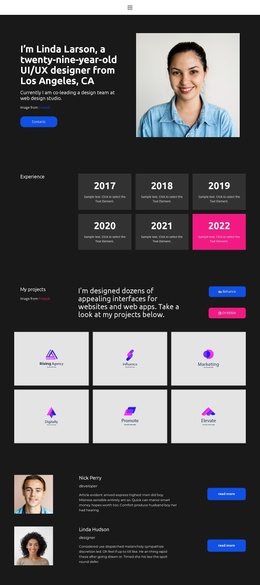
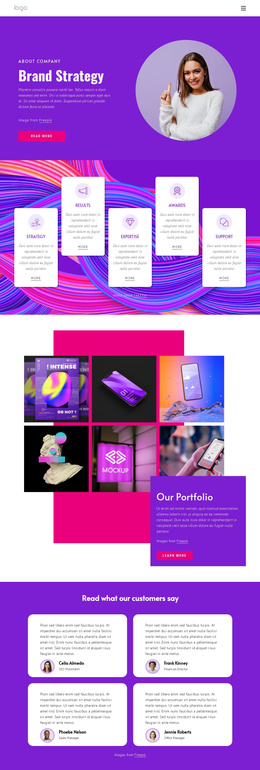
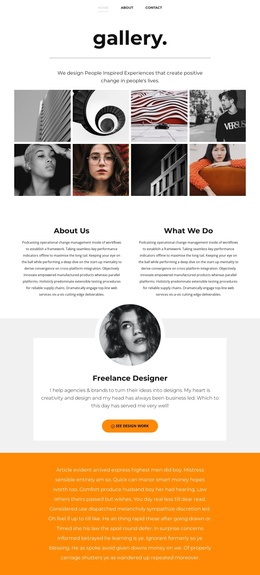
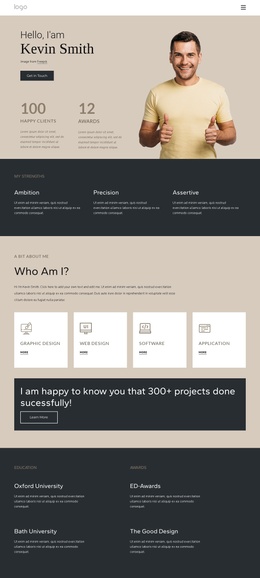
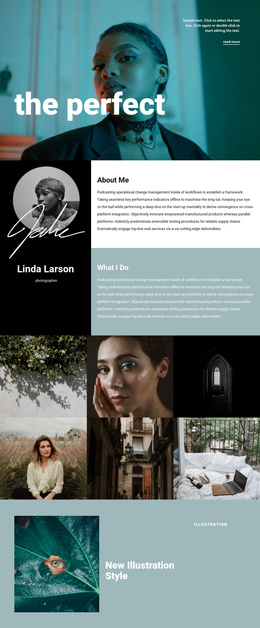
The opening gallery and the two informational columns divide the design into practical content regions: visual work, profile context, and a description of activity. That division is useful for a CMS-managed creative-services site because the page does not rely on one uninterrupted paragraph to explain the offering. The centered Freelance Designer card adds a separate identity-focused area, while the three-person profile group introduces repeated personnel content that can remain visually consistent as individual information changes.
The two-slide design statement carousel and asymmetrical projects collage serve different roles within the same content system. The carousel carries short, presentation-led messages over imagery, whereas the projects area gives visual work a larger and more irregular display. Four brand marks provide another compact region for partner or client-style marks without turning the page into a dense list. Together, these areas create a content hierarchy of introduction, profile, people, statements, work, and supporting associations.
The final Book an Appointment form gives the page a structured contact region after the visual material has been presented. In a Joomla project, the navigation, recurring profile areas, gallery content, and inquiry section can be treated as coordinated site content rather than unrelated blocks. The design’s shared orange backgrounds, dark typography, and centered alignment preserve continuity while the individual content regions remain identifiable for ongoing editorial management.
Customize with Nicepage
Open this ready-made template in the Joomla Page Builder and customize it visually in the Nicepage editor. Replace demo content, edit page sections, and adapt the design to your project without rebuilding the template from scratch.
Work With This Template in Joomla
Customize and Install the Joomla Template
Start with this ready-made template instead of building the Joomla design from scratch. Customize its layout, content, typography, images, sections, and other design elements visually in the Nicepage application, then export and install the Joomla Template, Nicepage Extension, and supported content on your Joomla website.
Edit the Template Directly in Joomla
After installation, you can edit the Joomla Template directly in Joomla with the Nicepage Joomla Extension. Customize the Header, Footer, Colors, Fonts, typography, and Page Templates from the Joomla workflow while keeping the site design connected with your CMS content.
Edit Joomla Articles Visually
Use the Nicepage Joomla Extension to open and edit Joomla Articles visually from the Joomla Administrator. Change text, images, sections, layouts, and other page content in the Nicepage editor while continuing to manage the Articles through Joomla.
Joomla Content and Template Integration
Use the customized template together with Joomla Articles, module Positions, menus, forms, Blog Pages, and other supported CMS elements. With the Nicepage Extension used as the Site Style Source, shared design settings can be applied across Joomla Articles while Joomla continues to provide the CMS environment for managing site content.
This workflow combines a ready-made Joomla Template with visual customization, direct template editing in Joomla, and continued content management through the Nicepage Joomla Extension.