Crafting Visual Stories Joomla Template


Edit Template Offline
2. Create new page and search for id 6351732
Edit Template Online
Create Awesome Websites


Free Nicepage Builder
Keywords
Named Portfolio Regions Support Structured Joomla Content
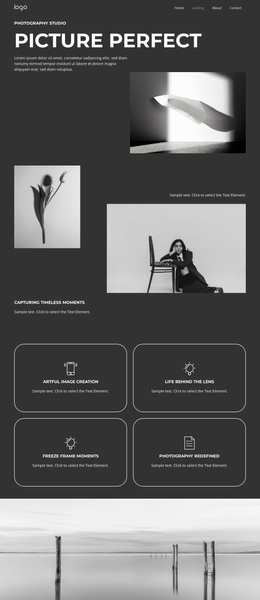
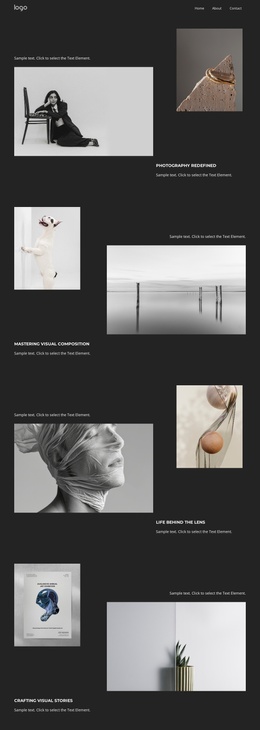
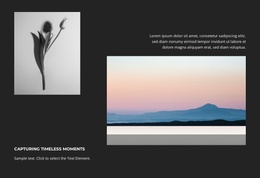
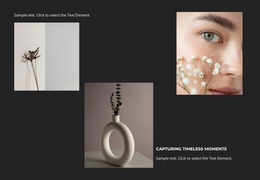
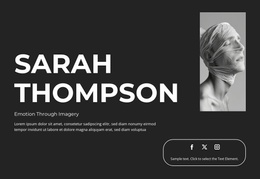
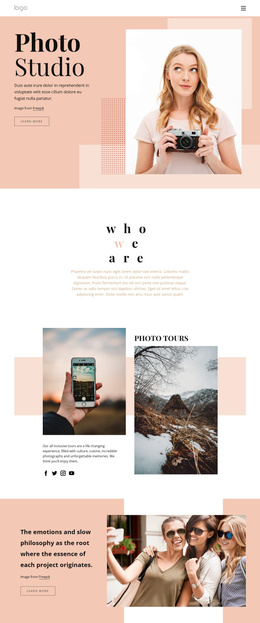
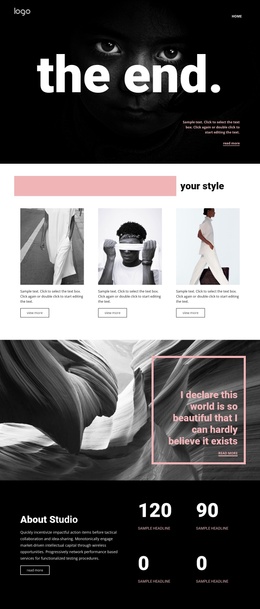
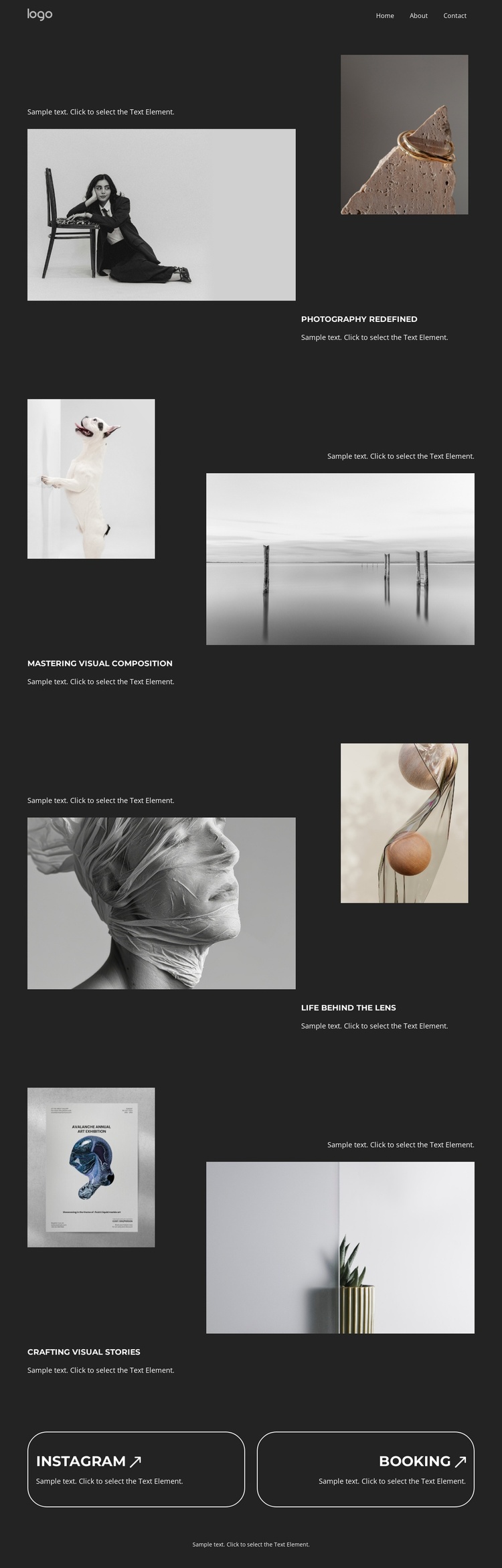
The page divides its photography presentation into four clearly named information areas: Photography Redefined, Mastering Visual Composition, Life Behind the Lens, and Crafting Visual Stories. Each area combines a heading, supporting text, and a different relationship between images. The first uses a large portrait with a smaller still life, the second balances a vertical image against a wide landscape, and the final sections continue through botanical, artwork, textured portrait, and interior imagery. This division gives recurring portfolio material recognizable places within a managed site structure.
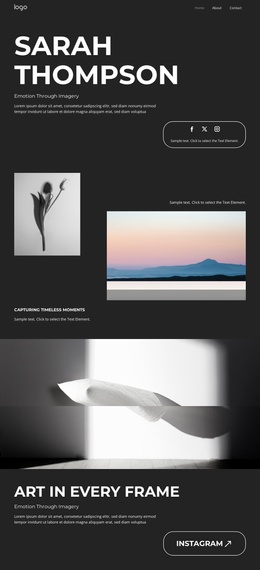
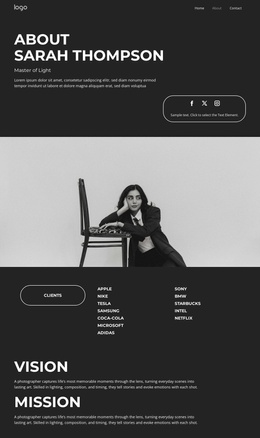
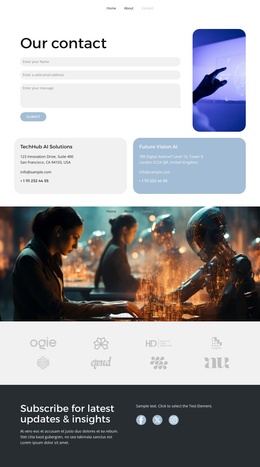
The compact navigation at the top connects those areas to broader destinations such as Home, Landing, About, and Contact, while the Instagram and Booking panels create separate social and inquiry regions near the end. In a Joomla project, these distinctions could help organize structured page content and reusable site regions without treating the sample names or image subjects as verified business data. The dark palette, white typography, and alternating compositions keep the regions visually coordinated as content changes. Nicepage documentation confirms Joomla support for templates and articles, but it does not prove that Joomla Articles or module positions already exist in this specific design. Here, the relevant value is the correspondence between the template's real content regions and a CMS-managed presentation.
Customize with Nicepage
Open this ready-made template in the Joomla Page Builder and customize it visually in the Nicepage editor. Replace demo content, edit page sections, and adapt the design to your project without rebuilding the template from scratch.
Work With This Template in Joomla
Customize and Install the Joomla Template
Start with this ready-made template instead of building the Joomla design from scratch. Customize its layout, content, typography, images, sections, and other design elements visually in the Nicepage application, then export and install the Joomla Template, Nicepage Extension, and supported content on your Joomla website.
Edit the Template Directly in Joomla
After installation, you can edit the Joomla Template directly in Joomla with the Nicepage Joomla Extension. Customize the Header, Footer, Colors, Fonts, typography, and Page Templates from the Joomla workflow while keeping the site design connected with your CMS content.
Edit Joomla Articles Visually
Use the Nicepage Joomla Extension to open and edit Joomla Articles visually from the Joomla Administrator. Change text, images, sections, layouts, and other page content in the Nicepage editor while continuing to manage the Articles through Joomla.
Joomla Content and Template Integration
Use the customized template together with Joomla Articles, module Positions, menus, forms, Blog Pages, and other supported CMS elements. With the Nicepage Extension used as the Site Style Source, shared design settings can be applied across Joomla Articles while Joomla continues to provide the CMS environment for managing site content.
This workflow combines a ready-made Joomla Template with visual customization, direct template editing in Joomla, and continued content management through the Nicepage Joomla Extension.