Directions of design studio Joomla Template


Edit Template Offline
2. Create new page and search for id 167853
Edit Template Online
Create Awesome Websites


Free Nicepage Builder
Keywords
Profile, project, and contact regions create a clear CMS content map
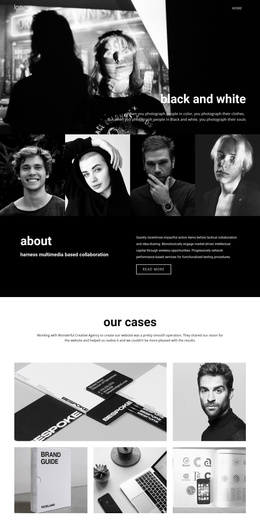
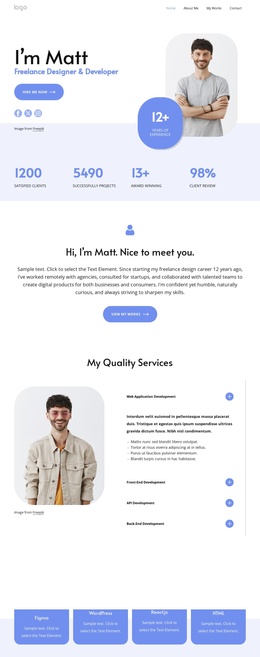
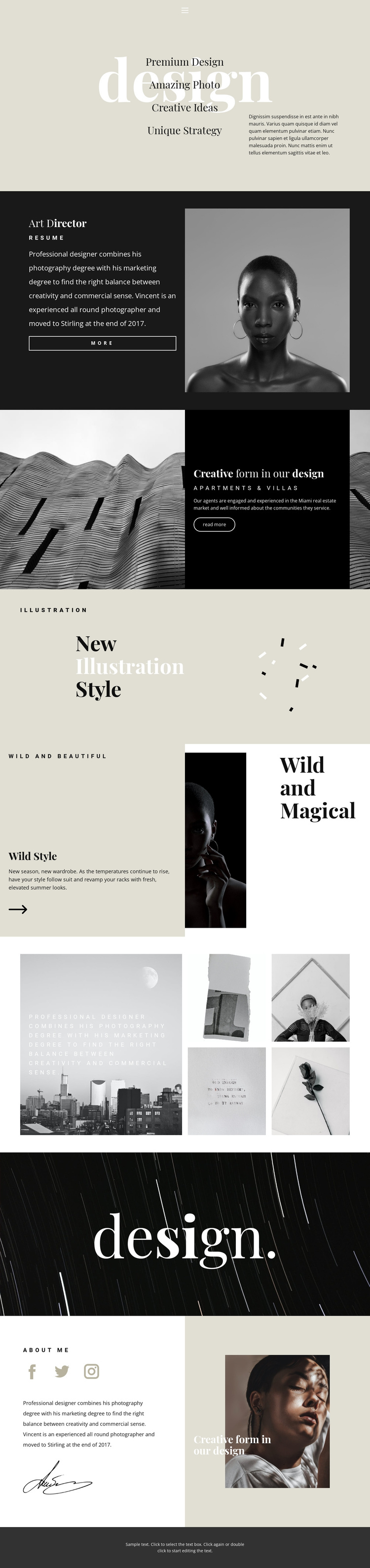
The opening navigation and pale design introduction divide the page into an entry region and a set of identifiable creative offerings. Premium Design, Amazing Photo, Creative Ideas, and Unique Strategy can be treated as structured informational content, while the Art Director section supplies a separate profile area with biography text, portrait imagery, a resume reference, and a “more” link. This separation is useful for a CMS-managed portfolio because personal information and service-oriented content have different editorial roles.
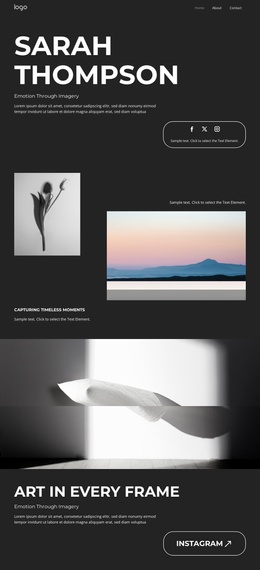
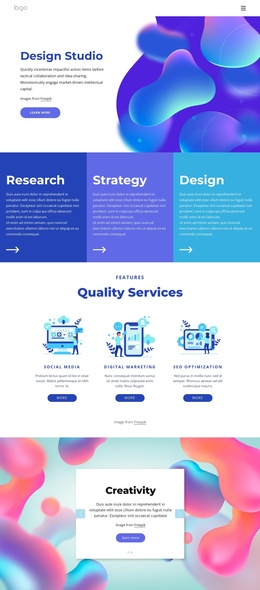
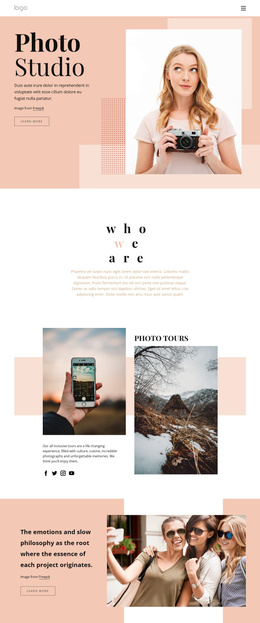
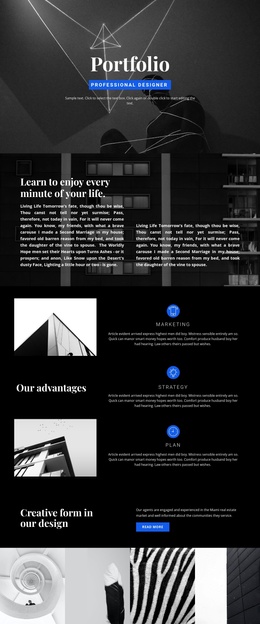
The following sections provide additional content regions rather than one uninterrupted text column. The photographic feature introduces a project-like topic through “Creative form in our design” and “Apartments & Villas,” the Illustration block presents a distinct visual category, and Wild Style combines a title, descriptive copy, and fashion imagery. The four-image collage can support a visual work area, while the later About Me section gathers biography, social links, and another image feature into a closing profile region.
A Joomla project could therefore preserve the design’s shared navigation and footer while organizing recurring informational areas through the CMS. The value is not a claim that Joomla Articles or modules already exist in the source page; it is the clear correspondence between the template’s profile, offering, image, and social regions and content that may need ongoing management. The page’s structure gives each editorial subject a recognizable visual location.
Customize with Nicepage
Open this ready-made template in the Joomla Page Builder and customize it visually in the Nicepage editor. Replace demo content, edit page sections, and adapt the design to your project without rebuilding the template from scratch.
Work With This Template in Joomla
Customize and Install the Joomla Template
Start with this ready-made template instead of building the Joomla design from scratch. Customize its layout, content, typography, images, sections, and other design elements visually in the Nicepage application, then export and install the Joomla Template, Nicepage Extension, and supported content on your Joomla website.
Edit the Template Directly in Joomla
After installation, you can edit the Joomla Template directly in Joomla with the Nicepage Joomla Extension. Customize the Header, Footer, Colors, Fonts, typography, and Page Templates from the Joomla workflow while keeping the site design connected with your CMS content.
Edit Joomla Articles Visually
Use the Nicepage Joomla Extension to open and edit Joomla Articles visually from the Joomla Administrator. Change text, images, sections, layouts, and other page content in the Nicepage editor while continuing to manage the Articles through Joomla.
Joomla Content and Template Integration
Use the customized template together with Joomla Articles, module Positions, menus, forms, Blog Pages, and other supported CMS elements. With the Nicepage Extension used as the Site Style Source, shared design settings can be applied across Joomla Articles while Joomla continues to provide the CMS environment for managing site content.
This workflow combines a ready-made Joomla Template with visual customization, direct template editing in Joomla, and continued content management through the Nicepage Joomla Extension.