Fun Facts about Pizza Joomla Template


Edit Template Offline
2. Create new page and search for id 6196072
Edit Template Online
Create Awesome Websites


Free Nicepage Builder
Keywords
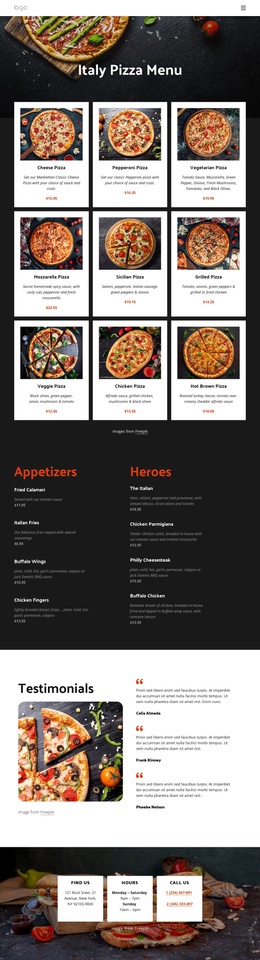
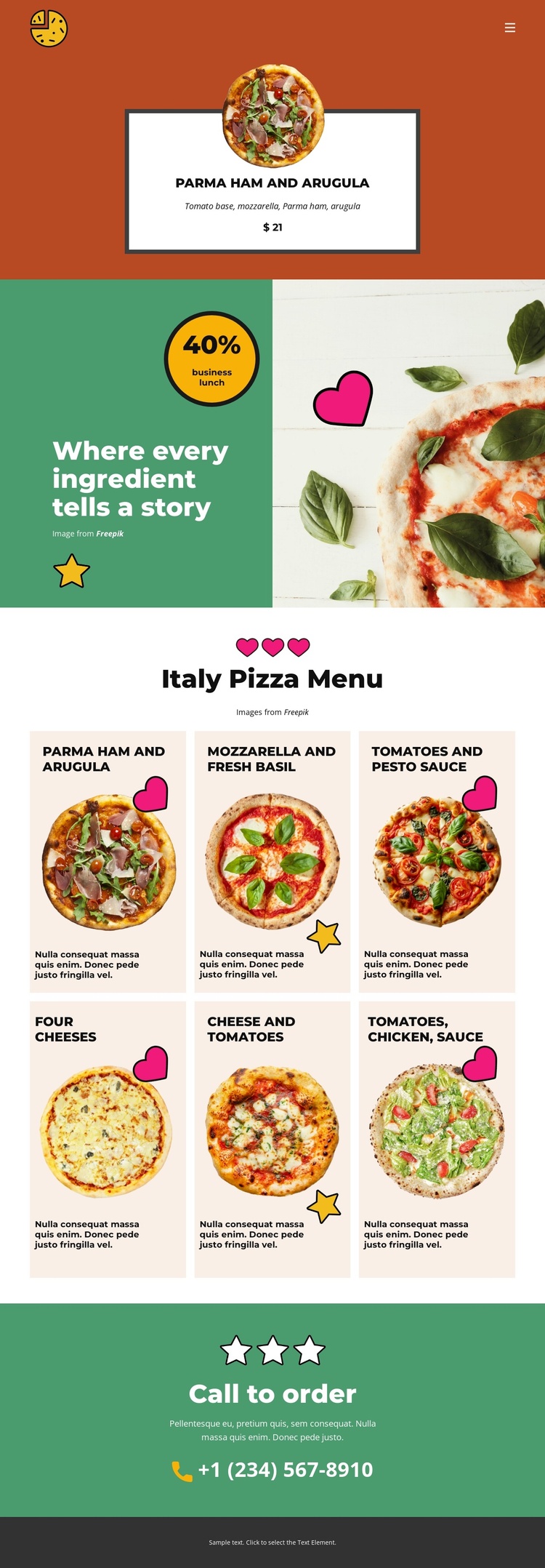
Six menu items divide the page into manageable restaurant content areas
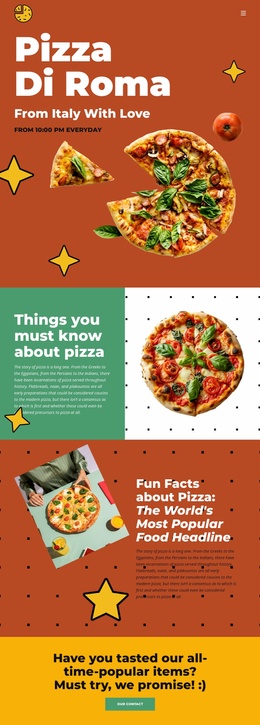
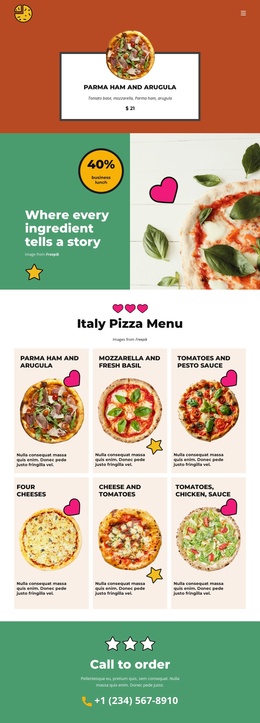
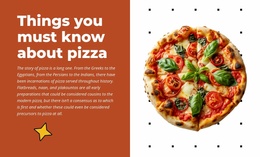
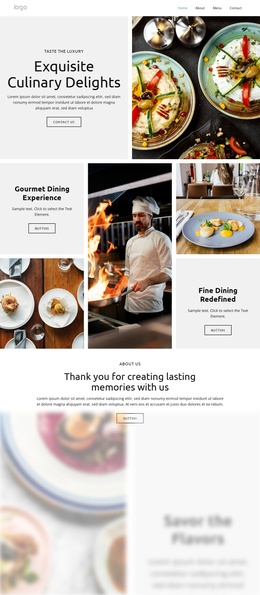
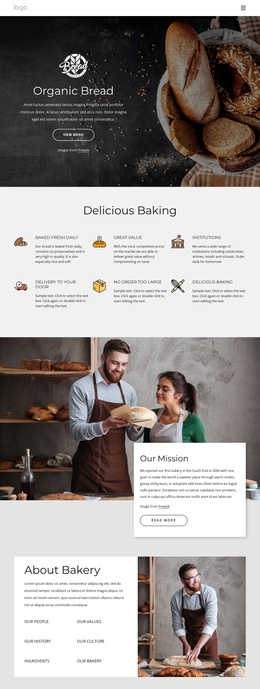
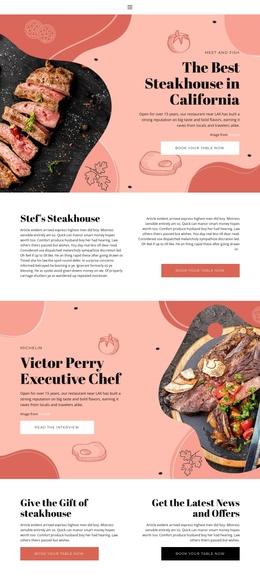
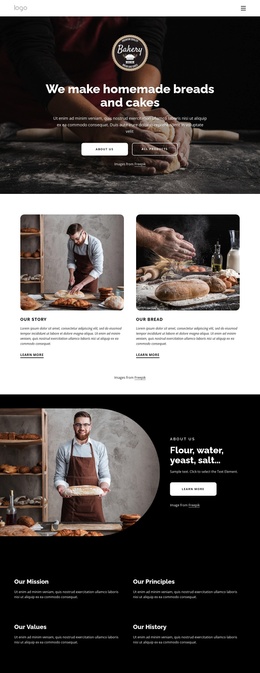
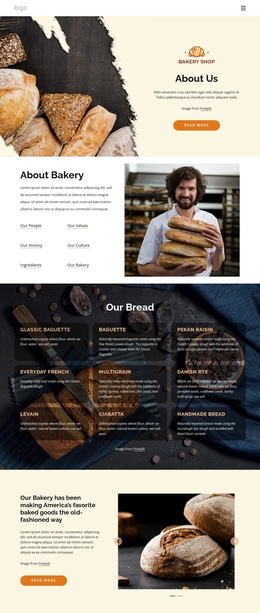
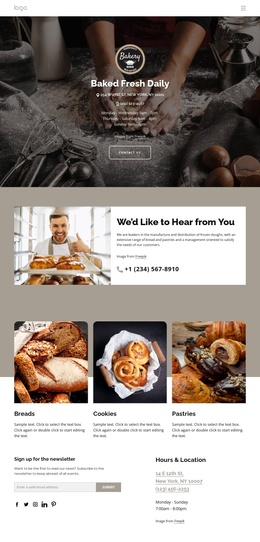
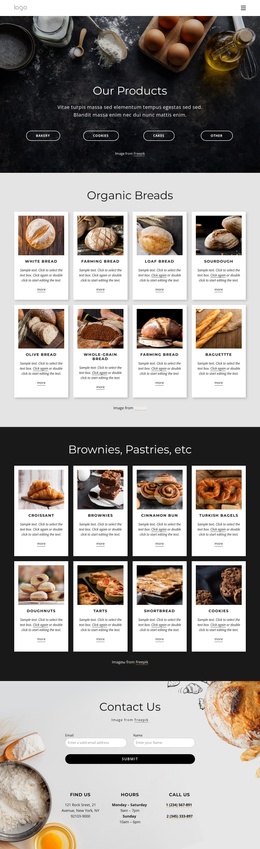
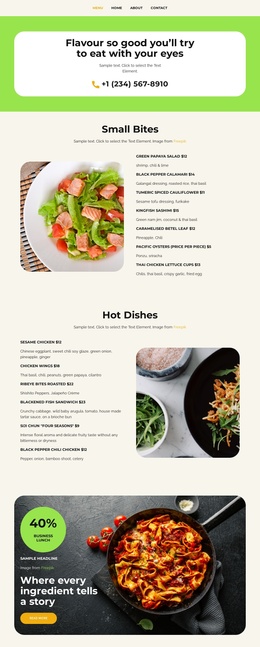
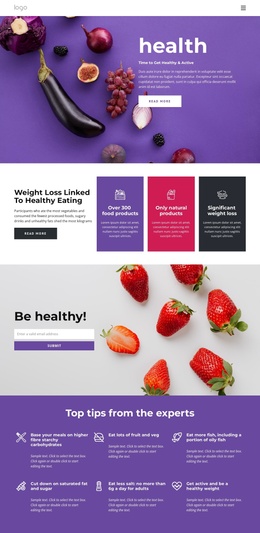
The design separates its restaurant information into clear regions that can be understood as structured site content. The featured pizza block gives the page an opening food highlight, while the story section adds a different informational layer through its text panel, food imagery, and circular promotional badge. These regions do not compete with the menu; they prepare visitors to understand the restaurant before they review the larger set of choices.
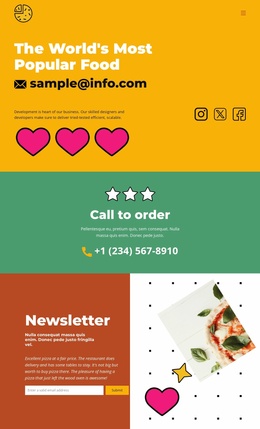
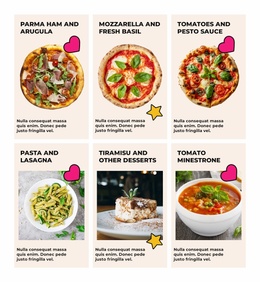
The “Italy Pizza Menu” section is especially suitable for recurring content because it contains six visually repeated pizza cards. Each card presents a named ingredient combination, an image, and short supporting text, creating a consistent pattern for organized menu information. The navigation at the top and the dark footer at the bottom provide shared site regions around that content, while the closing “Call to order” block gives the page a defined contact area with a phone line.
For a Joomla project, this arrangement offers a visual framework for maintaining related restaurant information without losing the relationships already visible in the design. Menu content can remain grouped under its own heading, story material can retain its split presentation, and contact information can stay distinct at the end. The template’s value lies in these concrete content boundaries, not in an assumption that Joomla articles or modules already exist in the page.
Customize with Nicepage
Open this ready-made template in the Joomla Page Builder and customize it visually in the Nicepage editor. Replace demo content, edit page sections, and adapt the design to your project without rebuilding the template from scratch.
Work With This Template in Joomla
Customize and Install the Joomla Template
Start with this ready-made template instead of building the Joomla design from scratch. Customize its layout, content, typography, images, sections, and other design elements visually in the Nicepage application, then export and install the Joomla Template, Nicepage Extension, and supported content on your Joomla website.
Edit the Template Directly in Joomla
After installation, you can edit the Joomla Template directly in Joomla with the Nicepage Joomla Extension. Customize the Header, Footer, Colors, Fonts, typography, and Page Templates from the Joomla workflow while keeping the site design connected with your CMS content.
Edit Joomla Articles Visually
Use the Nicepage Joomla Extension to open and edit Joomla Articles visually from the Joomla Administrator. Change text, images, sections, layouts, and other page content in the Nicepage editor while continuing to manage the Articles through Joomla.
Joomla Content and Template Integration
Use the customized template together with Joomla Articles, module Positions, menus, forms, Blog Pages, and other supported CMS elements. With the Nicepage Extension used as the Site Style Source, shared design settings can be applied across Joomla Articles while Joomla continues to provide the CMS environment for managing site content.
This workflow combines a ready-made Joomla Template with visual customization, direct template editing in Joomla, and continued content management through the Nicepage Joomla Extension.