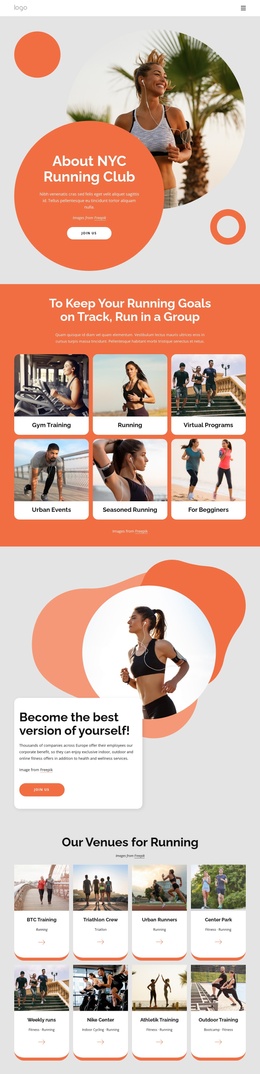
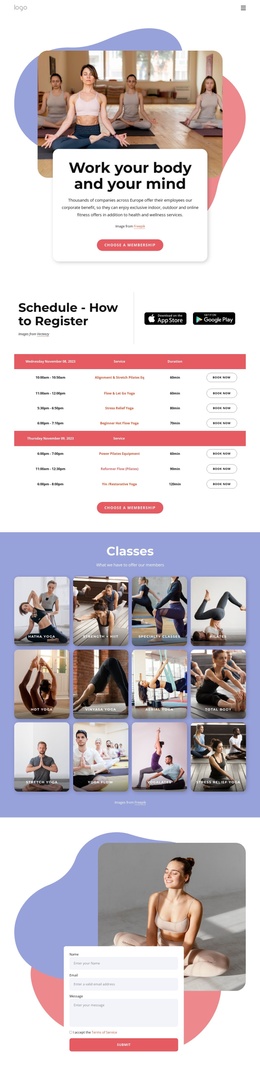
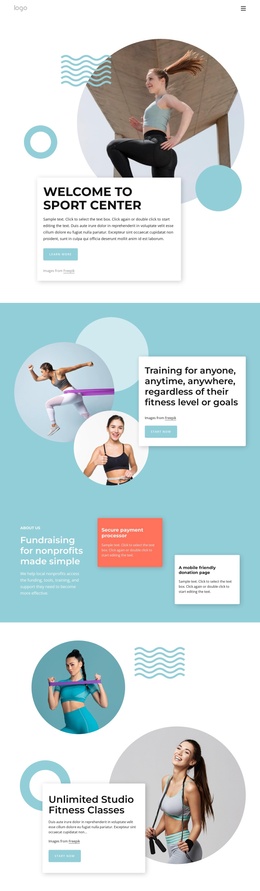
A results-driven trainings Joomla Template


Edit Template Offline
2. Create new page and search for id 6138191
Edit Template Online
Create Awesome Websites


Free Nicepage Builder
Keywords
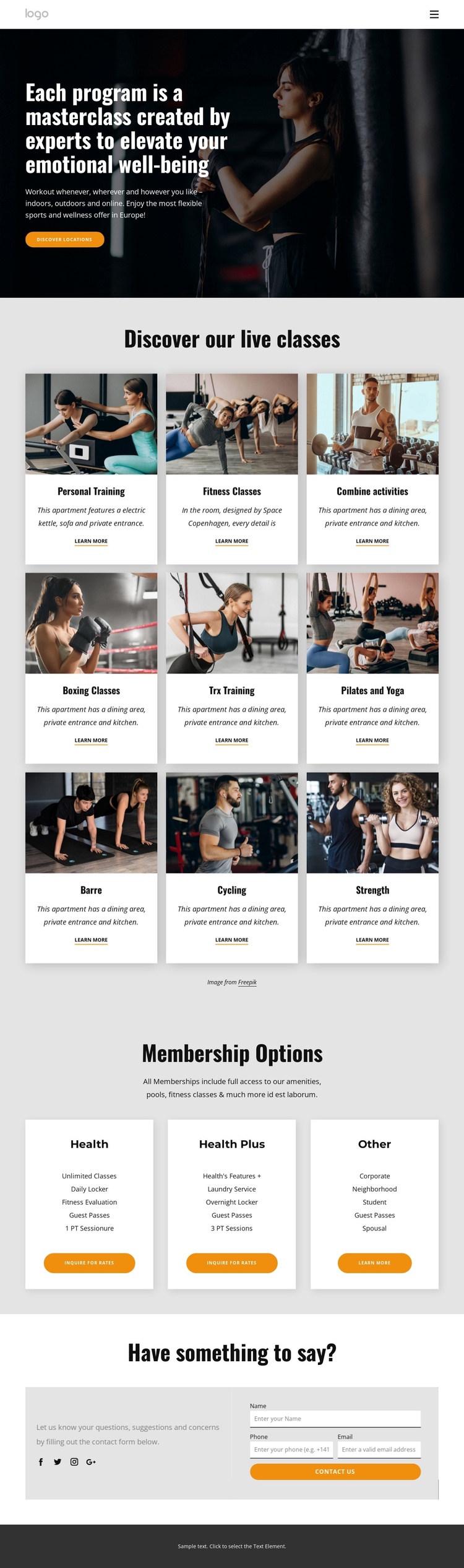
Class Categories and Membership Cards Divide the Content Into Manageable Regions
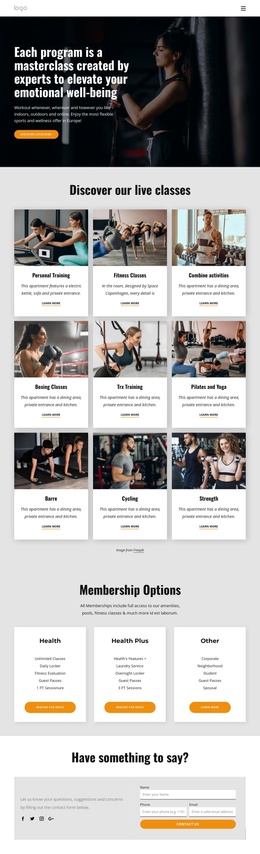
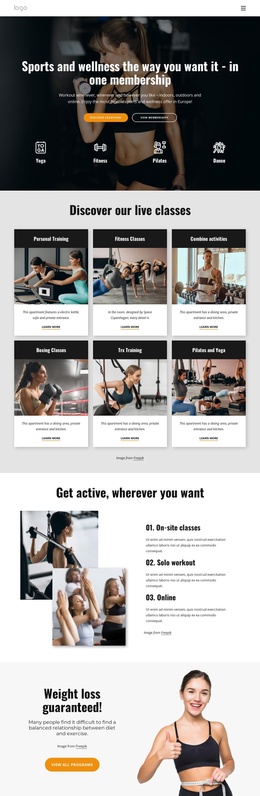
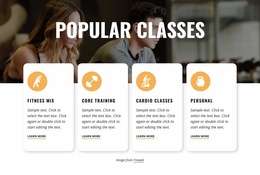
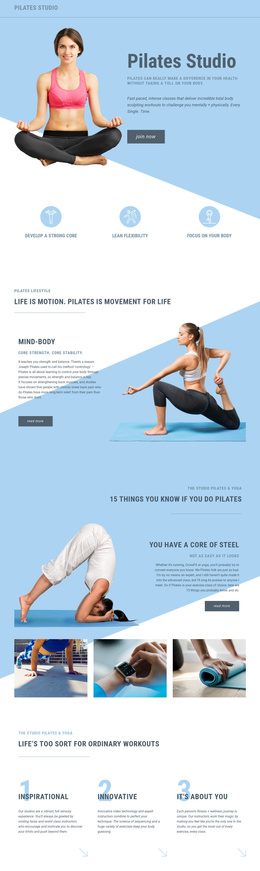
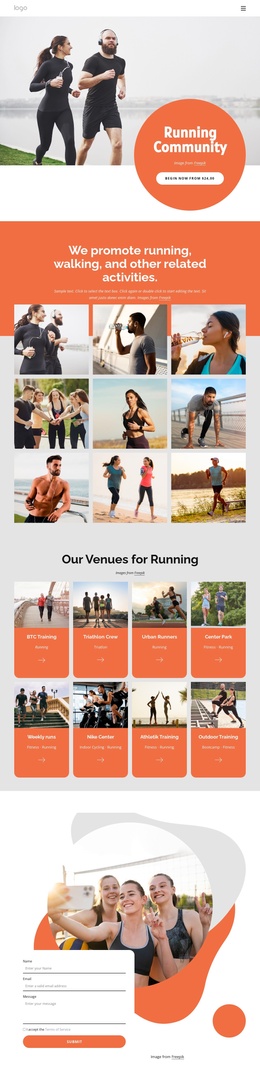
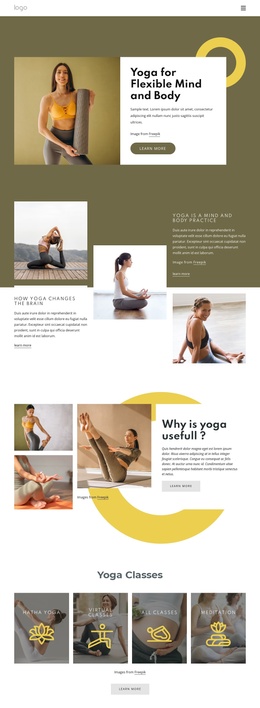
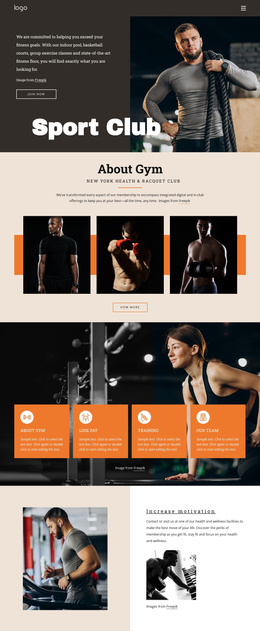
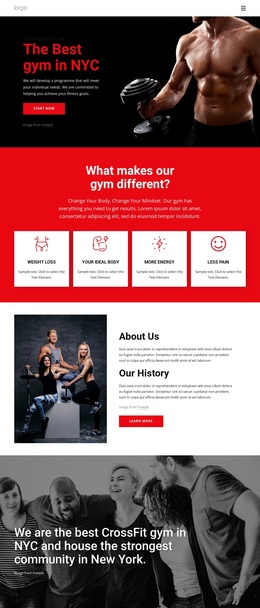
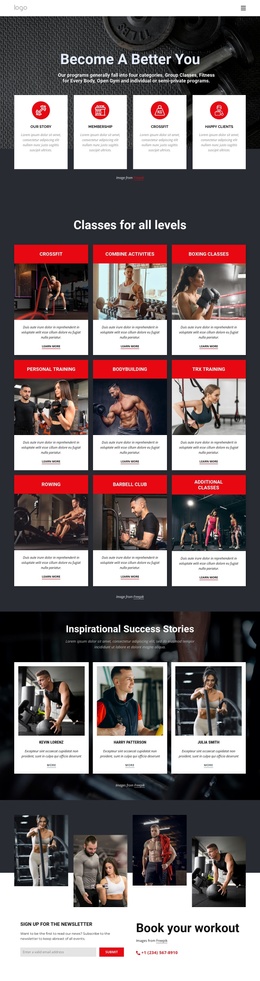
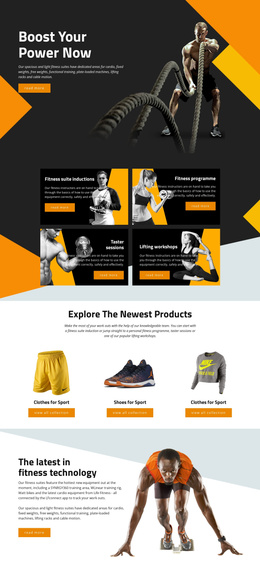
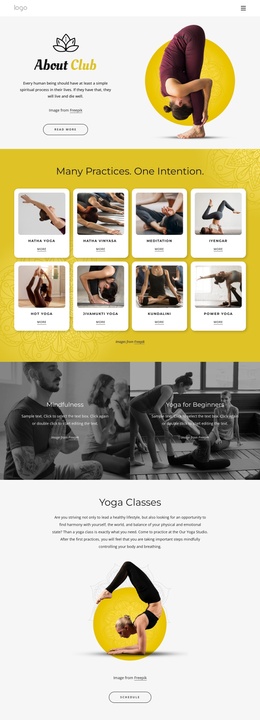
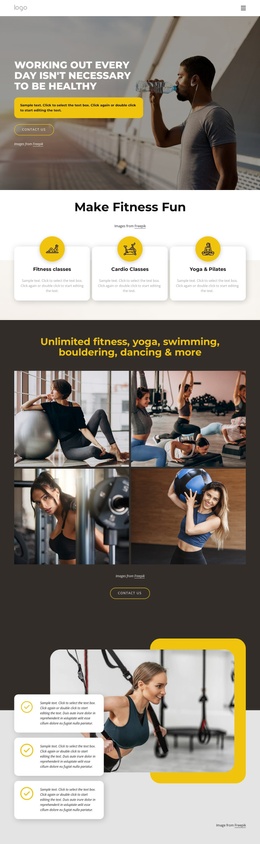
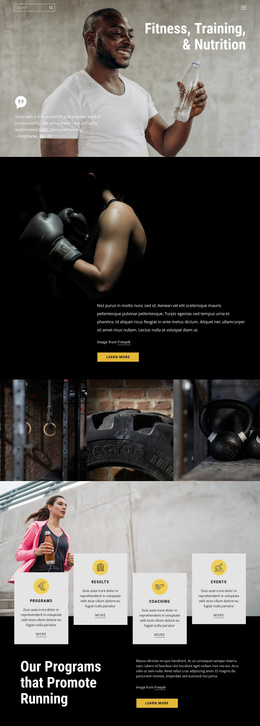
The nine live class categories create a useful set of structured information areas for a CMS-managed fitness site. Personal Training, Fitness Classes, Combine activities, Boxing Classes, Trx Training, Pilates and Yoga, Barre, Cycling, and Strength are presented as repeated image cards with labels, descriptions, and Learn more links. Their consistent format makes the program content easy to understand as a group, while each card still identifies a separate activity that can be maintained as its own informational region.
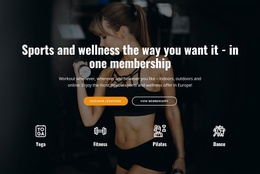
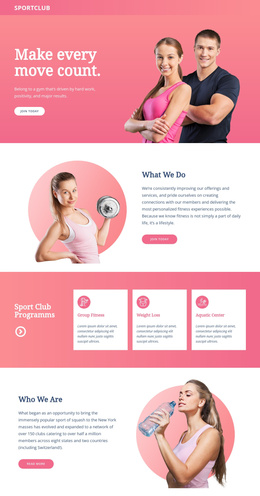
The Membership Options block provides a different kind of content grouping. Three cards present Health, Health Plus, and Other membership choices with feature lists and inquiry buttons. Because no prices are displayed, the design does not force a specific commercial claim; it leaves the details open for the club's actual content and rate information. Navigation and the shared dark footer help connect these sections as parts of one site presentation rather than isolated promotional panels.
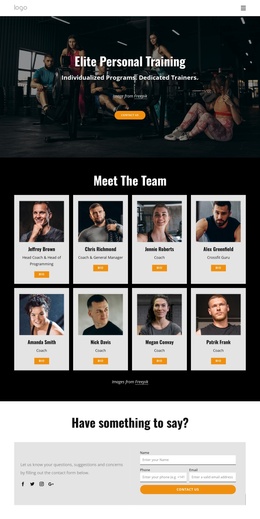
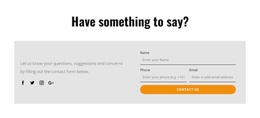
The contact area adds a structured communication region with explanatory copy, Facebook, Twitter, Instagram, and Google links, plus a form requesting a name, phone number, and email address. In a Joomla implementation, the program cards, membership information, navigation, and contact content can be treated as coordinated site regions while the visual arrangement remains recognizable. The result is a practical content map for a fitness organization that needs recurring informational sections and direct inquiries without turning the page into a generic CMS example.
Customize with Nicepage
Open this ready-made template in the Joomla Page Builder and customize it visually in the Nicepage editor. Replace demo content, edit page sections, and adapt the design to your project without rebuilding the template from scratch.
Work With This Template in Joomla
Customize and Install the Joomla Template
Start with this ready-made template instead of building the Joomla design from scratch. Customize its layout, content, typography, images, sections, and other design elements visually in the Nicepage application, then export and install the Joomla Template, Nicepage Extension, and supported content on your Joomla website.
Edit the Template Directly in Joomla
After installation, you can edit the Joomla Template directly in Joomla with the Nicepage Joomla Extension. Customize the Header, Footer, Colors, Fonts, typography, and Page Templates from the Joomla workflow while keeping the site design connected with your CMS content.
Edit Joomla Articles Visually
Use the Nicepage Joomla Extension to open and edit Joomla Articles visually from the Joomla Administrator. Change text, images, sections, layouts, and other page content in the Nicepage editor while continuing to manage the Articles through Joomla.
Joomla Content and Template Integration
Use the customized template together with Joomla Articles, module Positions, menus, forms, Blog Pages, and other supported CMS elements. With the Nicepage Extension used as the Site Style Source, shared design settings can be applied across Joomla Articles while Joomla continues to provide the CMS environment for managing site content.
This workflow combines a ready-made Joomla Template with visual customization, direct template editing in Joomla, and continued content management through the Nicepage Joomla Extension.