We bake handmade bread Joomla Template


Edit Template Offline
2. Create new page and search for id 4307627
Edit Template Online
Create Awesome Websites


Free Nicepage Builder
Keywords
Ingredients, Features, and Contact Regions for Joomla Content
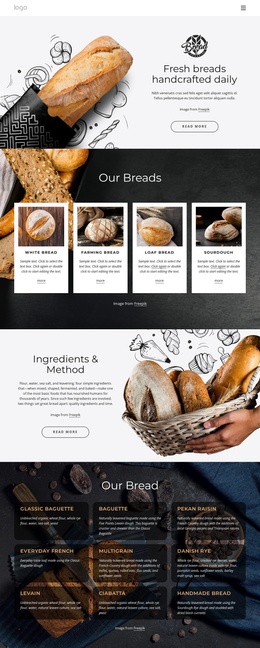
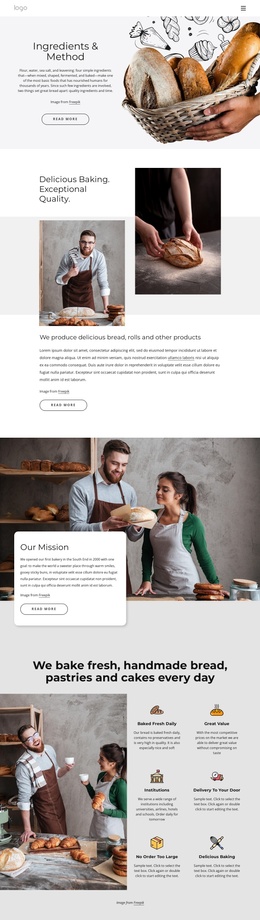
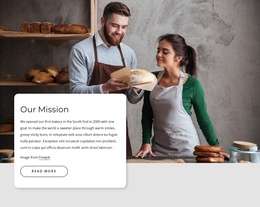
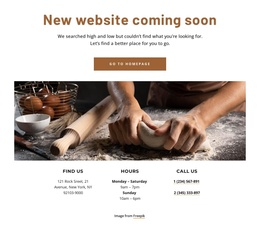
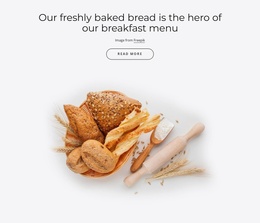
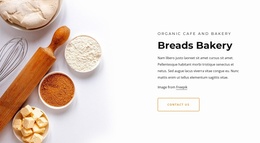
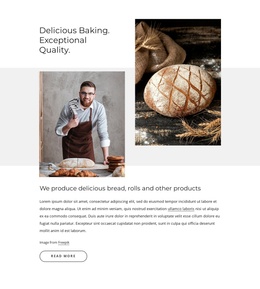
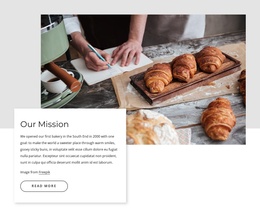
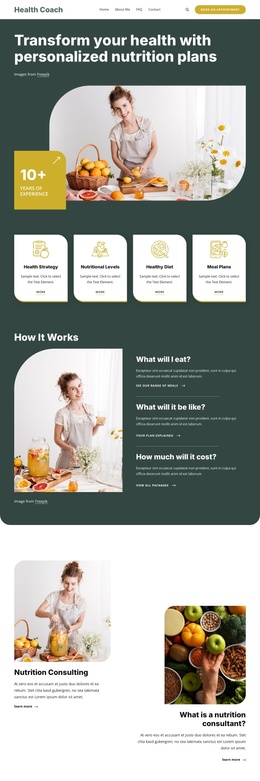
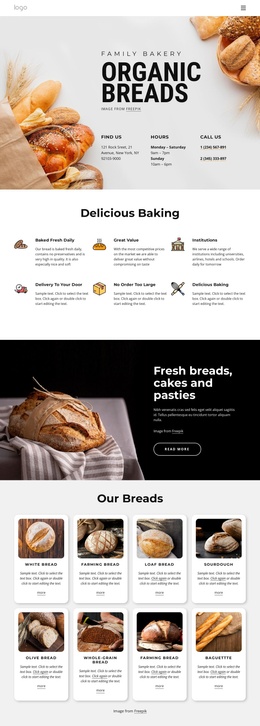
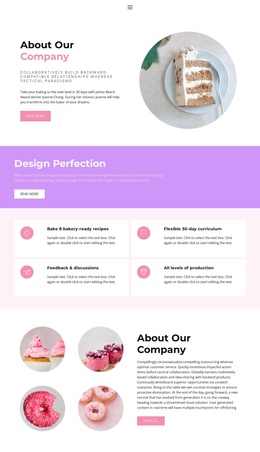
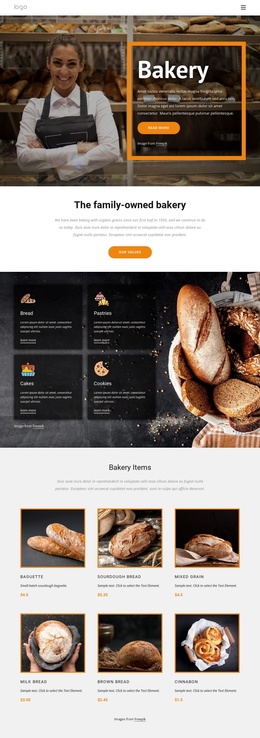
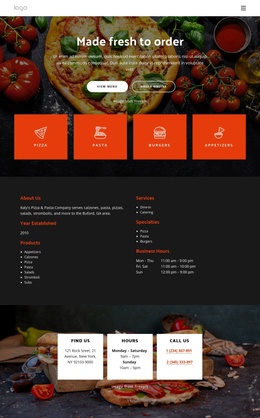
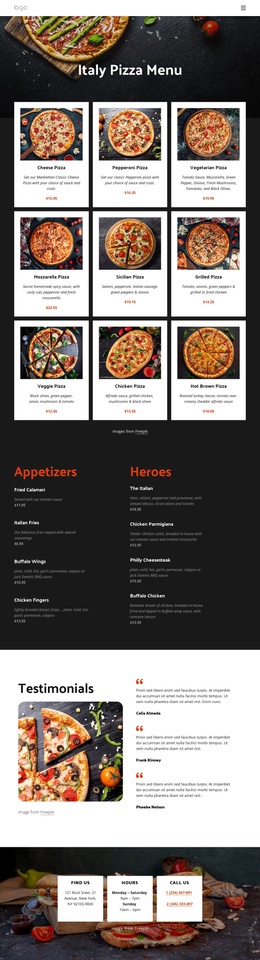
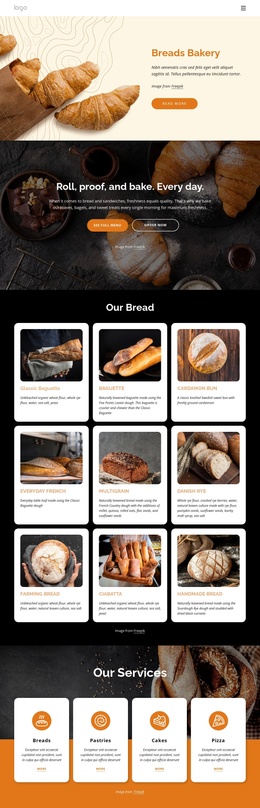
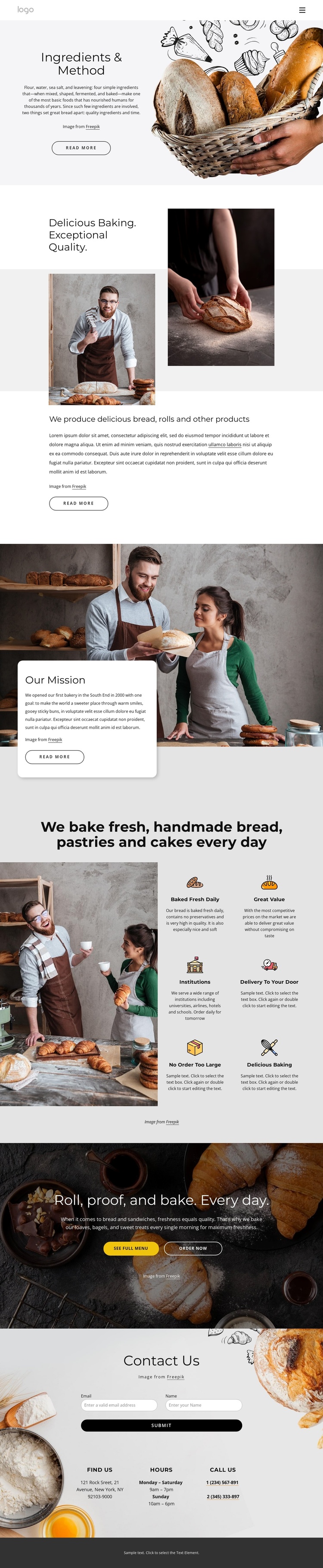
The opening Ingredients & Method section gives the page a clear informational starting point: explanatory copy and a large bakery photograph work together before the visitor reaches the quality statement and mission area. That sequence separates introductory business information from the practical content that follows. In a Joomla-managed project, these sections can be treated as distinct content regions while preserving the visual relationship between text, imagery, and calls to action.
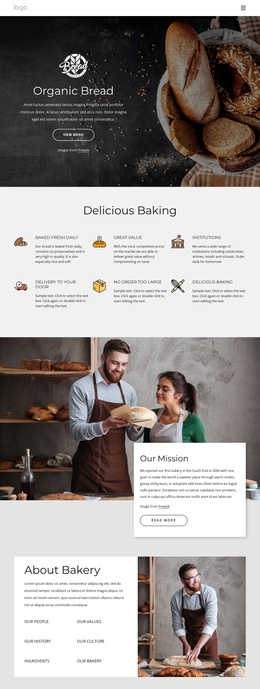
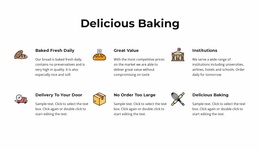
The six labeled features provide a second layer of structured information. Baked Fresh Daily, Great Value, Institutions, Delivery To Your Door, No Order Too Large, and Delicious Baking are presented as repeated icon-led items, making them suitable for organized service or capability content rather than one undifferentiated paragraph. The menu and ordering actions then connect those informational areas with the bakery’s commercial next steps without changing the page’s editorial flow.
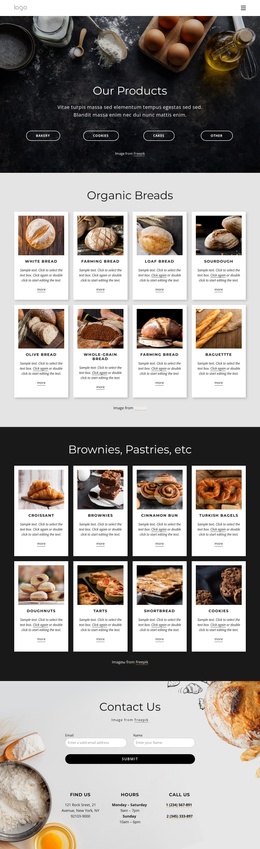
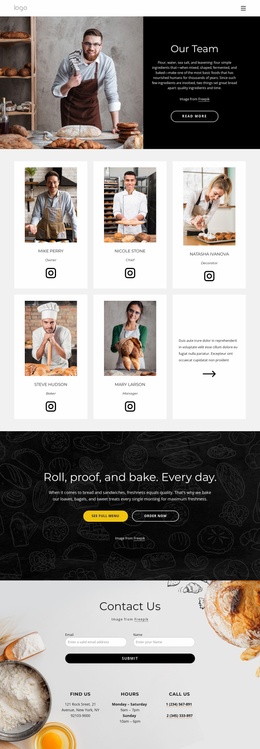
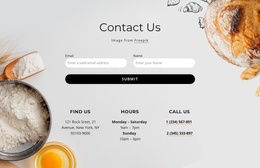
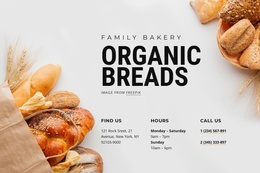
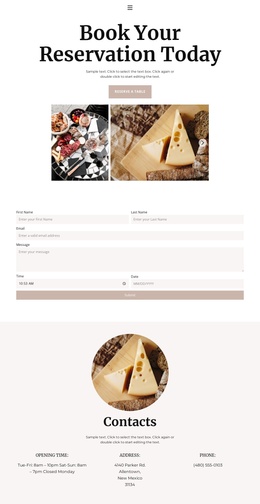
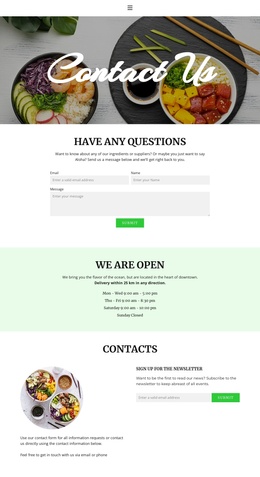
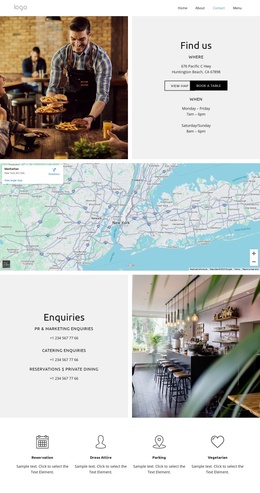
Near the end, the contact section combines a form with Find Us, Hours, and Call Us columns. This gives the design a practical content region for inquiries and customer details, while the dark footer supplies a shared closing area. Joomla’s content environment can therefore support the page as a coordinated set of bakery information, service highlights, navigation, and contact-oriented regions. The design remains grounded in the confirmed page structure instead of treating sample addresses, hours, or phone numbers as real business data.
Customize with Nicepage
Open this ready-made template in the Joomla Page Builder and customize it visually in the Nicepage editor. Replace demo content, edit page sections, and adapt the design to your project without rebuilding the template from scratch.
Work With This Template in Joomla
Customize and Install the Joomla Template
Start with this ready-made template instead of building the Joomla design from scratch. Customize its layout, content, typography, images, sections, and other design elements visually in the Nicepage application, then export and install the Joomla Template, Nicepage Extension, and supported content on your Joomla website.
Edit the Template Directly in Joomla
After installation, you can edit the Joomla Template directly in Joomla with the Nicepage Joomla Extension. Customize the Header, Footer, Colors, Fonts, typography, and Page Templates from the Joomla workflow while keeping the site design connected with your CMS content.
Edit Joomla Articles Visually
Use the Nicepage Joomla Extension to open and edit Joomla Articles visually from the Joomla Administrator. Change text, images, sections, layouts, and other page content in the Nicepage editor while continuing to manage the Articles through Joomla.
Joomla Content and Template Integration
Use the customized template together with Joomla Articles, module Positions, menus, forms, Blog Pages, and other supported CMS elements. With the Nicepage Extension used as the Site Style Source, shared design settings can be applied across Joomla Articles while Joomla continues to provide the CMS environment for managing site content.
This workflow combines a ready-made Joomla Template with visual customization, direct template editing in Joomla, and continued content management through the Nicepage Joomla Extension.