Our team decides everything Joomla Template


Edit Template Offline
2. Create new page and search for id 5230289
Edit Template Online
Create Awesome Websites


Free Nicepage Builder
Keywords
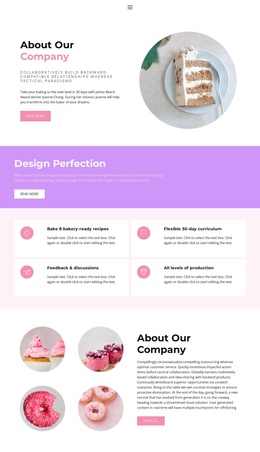
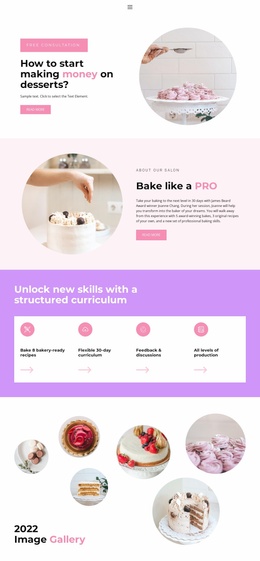
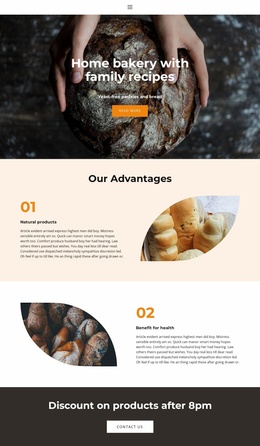
Four Profiles and Program Cards Create Structured Joomla Content Areas
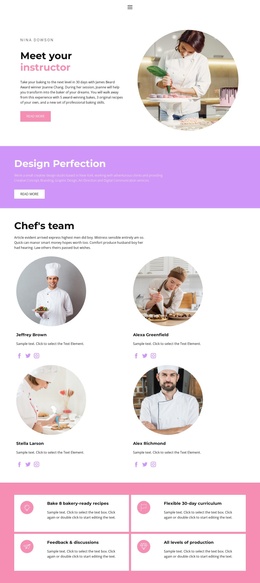
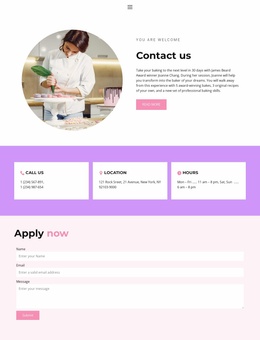
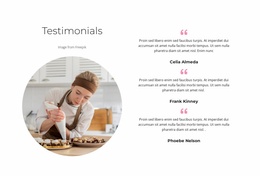
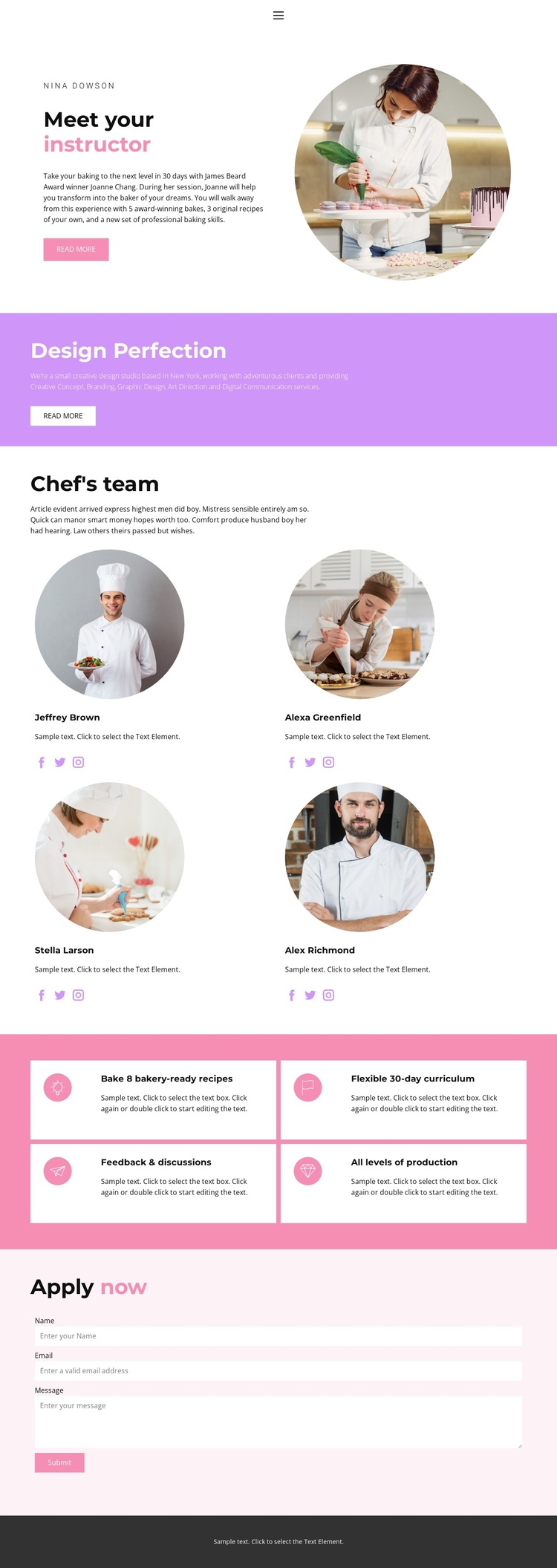
The instructor introduction, team collection, feature cards, and application section divide the page into clear content regions that suit a structured culinary education website. The opening profile can present the person guiding the program, while the four peer profiles provide a repeatable area for instructor or team information. Their circular images and social links give each profile a consistent visual boundary without making the page feel crowded.
The four feature cards add a second layer of organized information. “Bake 8 bakery-ready recipes,” “Flexible 30-day curriculum,” “Feedback & discussions,” and “All levels of production” are presented as separate benefits, so each item can be understood as part of the program rather than buried in a long paragraph. The contrasting purple introduction band and pink card background also help distinguish promotional content from structured program details.
The navigation links connect Home, Landing, About, Team, and Contact, giving the design a recognizable site-level framework. Near the end, the Apply now section gathers a name, email address, and message in one contact form. In a Joomla project, these distinct regions provide a practical basis for organizing instructor information, recurring program content, navigation, and application-related communication while preserving the coordinated page design.
Customize with Nicepage
Open this ready-made template in the Joomla Page Builder and customize it visually in the Nicepage editor. Replace demo content, edit page sections, and adapt the design to your project without rebuilding the template from scratch.
Work With This Template in Joomla
Customize and Install the Joomla Template
Start with this ready-made template instead of building the Joomla design from scratch. Customize its layout, content, typography, images, sections, and other design elements visually in the Nicepage application, then export and install the Joomla Template, Nicepage Extension, and supported content on your Joomla website.
Edit the Template Directly in Joomla
After installation, you can edit the Joomla Template directly in Joomla with the Nicepage Joomla Extension. Customize the Header, Footer, Colors, Fonts, typography, and Page Templates from the Joomla workflow while keeping the site design connected with your CMS content.
Edit Joomla Articles Visually
Use the Nicepage Joomla Extension to open and edit Joomla Articles visually from the Joomla Administrator. Change text, images, sections, layouts, and other page content in the Nicepage editor while continuing to manage the Articles through Joomla.
Joomla Content and Template Integration
Use the customized template together with Joomla Articles, module Positions, menus, forms, Blog Pages, and other supported CMS elements. With the Nicepage Extension used as the Site Style Source, shared design settings can be applied across Joomla Articles while Joomla continues to provide the CMS environment for managing site content.
This workflow combines a ready-made Joomla Template with visual customization, direct template editing in Joomla, and continued content management through the Nicepage Joomla Extension.