Best bread plus pastries Joomla Template


Edit Template Offline
2. Create new page and search for id 4689631
Edit Template Online
Create Awesome Websites


Free Nicepage Builder
Keywords
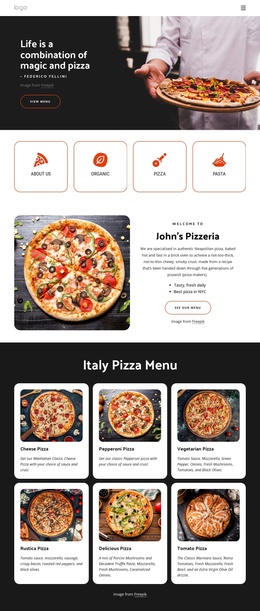
Bakery Navigation Connects Structured Content and Store Information
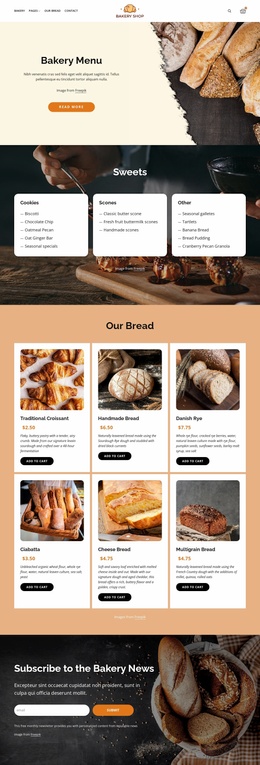
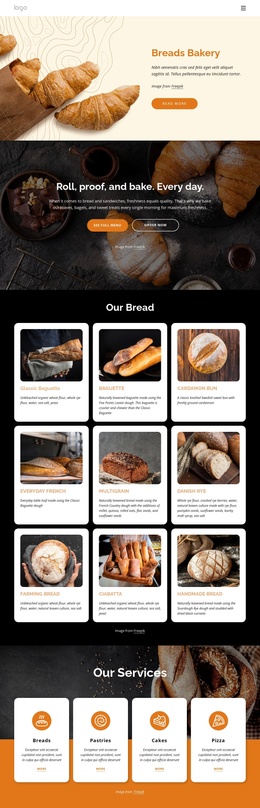
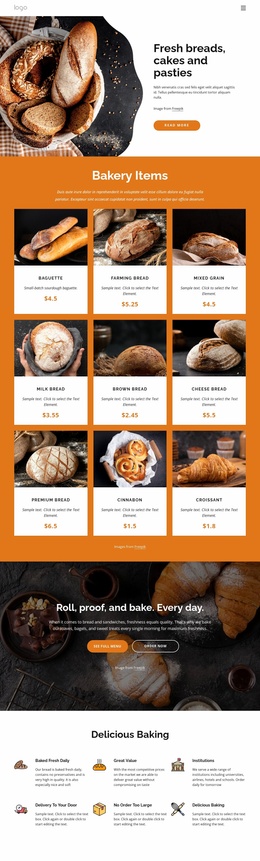
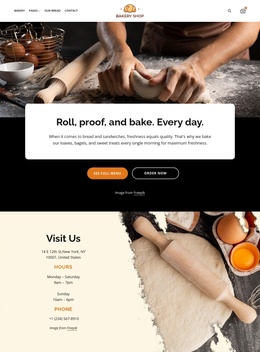
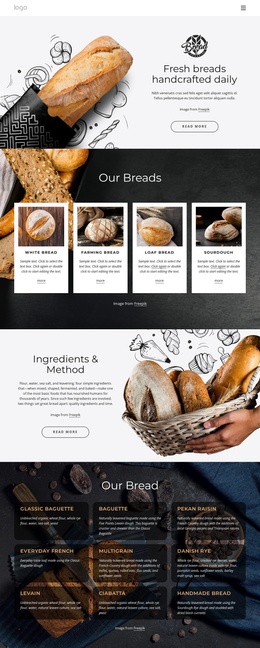
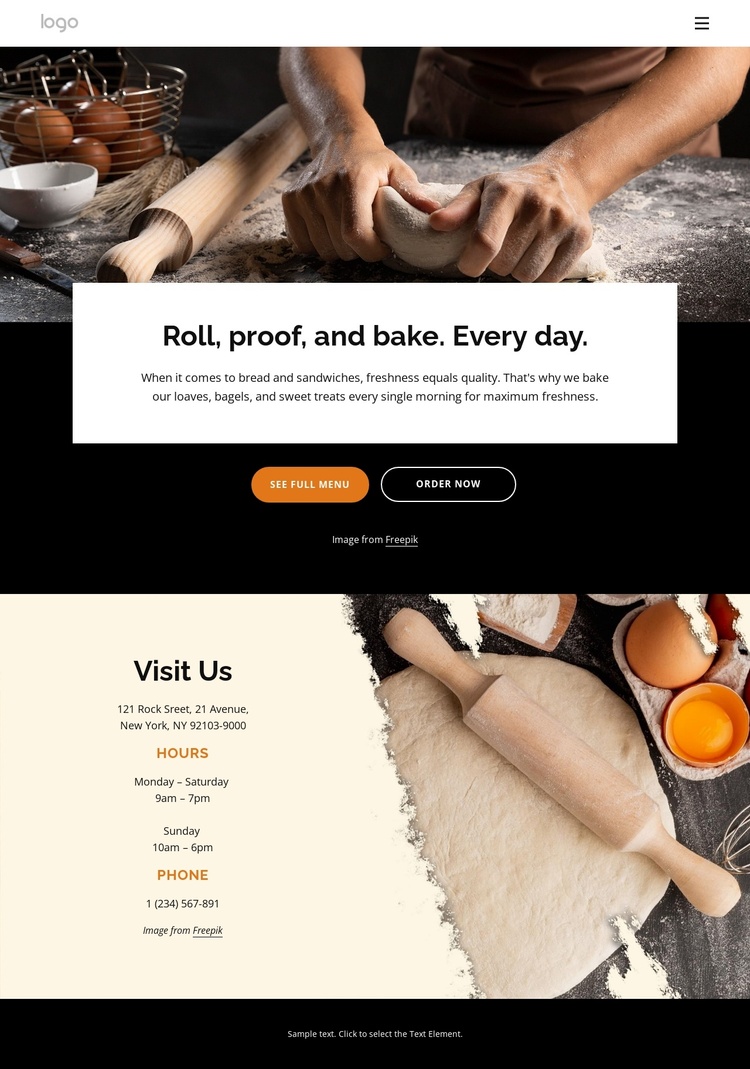
The bakery logo and horizontal navigation establish shared entry points for Pages, Our Bread, and Contact, while the search and shopping cart controls indicate that customers can move between information and purchasing-related actions. Below that shared identity, the daily baking introduction groups the bakery message with See Full Menu and Order Now buttons. These are distinct content areas that can be maintained as related but separate parts of a Joomla-oriented site structure.
The Visit Us section adds another structured region: hours and phone contact are presented beside bakery photography, giving practical store information a clear place apart from the promotional introduction. The footer continues that organization through Quick Links, Help, Get In Touch, social links, and a subscription form. Together, these regions distinguish navigation, offering-related content, customer service information, and ongoing communication.
That division is useful when adapting the design for managed Joomla content because recurring informational areas can retain a coordinated visual treatment while their text and links evolve. The page does not need to be treated as one undifferentiated canvas. Its header, content actions, visit details, and footer already suggest reusable site regions, allowing future bakery information to fit the existing hierarchy without changing the warm imagery, cream panels, dark backgrounds, and orange accents.
Customize with Nicepage
Open this ready-made template in the Joomla Page Builder and customize it visually in the Nicepage editor. Replace demo content, edit page sections, and adapt the design to your project without rebuilding the template from scratch.
Work With This Template in Joomla
Customize and Install the Joomla Template
Start with this ready-made template instead of building the Joomla design from scratch. Customize its layout, content, typography, images, sections, and other design elements visually in the Nicepage application, then export and install the Joomla Template, Nicepage Extension, and supported content on your Joomla website.
Edit the Template Directly in Joomla
After installation, you can edit the Joomla Template directly in Joomla with the Nicepage Joomla Extension. Customize the Header, Footer, Colors, Fonts, typography, and Page Templates from the Joomla workflow while keeping the site design connected with your CMS content.
Edit Joomla Articles Visually
Use the Nicepage Joomla Extension to open and edit Joomla Articles visually from the Joomla Administrator. Change text, images, sections, layouts, and other page content in the Nicepage editor while continuing to manage the Articles through Joomla.
Joomla Content and Template Integration
Use the customized template together with Joomla Articles, module Positions, menus, forms, Blog Pages, and other supported CMS elements. With the Nicepage Extension used as the Site Style Source, shared design settings can be applied across Joomla Articles while Joomla continues to provide the CMS environment for managing site content.
This workflow combines a ready-made Joomla Template with visual customization, direct template editing in Joomla, and continued content management through the Nicepage Joomla Extension.