Restoring hope Joomla Template



Edit Template Offline
2. Create new page and search for id 5571212
Edit Template Online
Create Awesome Websites


Free Nicepage Builder
Keywords
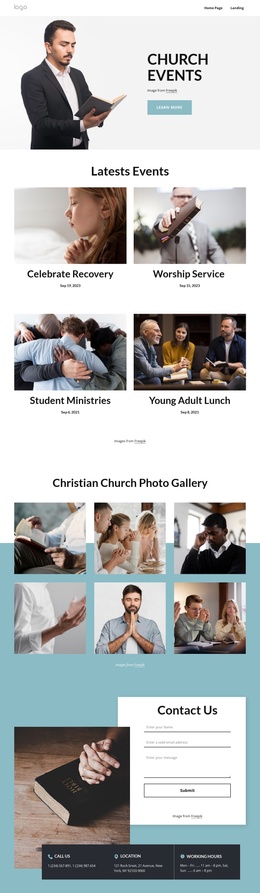
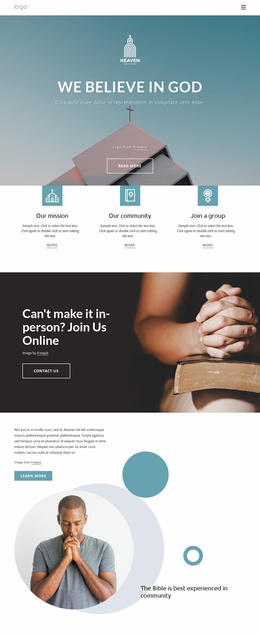
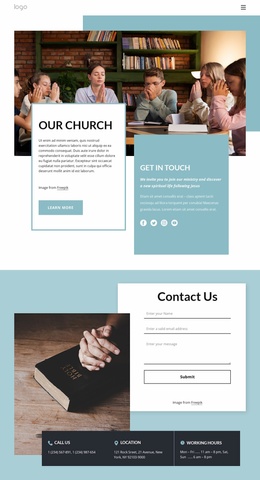
Bible study and contact regions create clear CMS-managed content areas
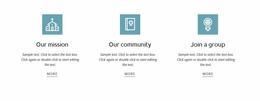
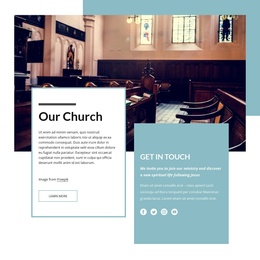
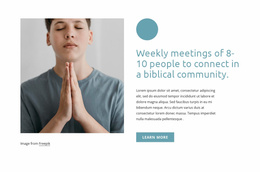
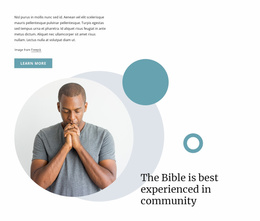
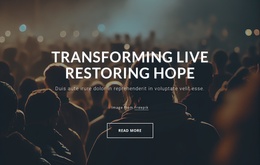
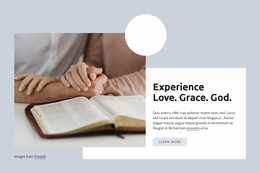
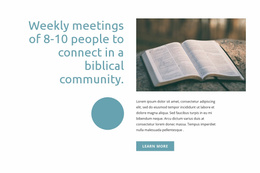
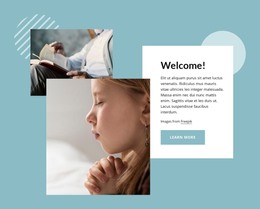
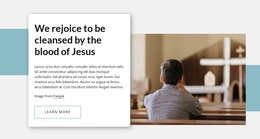
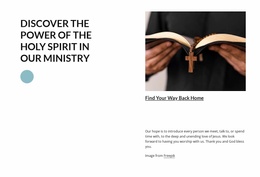
The ministry categories give this design several structured information areas that can be maintained as distinct content in a Joomla project. Place Of Heaven, Study Bible, and Children’s Ministry appear as three repeated cards, so each subject has a recognizable visual position and supporting action. The following sections add other editorial regions: the grace introduction communicates the faith message, the weekly meeting section explains community activity, and the prayer and personal-story sections provide more reflective content. These areas can remain visually coordinated while their wording, images, and destinations evolve.
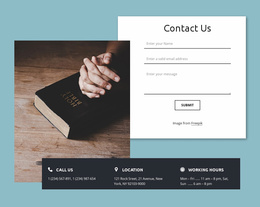
The lower half of the page supplies practical regions for ongoing site communication. Volunteering and weekly podcasts are presented as separate participation paths, with the podcast panel connected to an email signup. The closing contact block then groups an inquiry form with phone, location, and working-hours channels, making it a natural site region for organizational information. Navigation and shared page framing can connect these areas without changing their roles. The important point is not that Joomla Articles or module positions already exist here, but that the verified content divisions map naturally to structured CMS-managed sections. The template therefore offers a coherent visual basis for organizing ministry information, recurring announcements, participation content, and contact details in Joomla.
Customize with Nicepage
Open this ready-made template in the Joomla Page Builder and customize it visually in the Nicepage editor. Replace demo content, edit page sections, and adapt the design to your project without rebuilding the template from scratch.
Work With This Template in Joomla
Customize and Install the Joomla Template
Start with this ready-made template instead of building the Joomla design from scratch. Customize its layout, content, typography, images, sections, and other design elements visually in the Nicepage application, then export and install the Joomla Template, Nicepage Extension, and supported content on your Joomla website.
Edit the Template Directly in Joomla
After installation, you can edit the Joomla Template directly in Joomla with the Nicepage Joomla Extension. Customize the Header, Footer, Colors, Fonts, typography, and Page Templates from the Joomla workflow while keeping the site design connected with your CMS content.
Edit Joomla Articles Visually
Use the Nicepage Joomla Extension to open and edit Joomla Articles visually from the Joomla Administrator. Change text, images, sections, layouts, and other page content in the Nicepage editor while continuing to manage the Articles through Joomla.
Joomla Content and Template Integration
Use the customized template together with Joomla Articles, module Positions, menus, forms, Blog Pages, and other supported CMS elements. With the Nicepage Extension used as the Site Style Source, shared design settings can be applied across Joomla Articles while Joomla continues to provide the CMS environment for managing site content.
This workflow combines a ready-made Joomla Template with visual customization, direct template editing in Joomla, and continued content management through the Nicepage Joomla Extension.