The HR company team Joomla Template



Edit Template Offline
2. Create new page and search for id 6400388
Edit Template Online
Create Awesome Websites


Free Nicepage Builder
Keywords
Team profiles and service groups create organized CMS content areas
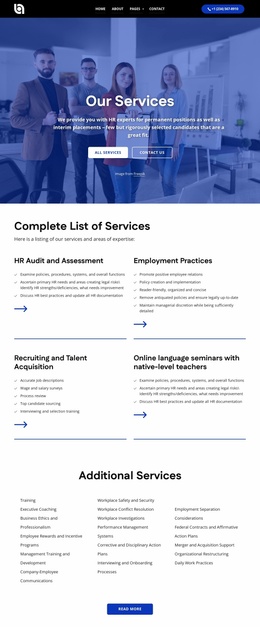
The six profile cards divide the central presentation into repeated people-focused content units. Each card carries a portrait, name, and role, so the design can accommodate structured team information without losing the shared visual treatment. Around that core, the page identifies service areas including recruiting, engagement, development, retention, HR analytics, talent management, succession planning, and labor relations. These subjects give the content a practical information structure for a consulting site rather than leaving the profiles disconnected from the organization’s work.
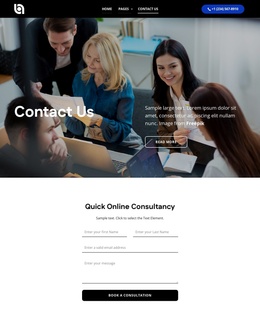
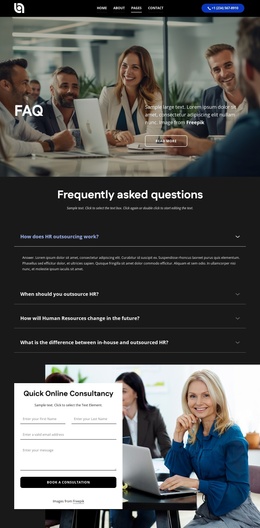
Navigation and contact content reinforce that structure. The hero introduces the team and places All services and Contact Us actions near the beginning, while the lower section invites visitors to subscribe for exclusive insights and promotions. The footer groups office information, phone and email channels, quick links, help and support references, and social links into clearly separated regions. Those groups can correspond naturally to recurring site areas in a Joomla-managed project, where structured informational content and shared navigation need to remain visually coordinated.
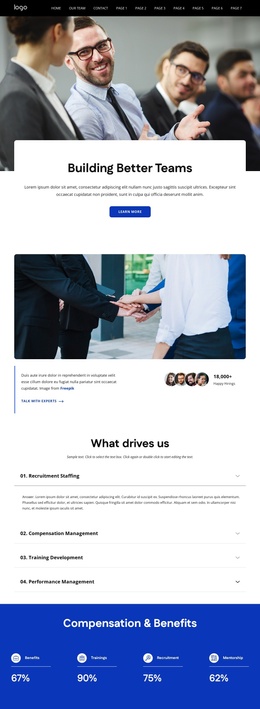
The design therefore offers more than a profile gallery: it connects people, service categories, subscription content, and contact regions in one recognizable system. A Joomla implementation could use this arrangement as a content-facing foundation while preserving the distinction between team information, service navigation, email communication, and support details.
Customize with Nicepage
Open this ready-made template in the Joomla Page Builder and customize it visually in the Nicepage editor. Replace demo content, edit page sections, and adapt the design to your project without rebuilding the template from scratch.
Work With This Template in Joomla
Customize and Install the Joomla Template
Start with this ready-made template instead of building the Joomla design from scratch. Customize its layout, content, typography, images, sections, and other design elements visually in the Nicepage application, then export and install the Joomla Template, Nicepage Extension, and supported content on your Joomla website.
Edit the Template Directly in Joomla
After installation, you can edit the Joomla Template directly in Joomla with the Nicepage Joomla Extension. Customize the Header, Footer, Colors, Fonts, typography, and Page Templates from the Joomla workflow while keeping the site design connected with your CMS content.
Edit Joomla Articles Visually
Use the Nicepage Joomla Extension to open and edit Joomla Articles visually from the Joomla Administrator. Change text, images, sections, layouts, and other page content in the Nicepage editor while continuing to manage the Articles through Joomla.
Joomla Content and Template Integration
Use the customized template together with Joomla Articles, module Positions, menus, forms, Blog Pages, and other supported CMS elements. With the Nicepage Extension used as the Site Style Source, shared design settings can be applied across Joomla Articles while Joomla continues to provide the CMS environment for managing site content.
This workflow combines a ready-made Joomla Template with visual customization, direct template editing in Joomla, and continued content management through the Nicepage Joomla Extension.