Doing branding for business Joomla Template


Edit Template Offline
2. Create new page and search for id 82540
Edit Template Online
Create Awesome Websites


Free Nicepage Builder
Keywords
Services, Proof, and Contact Content Form Structured CMS Regions
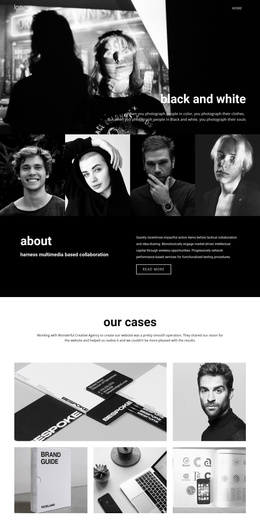
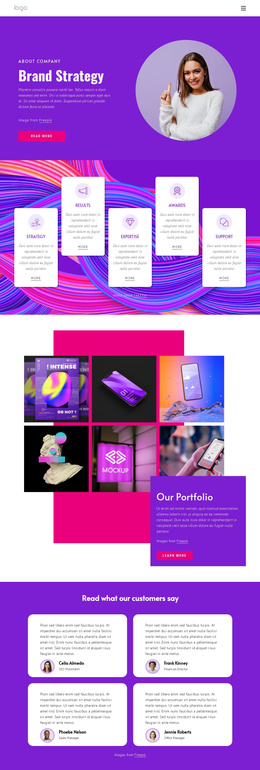
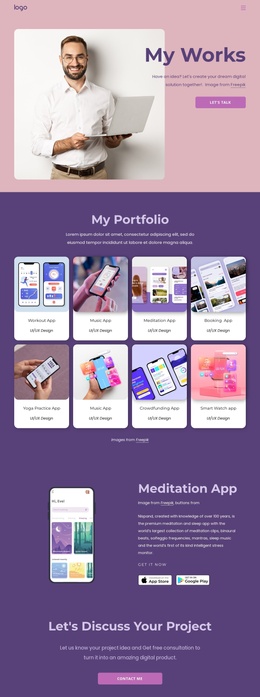
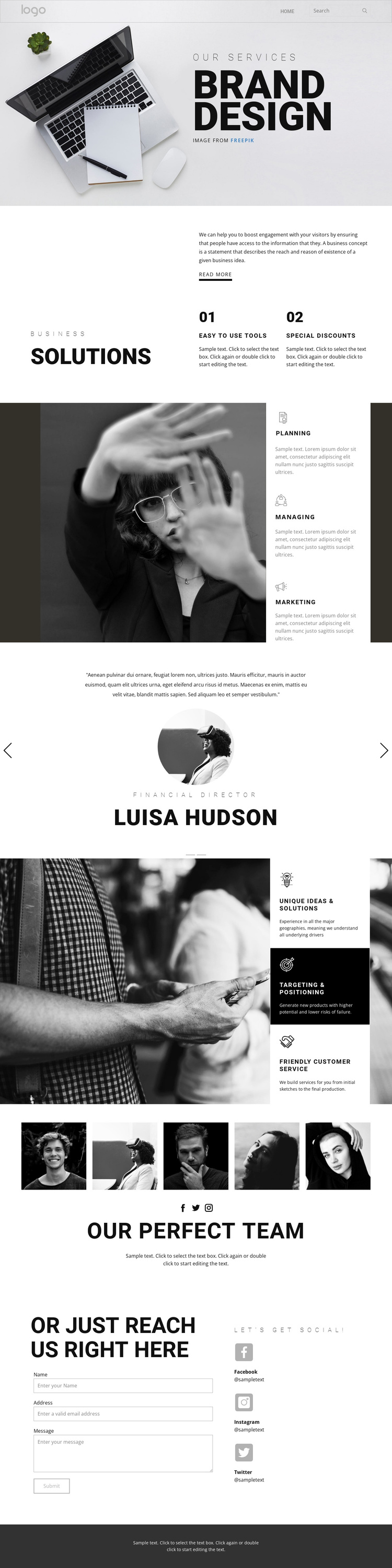
The page divides branding information into recognizable regions that can be maintained as organized site content. The Business solutions section introduces the subject through a heading, supporting explanation, two feature items, and a Read more action. This gives a Joomla project a defined informational area before the more specific capability groups appear. Planning, Managing, and Marketing then form a repeatable service region, while Unique ideas and solutions, Targeting and positioning, and Friendly customer service create a second structured group for strategic content.
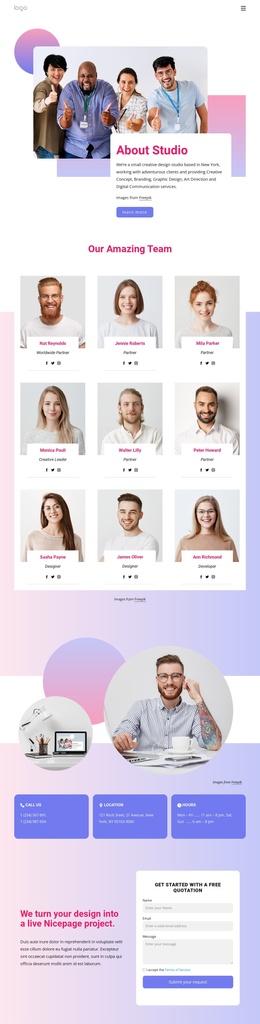
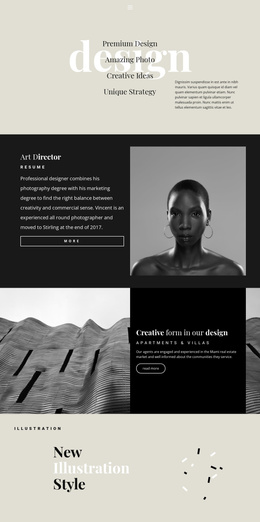
The testimonial area offers another distinct content type within the page. It contains two testimonial entries with quotes, portraits, roles, names, and directional controls, so the relationship between repeated proof items is already visible even though the names and quotations are demo content. The five-photo team showcase similarly separates people-focused imagery from service descriptions. These boundaries help preserve a coordinated visual system while different content areas are maintained through a CMS.
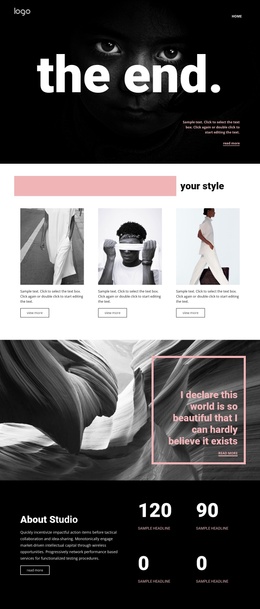
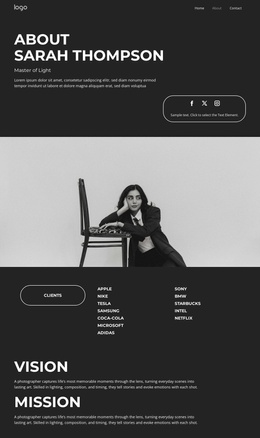
Navigation and mobile-navigation provide the page’s access framework, and the final contact block brings together a form with name, email, and message inputs alongside three social channels. In a Joomla implementation, the design can therefore be interpreted through menus, structured service information, reusable content regions, and contact material rather than through a simple static-page label. The dark footer supplies a final shared region. This reading leaves installation and editing procedures to the CMS workflow while focusing on the actual content organization of the design.
Customize with Nicepage
Open this ready-made template in the Joomla Page Builder and customize it visually in the Nicepage editor. Replace demo content, edit page sections, and adapt the design to your project without rebuilding the template from scratch.
Work With This Template in Joomla
Customize and Install the Joomla Template
Start with this ready-made template instead of building the Joomla design from scratch. Customize its layout, content, typography, images, sections, and other design elements visually in the Nicepage application, then export and install the Joomla Template, Nicepage Extension, and supported content on your Joomla website.
Edit the Template Directly in Joomla
After installation, you can edit the Joomla Template directly in Joomla with the Nicepage Joomla Extension. Customize the Header, Footer, Colors, Fonts, typography, and Page Templates from the Joomla workflow while keeping the site design connected with your CMS content.
Edit Joomla Articles Visually
Use the Nicepage Joomla Extension to open and edit Joomla Articles visually from the Joomla Administrator. Change text, images, sections, layouts, and other page content in the Nicepage editor while continuing to manage the Articles through Joomla.
Joomla Content and Template Integration
Use the customized template together with Joomla Articles, module Positions, menus, forms, Blog Pages, and other supported CMS elements. With the Nicepage Extension used as the Site Style Source, shared design settings can be applied across Joomla Articles while Joomla continues to provide the CMS environment for managing site content.
This workflow combines a ready-made Joomla Template with visual customization, direct template editing in Joomla, and continued content management through the Nicepage Joomla Extension.