Our Mission, vision and confession Joomla Template



Edit Template Offline
2. Create new page and search for id 5587440
Edit Template Online
Create Awesome Websites


Free Nicepage Builder
Keywords
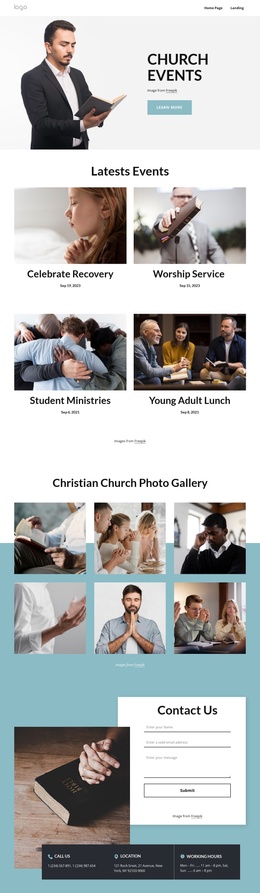
Mission, Leaders, Questions, and Contact Form a Structured Church Content Map
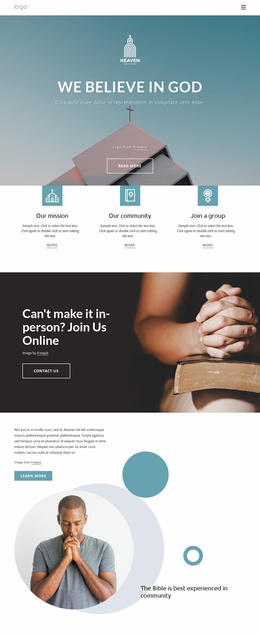
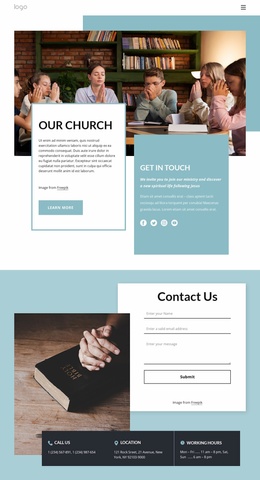
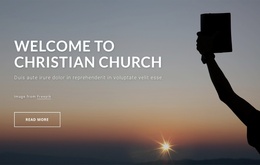
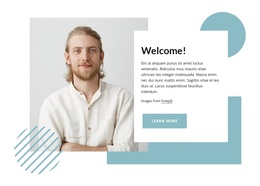
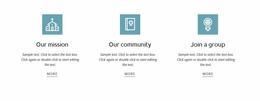
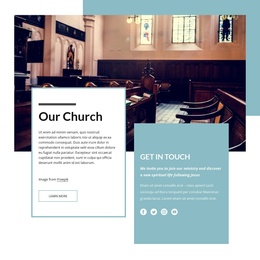
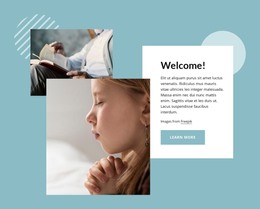
The page divides church information into several recurring content regions that are easier to interpret as managed site content than as one undifferentiated message. The three feature cards establish the central subjects of The Church, Our Mission, and the Bible. They can serve as stable informational areas while the welcome and online community sections provide broader introductory context around them.
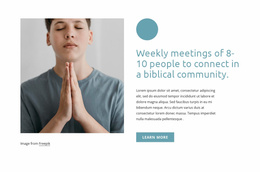
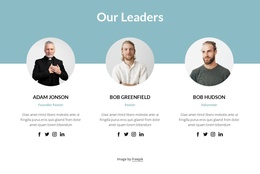
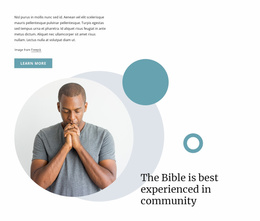
The leadership block adds a repeated content pattern with three profiles, each combining a portrait, role, description, and social links. That pattern is distinct from the three image highlights, which present community imagery with overlaid captions. Keeping those roles separate helps a CMS-managed church site distinguish people-focused information from visual community material. The five-question accordion adds a compact practical-information region, covering concerns such as worship, parking, small groups, and office hours through expandable rows.
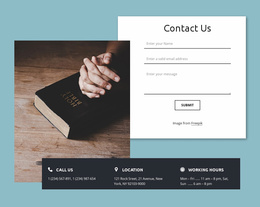
The contact section brings together a form, phone, location, and working-hours cards, creating a clear site region for direct connection. Navigation and mobile navigation can frame these areas as part of one coordinated church presentation, while the footer supplies a shared closing block. In a Joomla project, this structure can support organized article-like information and reusable site regions without claiming that the sample names, address, or phone values are real church records.
Customize with Nicepage
Open this ready-made template in the Joomla Page Builder and customize it visually in the Nicepage editor. Replace demo content, edit page sections, and adapt the design to your project without rebuilding the template from scratch.
Work With This Template in Joomla
Customize and Install the Joomla Template
Start with this ready-made template instead of building the Joomla design from scratch. Customize its layout, content, typography, images, sections, and other design elements visually in the Nicepage application, then export and install the Joomla Template, Nicepage Extension, and supported content on your Joomla website.
Edit the Template Directly in Joomla
After installation, you can edit the Joomla Template directly in Joomla with the Nicepage Joomla Extension. Customize the Header, Footer, Colors, Fonts, typography, and Page Templates from the Joomla workflow while keeping the site design connected with your CMS content.
Edit Joomla Articles Visually
Use the Nicepage Joomla Extension to open and edit Joomla Articles visually from the Joomla Administrator. Change text, images, sections, layouts, and other page content in the Nicepage editor while continuing to manage the Articles through Joomla.
Joomla Content and Template Integration
Use the customized template together with Joomla Articles, module Positions, menus, forms, Blog Pages, and other supported CMS elements. With the Nicepage Extension used as the Site Style Source, shared design settings can be applied across Joomla Articles while Joomla continues to provide the CMS environment for managing site content.
This workflow combines a ready-made Joomla Template with visual customization, direct template editing in Joomla, and continued content management through the Nicepage Joomla Extension.