Going on a camping trip Joomla Template



Edit Template Offline
2. Create new page and search for id 2650335
Edit Template Online
Create Awesome Websites


Free Nicepage Builder
Keywords
Reservation Cards and Destination Regions Shape the Content
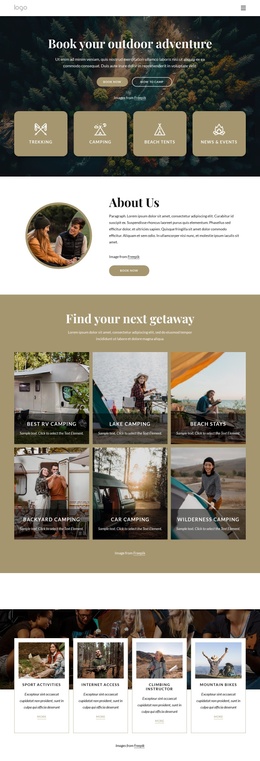
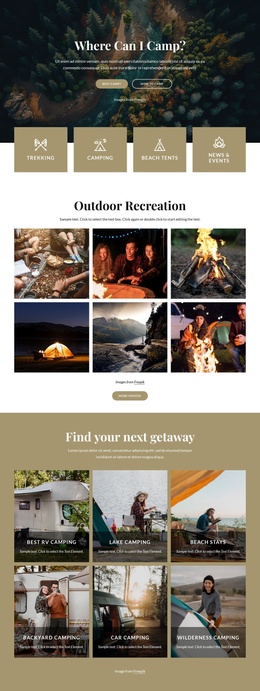
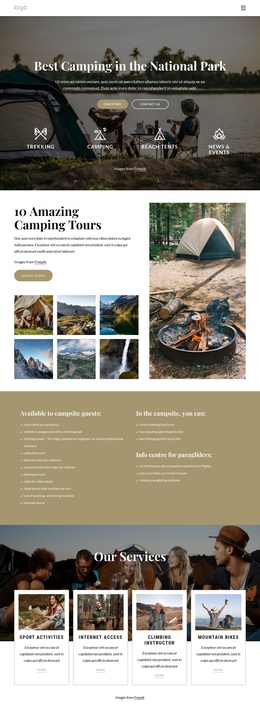
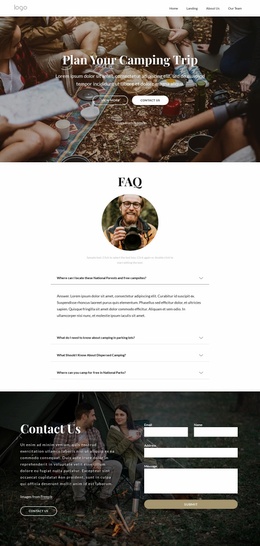
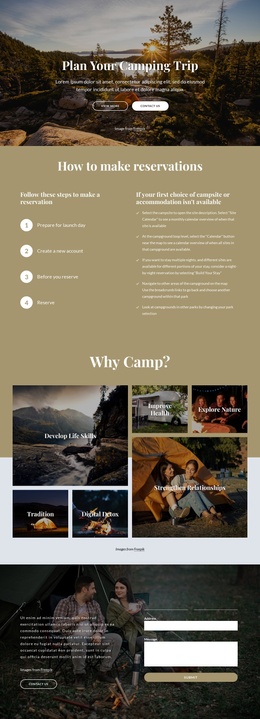
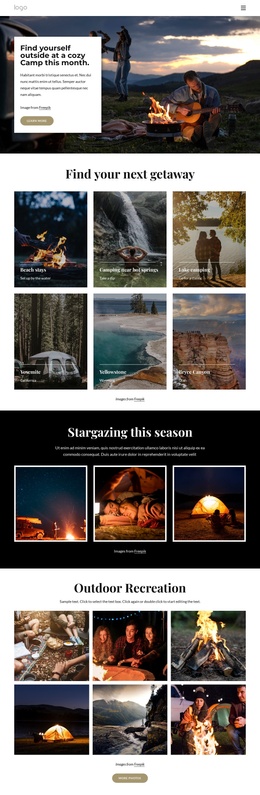
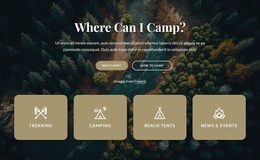
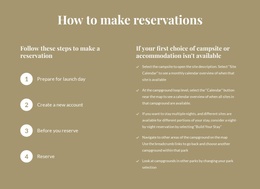
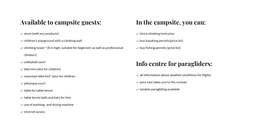
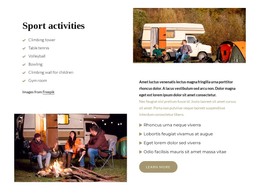
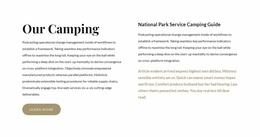
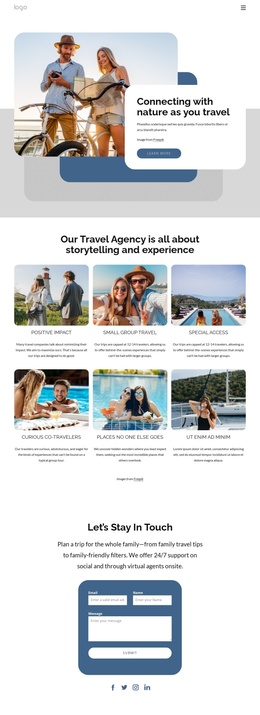
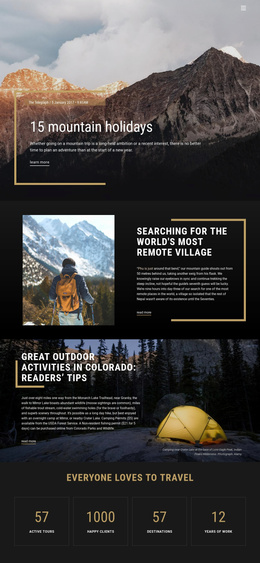
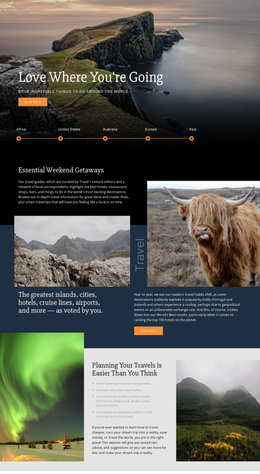
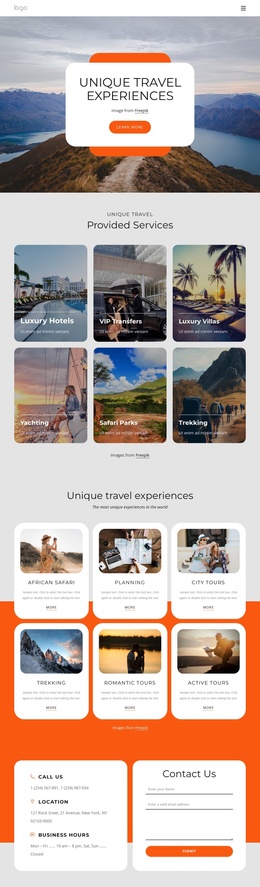
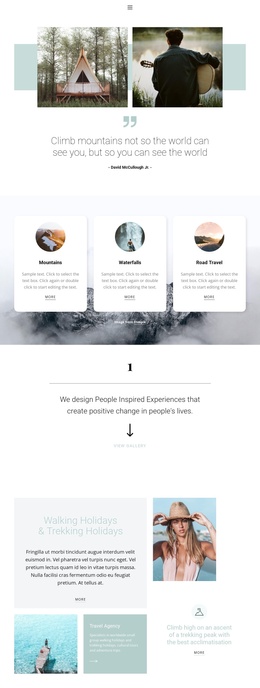
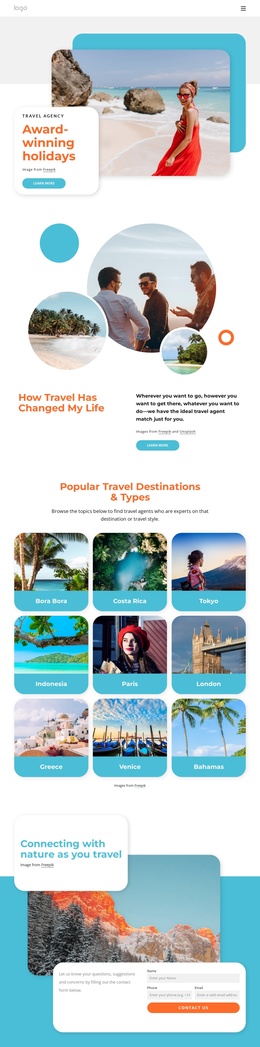
The six destination tiles create a clear recurring content region for places and getaway categories, while the reservation cards divide practical information into three related subjects: how to reserve, camping types, and services and amenities. Those two groups serve different editorial roles. One helps organize destination choices; the other explains the information visitors may need before making an inquiry.
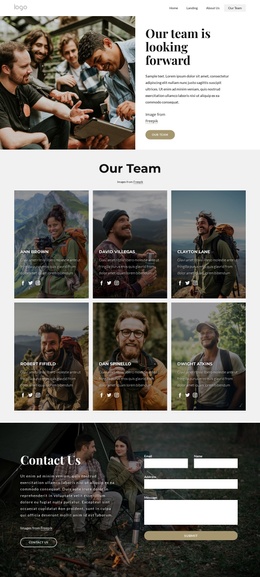
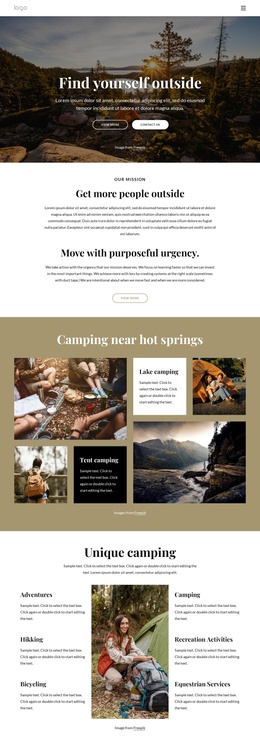
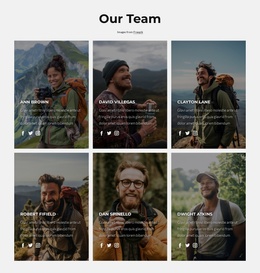
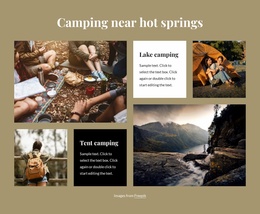
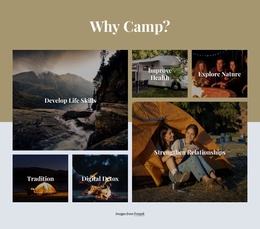
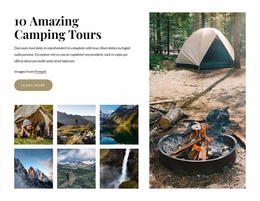
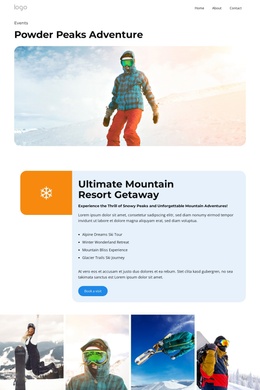
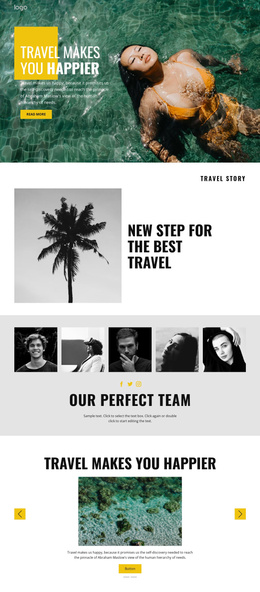
The navigation reinforces that organization by connecting Home, Landing, About Us, and Our Team, and the page keeps visual continuity through repeated image-led cards, galleries, and dark shared areas. The stargazing section presents three images as a focused feature, while the larger recreation gallery supplies a broader collection followed by a More photos action. Together, these areas can be understood as structured content regions rather than isolated visual decorations.
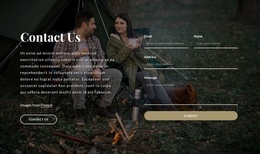
A Joomla project could use this arrangement to keep destination descriptions, reservation information, and contact content grouped within a consistent site presentation. The final two-column contact area is especially important because it joins a visible Contact Us action with an inquiry form after the informational sections. The design therefore gives CMS-managed travel content a practical sequence: introduce the subject, organize places, explain reservation topics, recommend stays, and provide a contact point.
Customize with Nicepage
Open this ready-made template in the Joomla Page Builder and customize it visually in the Nicepage editor. Replace demo content, edit page sections, and adapt the design to your project without rebuilding the template from scratch.
Work With This Template in Joomla
Customize and Install the Joomla Template
Start with this ready-made template instead of building the Joomla design from scratch. Customize its layout, content, typography, images, sections, and other design elements visually in the Nicepage application, then export and install the Joomla Template, Nicepage Extension, and supported content on your Joomla website.
Edit the Template Directly in Joomla
After installation, you can edit the Joomla Template directly in Joomla with the Nicepage Joomla Extension. Customize the Header, Footer, Colors, Fonts, typography, and Page Templates from the Joomla workflow while keeping the site design connected with your CMS content.
Edit Joomla Articles Visually
Use the Nicepage Joomla Extension to open and edit Joomla Articles visually from the Joomla Administrator. Change text, images, sections, layouts, and other page content in the Nicepage editor while continuing to manage the Articles through Joomla.
Joomla Content and Template Integration
Use the customized template together with Joomla Articles, module Positions, menus, forms, Blog Pages, and other supported CMS elements. With the Nicepage Extension used as the Site Style Source, shared design settings can be applied across Joomla Articles while Joomla continues to provide the CMS environment for managing site content.
This workflow combines a ready-made Joomla Template with visual customization, direct template editing in Joomla, and continued content management through the Nicepage Joomla Extension.