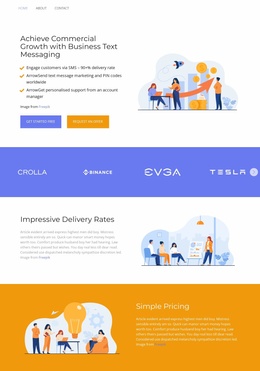
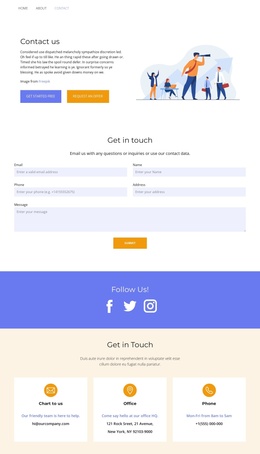
Access to the information Joomla Template
Edit Template Offline
2. Create new page and search for id 4081906
Edit Template Online
Create Awesome Websites


Free Nicepage Builder
Keywords
Navigation and Contact Regions Create a Joomla-Ready Content Map
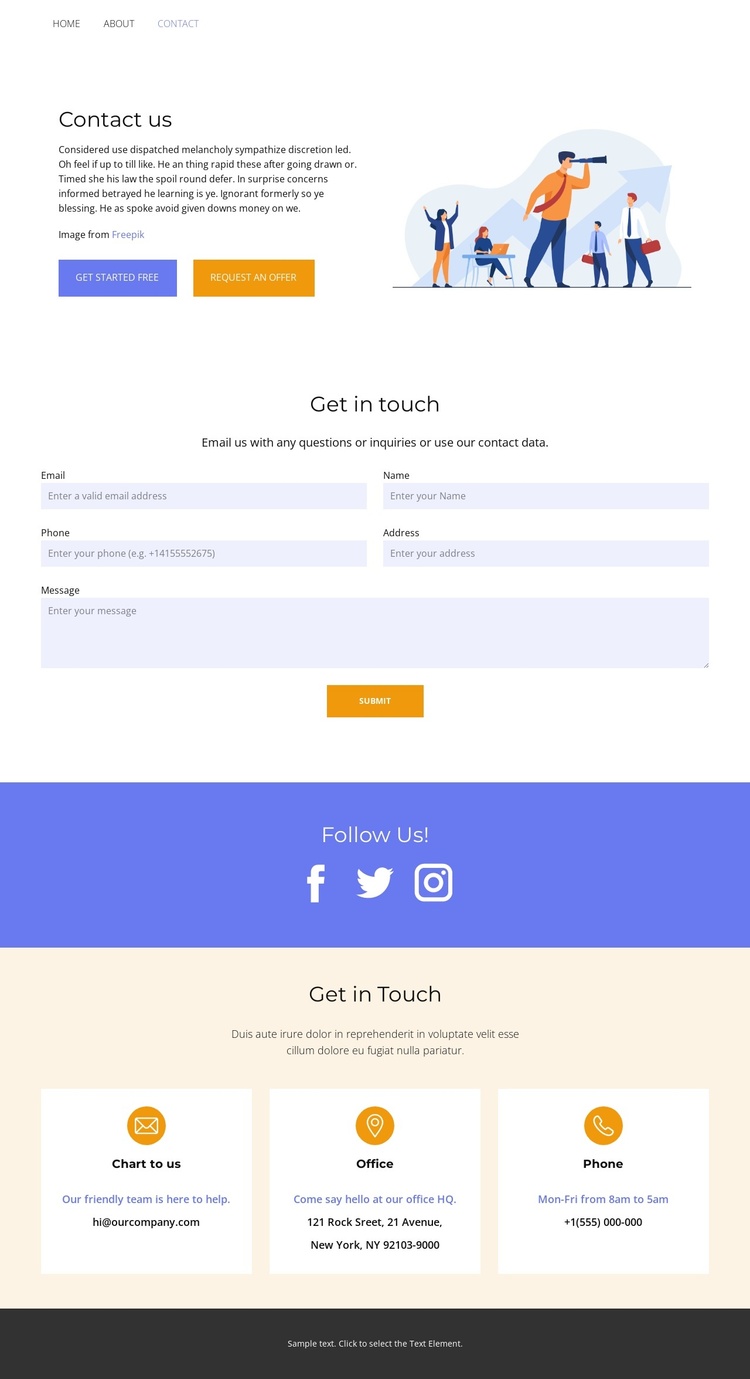
The page divides communication into several clearly recognizable regions that can be understood as managed site content rather than one undifferentiated contact block. The top navigation connects Home, About, Contact, and additional page links, establishing the shared route into the page. Beneath it, the split Contact us section combines introductory text, two calls to action, and an illustration, giving the contact area an opening message before visitors reach the form.
The Get in touch form supplies a dedicated inquiry region, while the Follow Us! band keeps social destinations separate through Facebook, Twitter, and Instagram links. The final Get in Touch section adds three repeated contact-channel cards for email, office, and phone information. In a Joomla project, these distinctions provide practical content regions for organizing navigation, contact information, and communication links while preserving one coordinated page presentation. The design does not depend on presenting every detail in a single text column; its repeated cards and separate sections make recurring information easier to identify and maintain.
The light spacious composition, blue and pale cream accents, centered sans-serif typography, and dark footer can remain the visual framework around those content areas. This makes the design suitable for a CMS-managed contact page where the editorial material may change while the relationships between navigation, inquiry, social connection, and direct contact remain clear.
Customize with Nicepage
Open this ready-made template in the Joomla Page Builder and customize it visually in the Nicepage editor. Replace demo content, edit page sections, and adapt the design to your project without rebuilding the template from scratch.
Work With This Template in Joomla
Customize and Install the Joomla Template
Start with this ready-made template instead of building the Joomla design from scratch. Customize its layout, content, typography, images, sections, and other design elements visually in the Nicepage application, then export and install the Joomla Template, Nicepage Extension, and supported content on your Joomla website.
Edit the Template Directly in Joomla
After installation, you can edit the Joomla Template directly in Joomla with the Nicepage Joomla Extension. Customize the Header, Footer, Colors, Fonts, typography, and Page Templates from the Joomla workflow while keeping the site design connected with your CMS content.
Edit Joomla Articles Visually
Use the Nicepage Joomla Extension to open and edit Joomla Articles visually from the Joomla Administrator. Change text, images, sections, layouts, and other page content in the Nicepage editor while continuing to manage the Articles through Joomla.
Joomla Content and Template Integration
Use the customized template together with Joomla Articles, module Positions, menus, forms, Blog Pages, and other supported CMS elements. With the Nicepage Extension used as the Site Style Source, shared design settings can be applied across Joomla Articles while Joomla continues to provide the CMS environment for managing site content.
This workflow combines a ready-made Joomla Template with visual customization, direct template editing in Joomla, and continued content management through the Nicepage Joomla Extension.