We work with ambitious leaders who want to define the future Joomla Template

Edit Template Offline
2. Create new page and search for id 5720436
Edit Template Online
Create Awesome Websites


Free Nicepage Builder
Keywords
The service grid and topic list divide consulting content into manageable regions
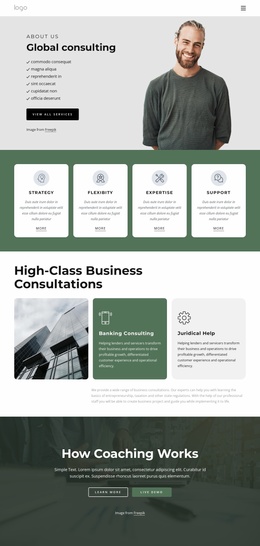
The four image-backed cards near the beginning create a clear content region for broad service categories: Consulting, Strategy, Mission, and Investment. That grouping can give a CMS-managed site a stable way to present high-level information while the surrounding page retains its shared visual direction. The hero adds a separate introductory region, pairing transformation-focused copy with service labels and an email subscription form so the site can distinguish initial interest from deeper informational content.
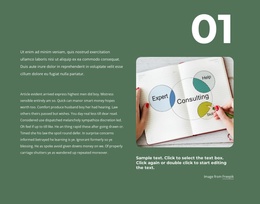
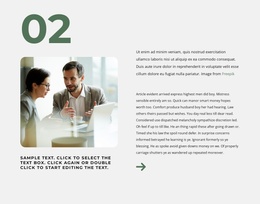
The twelve-item consulting list provides a different kind of structure. Instead of presenting all capabilities as one paragraph, it separates Agile, Cost Transformation, Learning and Development, Mergers and Acquisitions, People and Organization, Private Equity, Operations, Sales and Marketing, Sustainability and Responsibility, and Transformation into recognizable subject areas. A Joomla project can interpret these as recurring informational content regions while keeping them visually coordinated with the supporting image and Learn More action. The organizational consulting block and the three numbered strategy steps add further areas for focused service explanations.
The contact-information section and closing form establish shared site regions for communication, with the form collecting name, email, message, agreement, and submission data. Testimonials and metric cards can support the informational flow without being treated as verified business achievements; they are structural proof-style sections in the supplied design. Nicepage documentation confirms that Joomla templates can work with Joomla-managed articles and supported content, but the template analysis itself proves the concrete regions described here, not any pre-existing Joomla articles.
Customize with Nicepage
Open this ready-made template in the Joomla Page Builder and customize it visually in the Nicepage editor. Replace demo content, edit page sections, and adapt the design to your project without rebuilding the template from scratch.
Work With This Template in Joomla
Customize and Install the Joomla Template
Start with this ready-made template instead of building the Joomla design from scratch. Customize its layout, content, typography, images, sections, and other design elements visually in the Nicepage application, then export and install the Joomla Template, Nicepage Extension, and supported content on your Joomla website.
Edit the Template Directly in Joomla
After installation, you can edit the Joomla Template directly in Joomla with the Nicepage Joomla Extension. Customize the Header, Footer, Colors, Fonts, typography, and Page Templates from the Joomla workflow while keeping the site design connected with your CMS content.
Edit Joomla Articles Visually
Use the Nicepage Joomla Extension to open and edit Joomla Articles visually from the Joomla Administrator. Change text, images, sections, layouts, and other page content in the Nicepage editor while continuing to manage the Articles through Joomla.
Joomla Content and Template Integration
Use the customized template together with Joomla Articles, module Positions, menus, forms, Blog Pages, and other supported CMS elements. With the Nicepage Extension used as the Site Style Source, shared design settings can be applied across Joomla Articles while Joomla continues to provide the CMS environment for managing site content.
This workflow combines a ready-made Joomla Template with visual customization, direct template editing in Joomla, and continued content management through the Nicepage Joomla Extension.