The leading consulting firms for management services Joomla Template


Edit Template Offline
2. Create new page and search for id 4948822
Edit Template Online
Create Awesome Websites


Free Nicepage Builder
Keywords
Service regions and portfolio categories suit organized CMS content
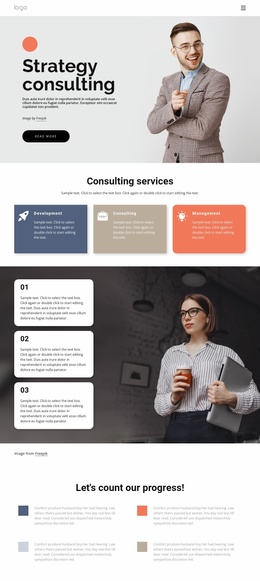
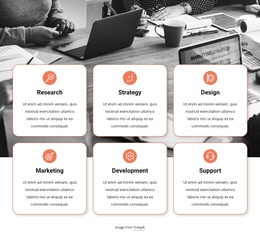
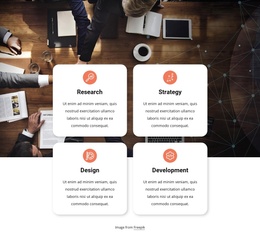
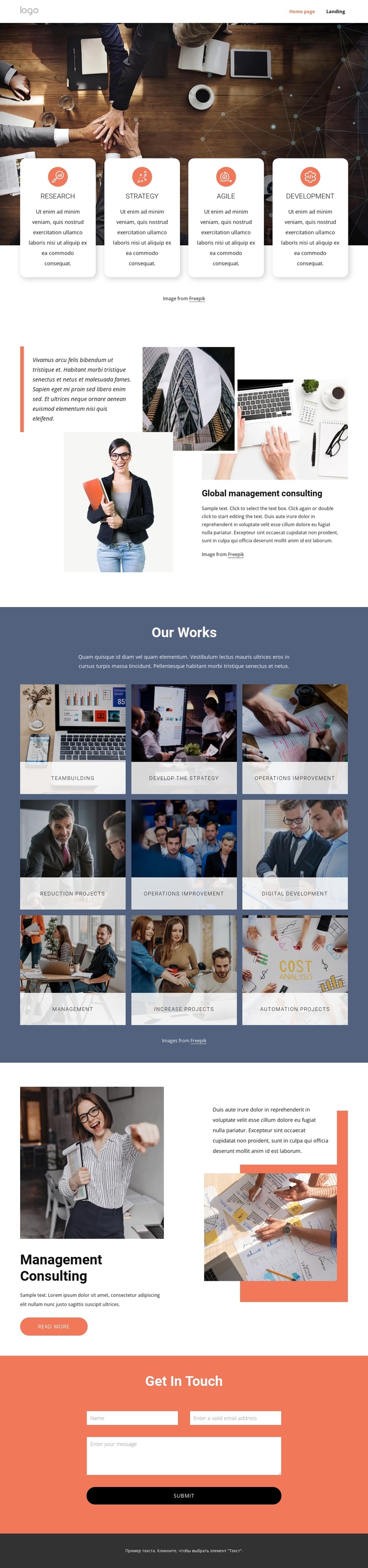
The page divides its consulting subject into reusable content areas that are easy to distinguish through navigation and visual grouping. The opening workplace photograph carries four capability cards labeled Research, Strategy, Agile, and Development, giving the design a structured overview of the services that a CMS-managed consulting site may need to present. These cards can remain a coordinated introductory region while their wording and supporting content evolve independently.
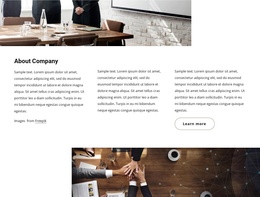
The Our Works section provides a different content pattern. Its dark blue background contains nine labeled image tiles, including Teambuilding, Develop the strategy, Operations improvement, Reduction Projects, Digital Development, Management, Increase Projects, and Automation Projects. Because the tiles share a repeated visual treatment, they form a useful category-like region for organized portfolio or service information without changing the page's overall identity. The Global management consulting section adds a broader explanatory area with layered photographs and a quote panel, creating a place for central editorial content.
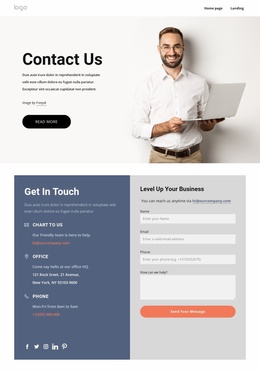
The later Management consulting block narrows the subject to one featured offering and connects its text and imagery with a Read more action. At the end, the coral contact region gathers name, email, and message inputs under Get in touch. In a Joomla project, these distinct service, portfolio, featured-content, and contact regions can be mapped to structured site content and navigation while preserving their relationships. The footer then provides a shared closing area for the page.
Customize with Nicepage
Open this ready-made template in the Joomla Page Builder and customize it visually in the Nicepage editor. Replace demo content, edit page sections, and adapt the design to your project without rebuilding the template from scratch.
Work With This Template in Joomla
Customize and Install the Joomla Template
Start with this ready-made template instead of building the Joomla design from scratch. Customize its layout, content, typography, images, sections, and other design elements visually in the Nicepage application, then export and install the Joomla Template, Nicepage Extension, and supported content on your Joomla website.
Edit the Template Directly in Joomla
After installation, you can edit the Joomla Template directly in Joomla with the Nicepage Joomla Extension. Customize the Header, Footer, Colors, Fonts, typography, and Page Templates from the Joomla workflow while keeping the site design connected with your CMS content.
Edit Joomla Articles Visually
Use the Nicepage Joomla Extension to open and edit Joomla Articles visually from the Joomla Administrator. Change text, images, sections, layouts, and other page content in the Nicepage editor while continuing to manage the Articles through Joomla.
Joomla Content and Template Integration
Use the customized template together with Joomla Articles, module Positions, menus, forms, Blog Pages, and other supported CMS elements. With the Nicepage Extension used as the Site Style Source, shared design settings can be applied across Joomla Articles while Joomla continues to provide the CMS environment for managing site content.
This workflow combines a ready-made Joomla Template with visual customization, direct template editing in Joomla, and continued content management through the Nicepage Joomla Extension.