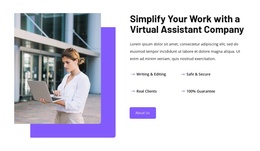
Virtual assistant Joomla Template



Edit Template Offline
2. Create new page and search for id 6351657
Edit Template Online
Create Awesome Websites


Free Nicepage Builder
Keywords
Service Groups and Contact Regions Suit Structured CMS Content
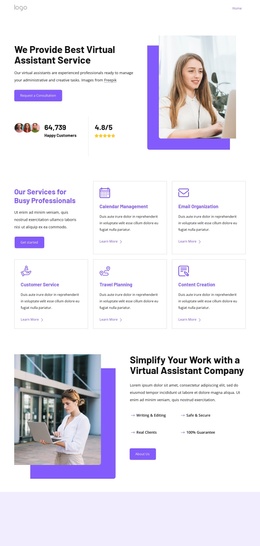
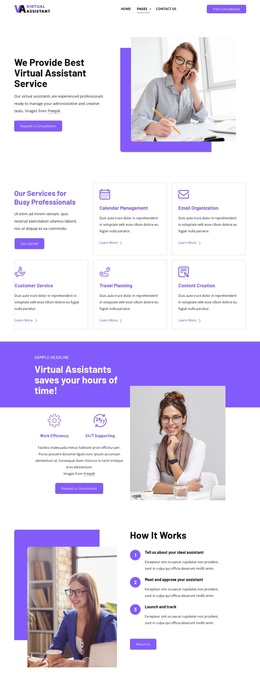
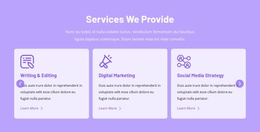
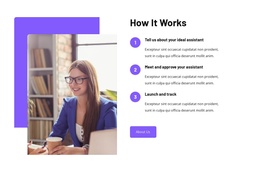
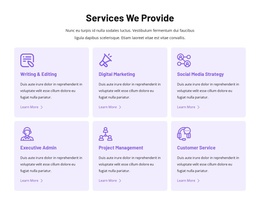
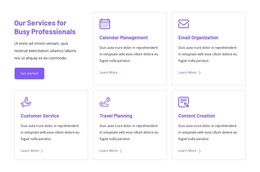
The service section divides the offer into six recognizable information areas rather than one uninterrupted description. Writing and editing, digital marketing, social media strategy, executive administration, project management, and customer service can therefore be treated as recurring content subjects within a CMS-managed site. The three-step process adds another structured group, moving from describing the ideal assistant to approval and launch, while the benefit cards provide a separate layer for partnership information.
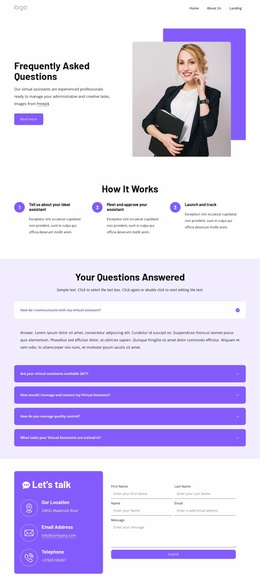
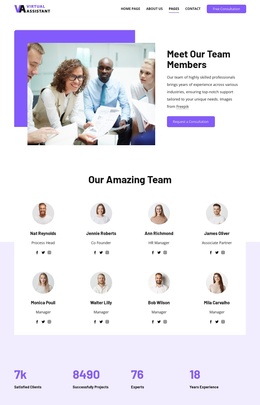
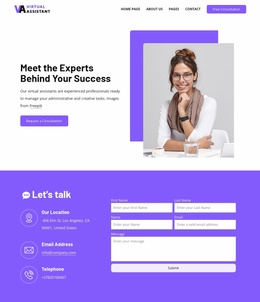
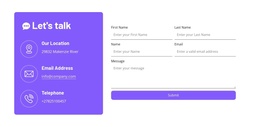
Navigation, the article preview area, the FAQ accordion, and the contact section give the design additional regions with different editorial roles. Articles can support regularly updated information about virtual assistant work, while the five FAQ items provide a compact way to organize common questions. The inquiry form at the end connects those informational sections to a clear contact destination without making the page depend on one content type alone. In a Joomla project, this arrangement can support service information, article-like material, menus, and contact content while retaining the same visual relationship between purple panels, white cards, and supporting imagery. The template’s value is the way its content areas are already separated for continued organization.
Customize with Nicepage
Open this ready-made template in the Joomla Page Builder and customize it visually in the Nicepage editor. Replace demo content, edit page sections, and adapt the design to your project without rebuilding the template from scratch.
Work With This Template in Joomla
Customize and Install the Joomla Template
Start with this ready-made template instead of building the Joomla design from scratch. Customize its layout, content, typography, images, sections, and other design elements visually in the Nicepage application, then export and install the Joomla Template, Nicepage Extension, and supported content on your Joomla website.
Edit the Template Directly in Joomla
After installation, you can edit the Joomla Template directly in Joomla with the Nicepage Joomla Extension. Customize the Header, Footer, Colors, Fonts, typography, and Page Templates from the Joomla workflow while keeping the site design connected with your CMS content.
Edit Joomla Articles Visually
Use the Nicepage Joomla Extension to open and edit Joomla Articles visually from the Joomla Administrator. Change text, images, sections, layouts, and other page content in the Nicepage editor while continuing to manage the Articles through Joomla.
Joomla Content and Template Integration
Use the customized template together with Joomla Articles, module Positions, menus, forms, Blog Pages, and other supported CMS elements. With the Nicepage Extension used as the Site Style Source, shared design settings can be applied across Joomla Articles while Joomla continues to provide the CMS environment for managing site content.
This workflow combines a ready-made Joomla Template with visual customization, direct template editing in Joomla, and continued content management through the Nicepage Joomla Extension.