Organic juices Joomla Template


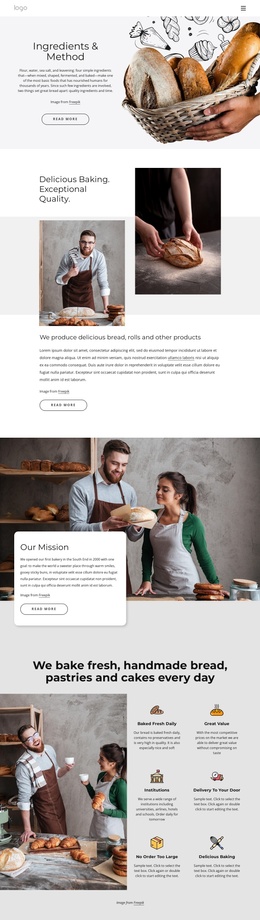
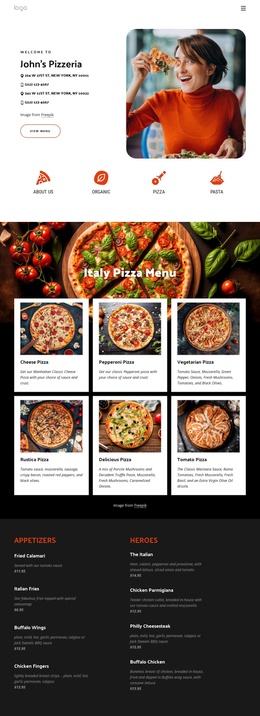
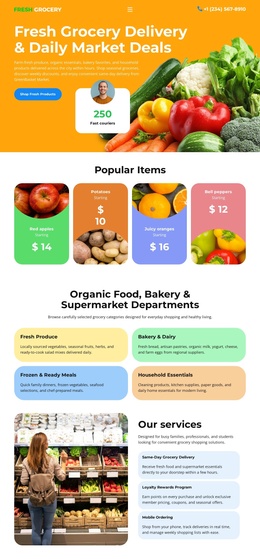
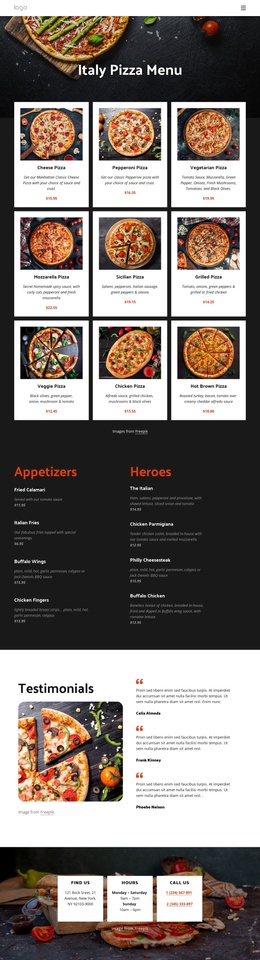
Organic Farming Copy Forms a Structured Joomla Content Region
The “Organic Farming” heading establishes the subject immediately, while the supporting paragraph and emphasized paragraph create a longer informational area on the left. Because the copy is arranged above the red title card, the block separates thematic explanation from its accent panel rather than presenting every element at the same visual level. The pomegranate on a white plate then supplies a focused image counterpart on the right, giving the text a strong visual reference without introducing an interactive component.
In a Joomla-managed page, this arrangement can serve as a structured food or agriculture content region within a broader site. The heading and paragraphs can carry article-like information, while the red card provides a recognizable visual marker for the section and the three social link icons offer a compact outward-facing connection area. The block remains one reusable section; surrounding navigation, other articles, and page-level organization belong to the larger Joomla project.
The light neutral background and generous whitespace help the content remain readable when the section is placed beside other CMS-managed areas. The large serif heading gives the subject emphasis, whereas the compact sans-serif text supports denser reading. Together, the left content column, accent card, and right-side product image create a self-contained information unit that can be coordinated with related Joomla content without requiring the section to carry the whole page.
Customize with Nicepage
Open this ready-made template in the Joomla Page Builder and customize it visually in the Nicepage editor. Replace demo content, edit page sections, and adapt the design to your project without rebuilding the template from scratch.
Edit Template Offline
2. Create a new page or select existing
3. Click Add new block, search for id 294794 and click enter
Edit Template Online
Create Awesome Websites


Free Nicepage Builder
Keywords
Work With This Template in Joomla
Customize and Install the Joomla Template
Start with this ready-made template instead of building the Joomla design from scratch. Customize its layout, content, typography, images, sections, and other design elements visually in the Nicepage application, then export and install the Joomla Template, Nicepage Extension, and supported content on your Joomla website.
Edit the Template Directly in Joomla
After installation, you can edit the Joomla Template directly in Joomla with the Nicepage Joomla Extension. Customize the Header, Footer, Colors, Fonts, typography, and Page Templates from the Joomla workflow while keeping the site design connected with your CMS content.
Edit Joomla Articles Visually
Use the Nicepage Joomla Extension to open and edit Joomla Articles visually from the Joomla Administrator. Change text, images, sections, layouts, and other page content in the Nicepage editor while continuing to manage the Articles through Joomla.
Joomla Content and Template Integration
Use the customized template together with Joomla Articles, module Positions, menus, forms, Blog Pages, and other supported CMS elements. With the Nicepage Extension used as the Site Style Source, shared design settings can be applied across Joomla Articles while Joomla continues to provide the CMS environment for managing site content.
This workflow combines a ready-made Joomla Template with visual customization, direct template editing in Joomla, and continued content management through the Nicepage Joomla Extension.