Building a healthy and balanced diet Joomla Template



Edit Template Offline
2. Create new page and search for id 1324163
Edit Template Online
Create Awesome Websites


Free Nicepage Builder
Keywords
Nutrition Guidance Divides Naturally Into Managed Content Regions
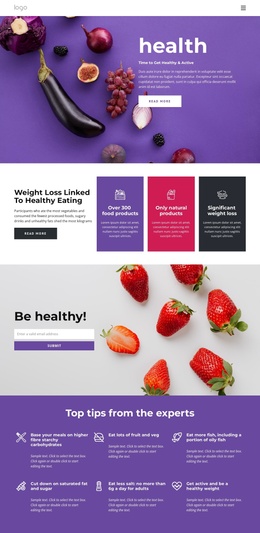
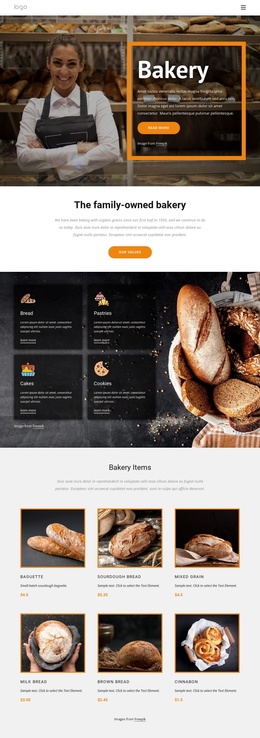
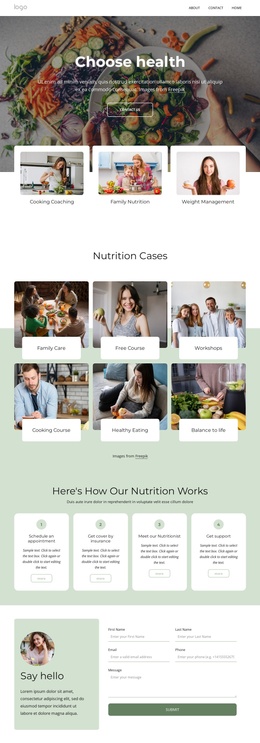
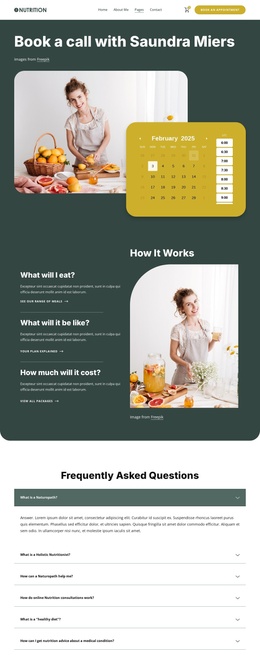
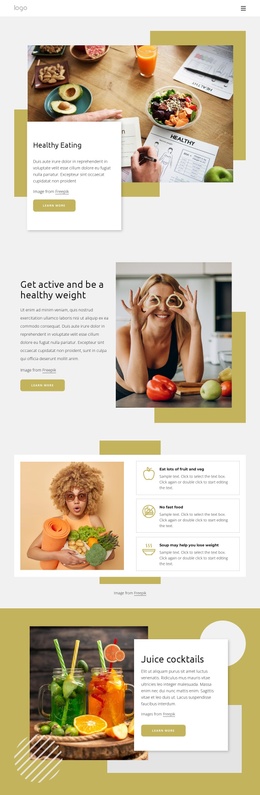
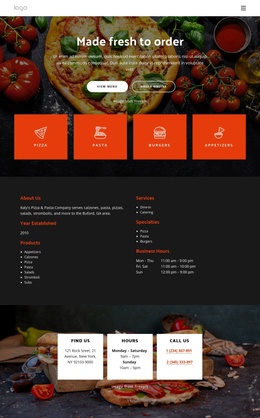
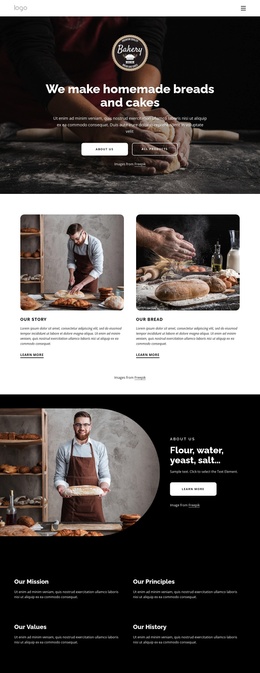
The page’s content regions map clearly to a structured CMS presentation. The opening health section can establish the main subject, while the weight-loss article and three colored nutrition panels divide introductory guidance into related informational units. The six expert tips form another repeatable group, giving the design a place for concise advice without confusing it with the longer diet and mindful-eating articles.
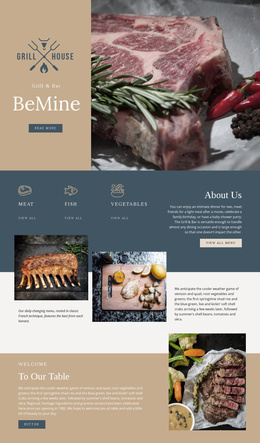
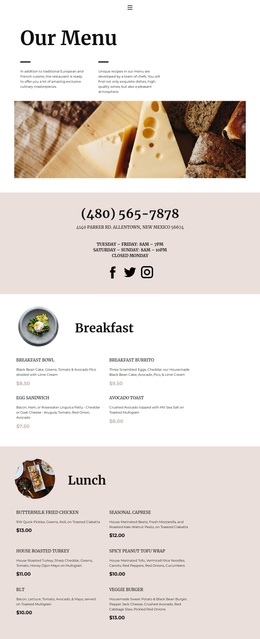
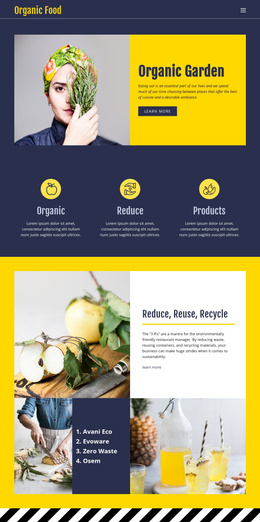
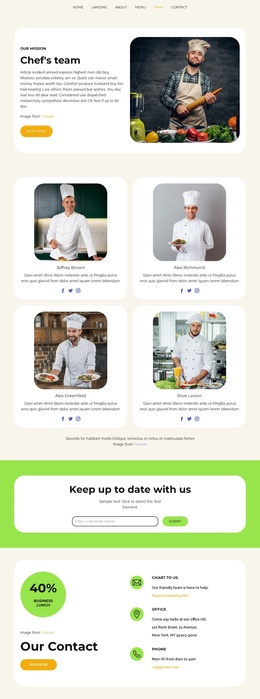
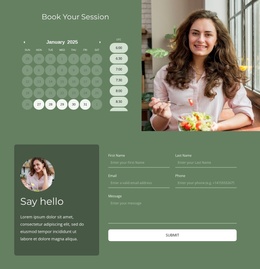
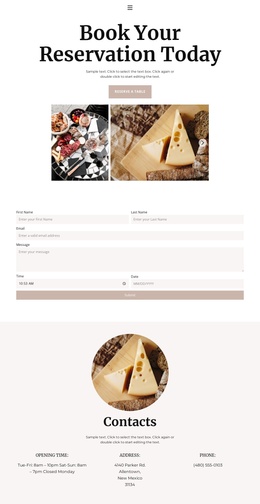
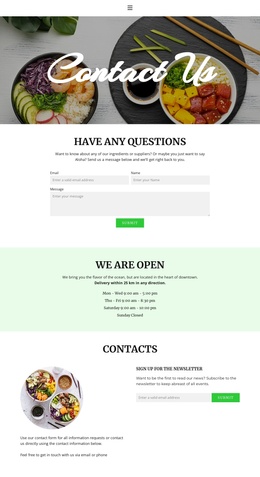
The seasonal produce gallery adds a distinct visual content area. Its six images can sit beside the surrounding description as a separate presentation of food-related material, while the split sections provide more spacious regions for article text and lifestyle imagery. Near the end, the About Us panel and social links create a shared closing area, and the navigation and dark footer help connect the page’s major regions into one site-wide frame. The email form is positioned between the opening nutrition content and the later tips, making it a defined contact or subscription area rather than an isolated control.
For a Joomla project, this arrangement is useful because services or information sections, repeated highlights, gallery content, navigation, and contact content already have recognizable roles. Joomla-specific articles, modules, or positions should be added only if the final project needs them; they are not verified as existing components of this template. The Joomla Extension can support visual article work when such CMS content is introduced.
Customize with Nicepage
Open this ready-made template in the Joomla Page Builder and customize it visually in the Nicepage editor. Replace demo content, edit page sections, and adapt the design to your project without rebuilding the template from scratch.
Work With This Template in Joomla
Customize and Install the Joomla Template
Start with this ready-made template instead of building the Joomla design from scratch. Customize its layout, content, typography, images, sections, and other design elements visually in the Nicepage application, then export and install the Joomla Template, Nicepage Extension, and supported content on your Joomla website.
Edit the Template Directly in Joomla
After installation, you can edit the Joomla Template directly in Joomla with the Nicepage Joomla Extension. Customize the Header, Footer, Colors, Fonts, typography, and Page Templates from the Joomla workflow while keeping the site design connected with your CMS content.
Edit Joomla Articles Visually
Use the Nicepage Joomla Extension to open and edit Joomla Articles visually from the Joomla Administrator. Change text, images, sections, layouts, and other page content in the Nicepage editor while continuing to manage the Articles through Joomla.
Joomla Content and Template Integration
Use the customized template together with Joomla Articles, module Positions, menus, forms, Blog Pages, and other supported CMS elements. With the Nicepage Extension used as the Site Style Source, shared design settings can be applied across Joomla Articles while Joomla continues to provide the CMS environment for managing site content.
This workflow combines a ready-made Joomla Template with visual customization, direct template editing in Joomla, and continued content management through the Nicepage Joomla Extension.