Physical, ethical and spiritual practice Joomla Template



Edit Template Offline
2. Create new page and search for id 4796892
Edit Template Online
Create Awesome Websites


Free Nicepage Builder
Keywords
Eight Practice Categories Divide the Studio’s CMS Content Areas
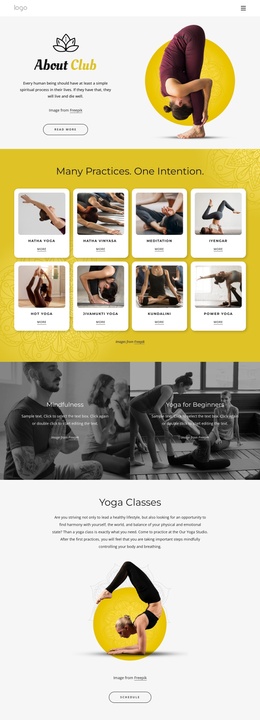
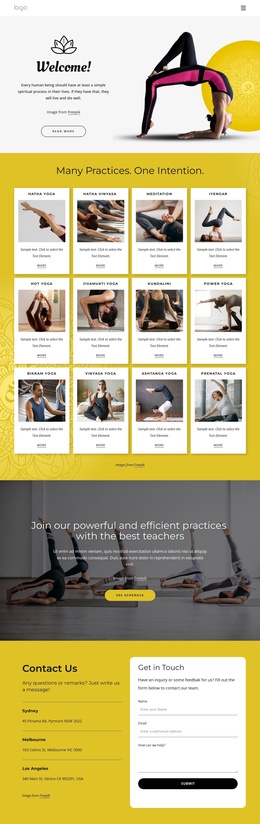
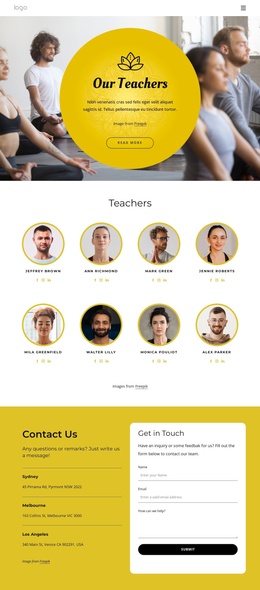
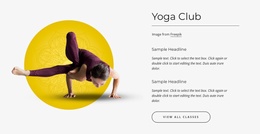
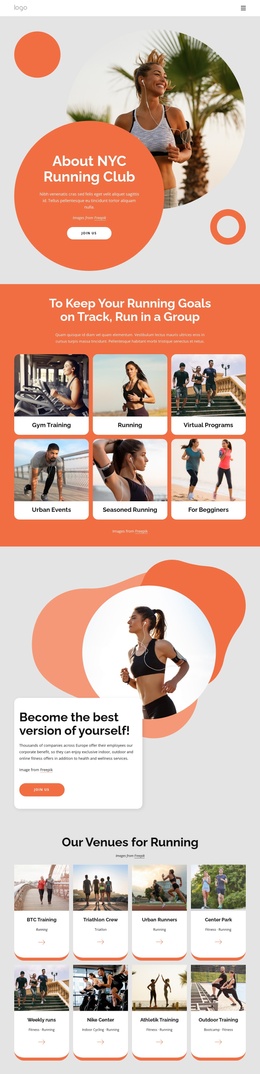
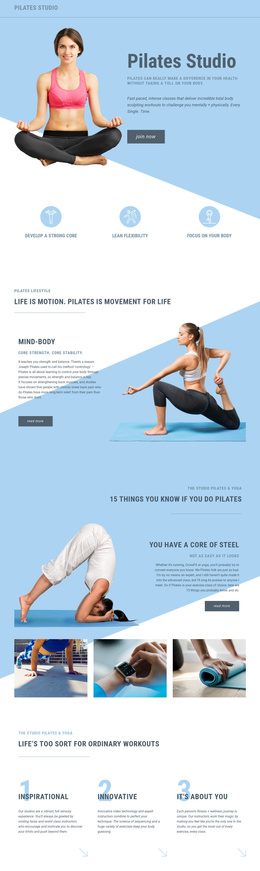
The eight named practice cards provide the clearest content structure for a CMS-managed studio page. Hatha Yoga, Hatha Vinyasa, Meditation, Iyengar, Hot Yoga, Jivamukti Yoga, Kundalini, and Power Yoga appear as a repeated group, allowing the design to distinguish several informational areas while keeping them visually coordinated. The separate Mindfulness and Yoga for Beginners panels add focused themes for different visitor interests without changing the page’s central subject.
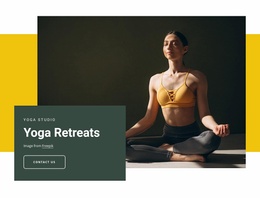
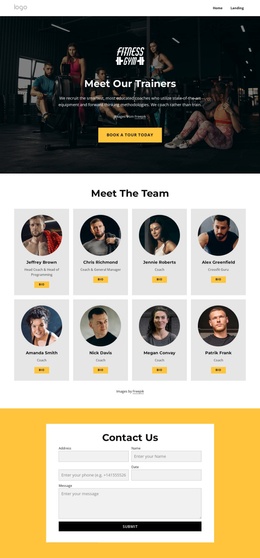
Further down, the Yoga Classes section connects descriptive content with a Schedule action, while the community and “meet you” sections give the studio a more personal layer. The promotional block adds Hot Yoga and related offering content, creating another recognizable region that can be maintained alongside the broader practice list. At the end, the Contact Us area organizes three location entries beside a Get in Touch heading and inquiry form, giving practical studio communication its own clearly defined space.
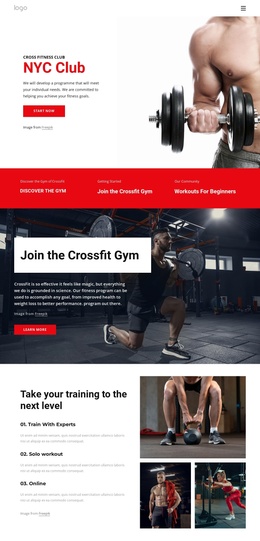
Together with the shared navigation, mobile navigation, and footer, these regions form a coherent Joomla-oriented content framework. Structured practice information, class details, community messaging, location data, and inquiries can remain visually connected while being treated as separate site areas. The design therefore supports organized CMS content without claiming that Joomla Articles, categories, or module positions already exist in the source template.
Customize with Nicepage
Open this ready-made template in the Joomla Page Builder and customize it visually in the Nicepage editor. Replace demo content, edit page sections, and adapt the design to your project without rebuilding the template from scratch.
Work With This Template in Joomla
Customize and Install the Joomla Template
Start with this ready-made template instead of building the Joomla design from scratch. Customize its layout, content, typography, images, sections, and other design elements visually in the Nicepage application, then export and install the Joomla Template, Nicepage Extension, and supported content on your Joomla website.
Edit the Template Directly in Joomla
After installation, you can edit the Joomla Template directly in Joomla with the Nicepage Joomla Extension. Customize the Header, Footer, Colors, Fonts, typography, and Page Templates from the Joomla workflow while keeping the site design connected with your CMS content.
Edit Joomla Articles Visually
Use the Nicepage Joomla Extension to open and edit Joomla Articles visually from the Joomla Administrator. Change text, images, sections, layouts, and other page content in the Nicepage editor while continuing to manage the Articles through Joomla.
Joomla Content and Template Integration
Use the customized template together with Joomla Articles, module Positions, menus, forms, Blog Pages, and other supported CMS elements. With the Nicepage Extension used as the Site Style Source, shared design settings can be applied across Joomla Articles while Joomla continues to provide the CMS environment for managing site content.
This workflow combines a ready-made Joomla Template with visual customization, direct template editing in Joomla, and continued content management through the Nicepage Joomla Extension.