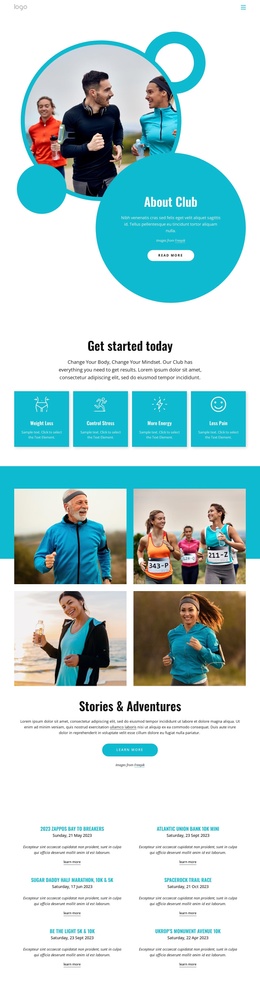
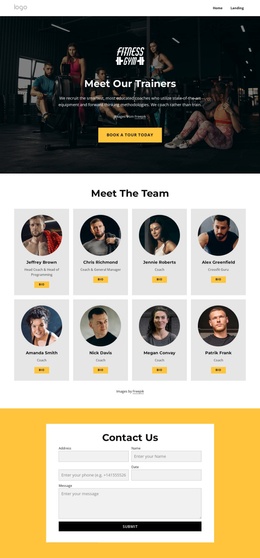
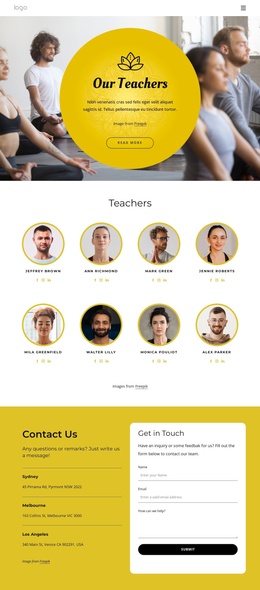
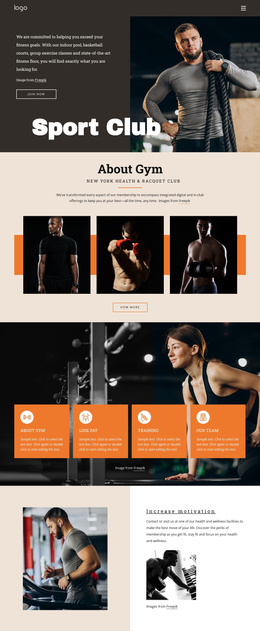
Join us for our run runs Joomla Template


Three Numbered Information Units for a Joomla Content Region
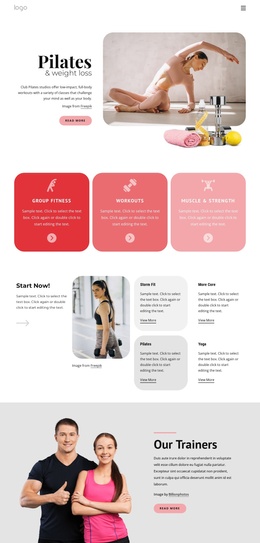
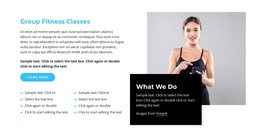
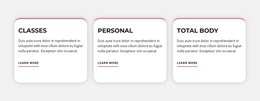
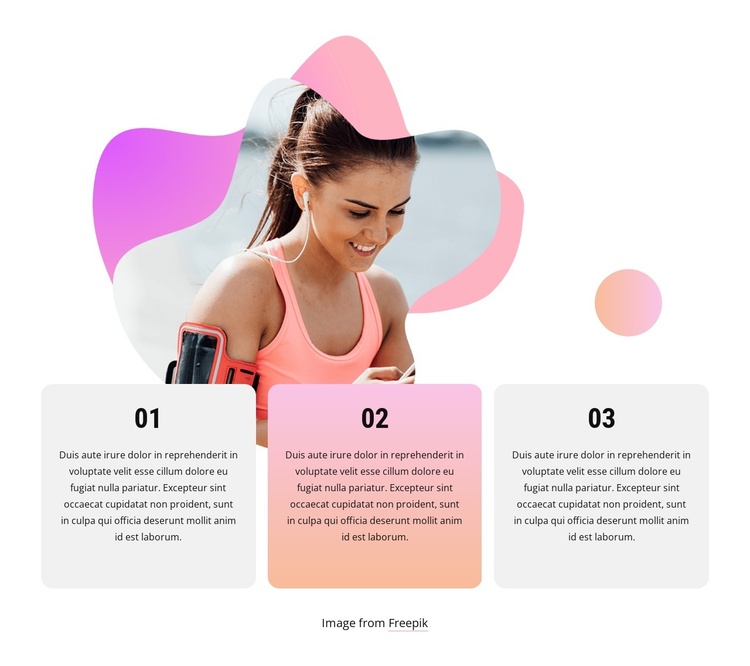
The three cards divide the section into recognizable informational units labeled 01, 02, and 03. Their single horizontal row creates a compact content region that can present a sequence of ideas within a Joomla-managed page, while the placeholder paragraphs leave room for the project’s own explanatory text. The cards are not interchangeable with a full article structure; they work as one visual section that can sit alongside other managed content in the surrounding site.
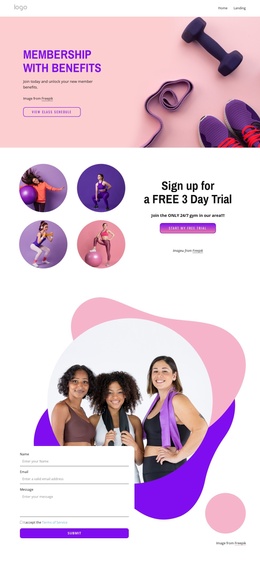
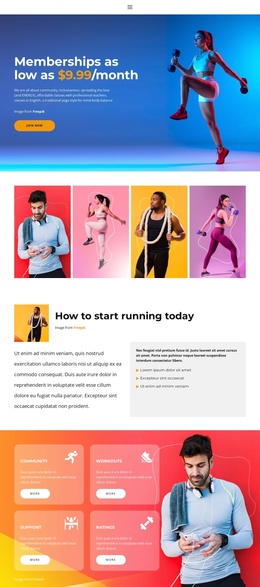
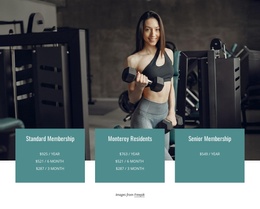
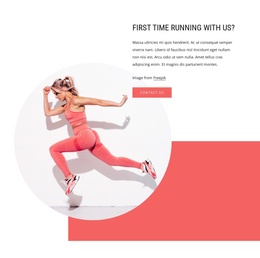
A photograph of a woman exercising occupies the visual area above and behind the cards. This image-led arrangement gives the section a clear fitness and activity context without requiring the cards to carry the entire message. Rounded containers keep the repeated items visually contained, and the color pattern helps separate their roles: the outer cards use light gray, the middle card uses a pink-to-orange gradient, and organic pink and purple gradient shapes frame the photograph.
Within a Joomla-oriented project, the block can act as a stable informational region for a fitness or sports page while related content is maintained elsewhere in the CMS-managed site. The visible Freepik credit should stay connected to the photograph during adaptation. Nicepage’s Joomla workflow can support broader page content, but the section itself remains a reusable block rather than a standalone Joomla site or template.
Customize with Nicepage
Open this ready-made template in the Joomla Page Builder and customize it visually in the Nicepage editor. Replace demo content, edit page sections, and adapt the design to your project without rebuilding the template from scratch.
Edit Template Offline
2. Create a new page or select existing
3. Click Add new block, search for id 2057415 and click enter
Edit Template Online
Create Awesome Websites


Free Nicepage Builder
Keywords
Work With This Template in Joomla
Customize and Install the Joomla Template
Start with this ready-made template instead of building the Joomla design from scratch. Customize its layout, content, typography, images, sections, and other design elements visually in the Nicepage application, then export and install the Joomla Template, Nicepage Extension, and supported content on your Joomla website.
Edit the Template Directly in Joomla
After installation, you can edit the Joomla Template directly in Joomla with the Nicepage Joomla Extension. Customize the Header, Footer, Colors, Fonts, typography, and Page Templates from the Joomla workflow while keeping the site design connected with your CMS content.
Edit Joomla Articles Visually
Use the Nicepage Joomla Extension to open and edit Joomla Articles visually from the Joomla Administrator. Change text, images, sections, layouts, and other page content in the Nicepage editor while continuing to manage the Articles through Joomla.
Joomla Content and Template Integration
Use the customized template together with Joomla Articles, module Positions, menus, forms, Blog Pages, and other supported CMS elements. With the Nicepage Extension used as the Site Style Source, shared design settings can be applied across Joomla Articles while Joomla continues to provide the CMS environment for managing site content.
This workflow combines a ready-made Joomla Template with visual customization, direct template editing in Joomla, and continued content management through the Nicepage Joomla Extension.